Christopher Declerck
Hello, thanks for stopping by! I'm a video game designer and developer, who is passionate about creating and sharing interactive experiences and stories.
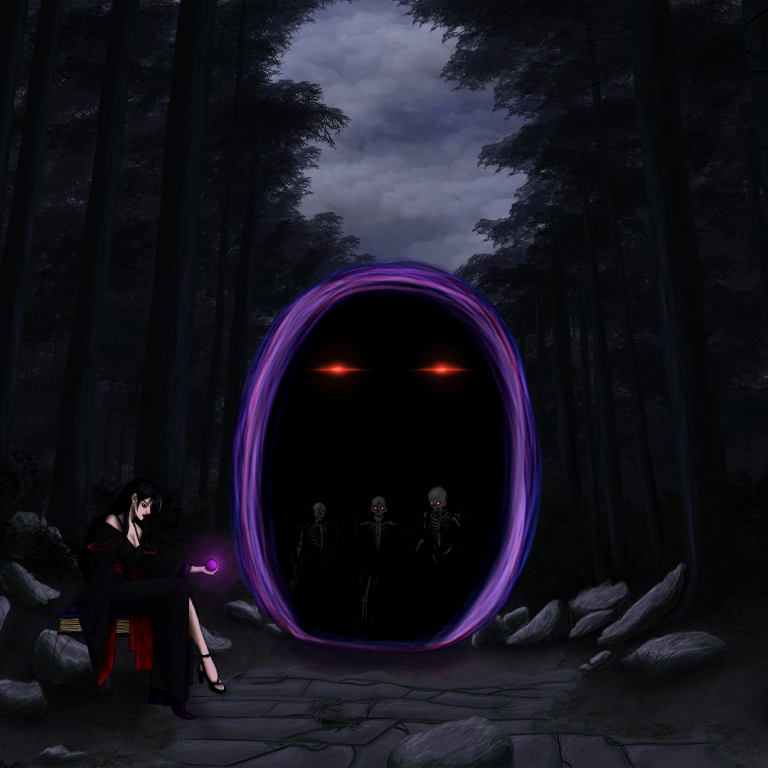
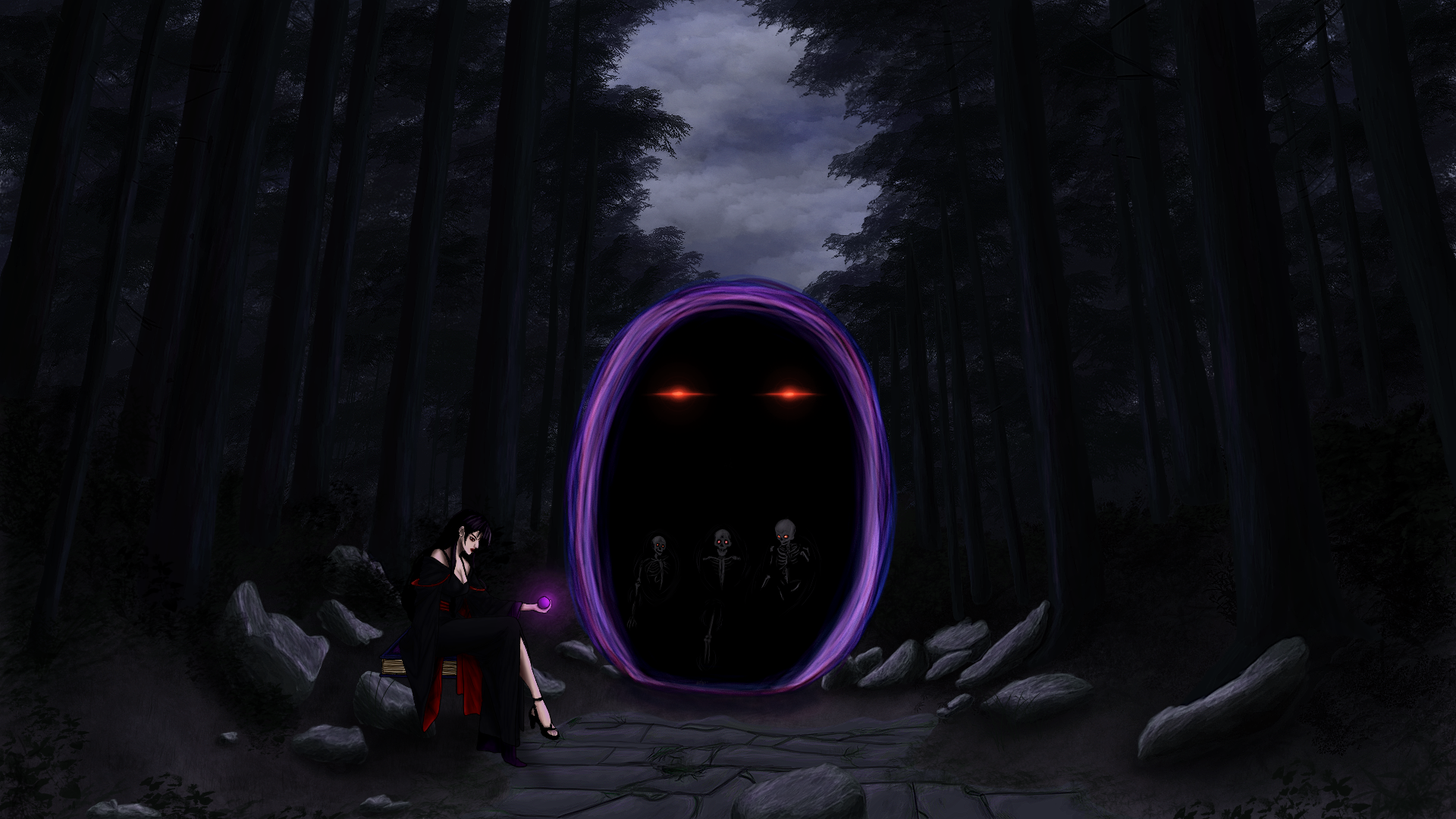
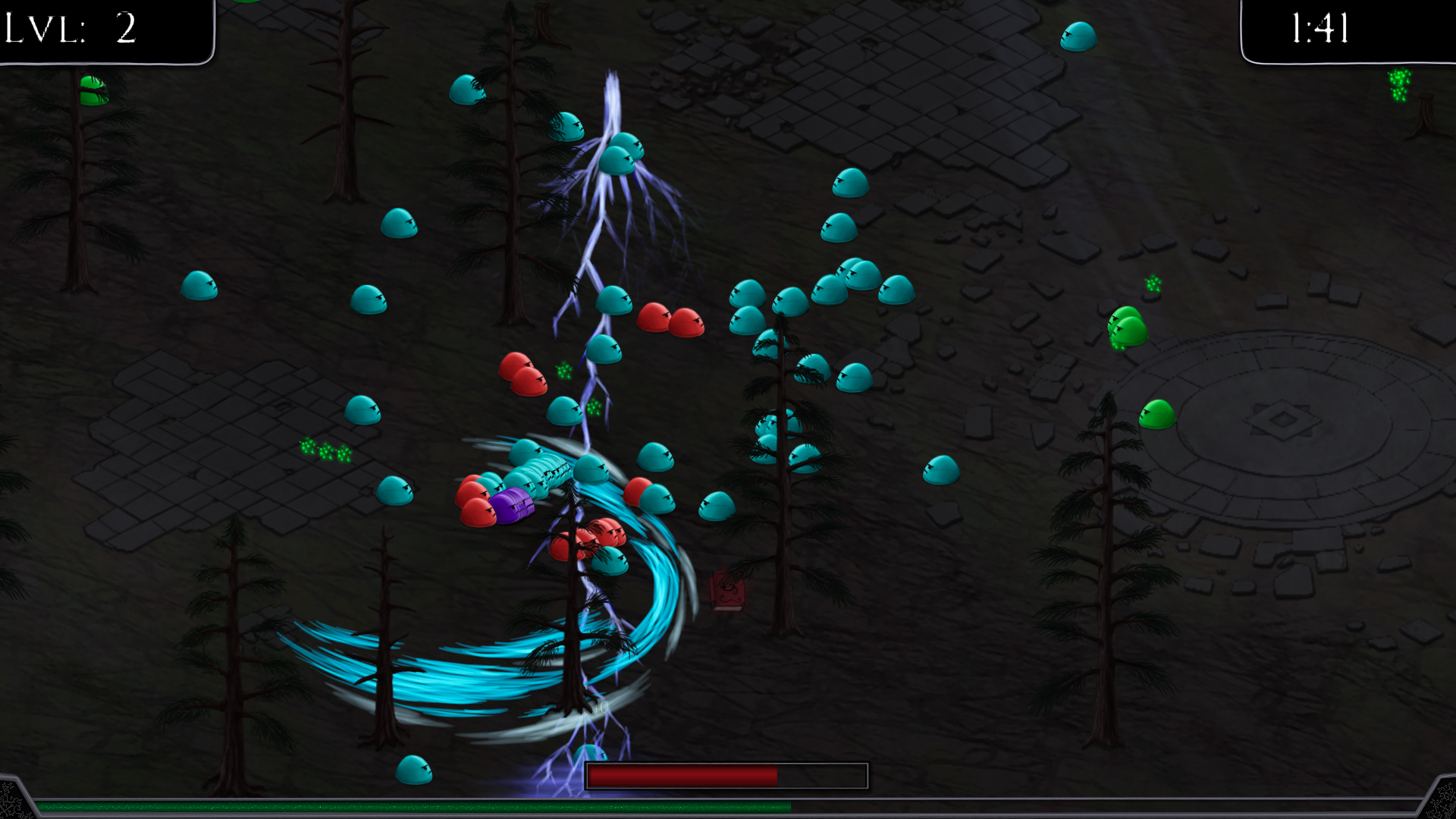
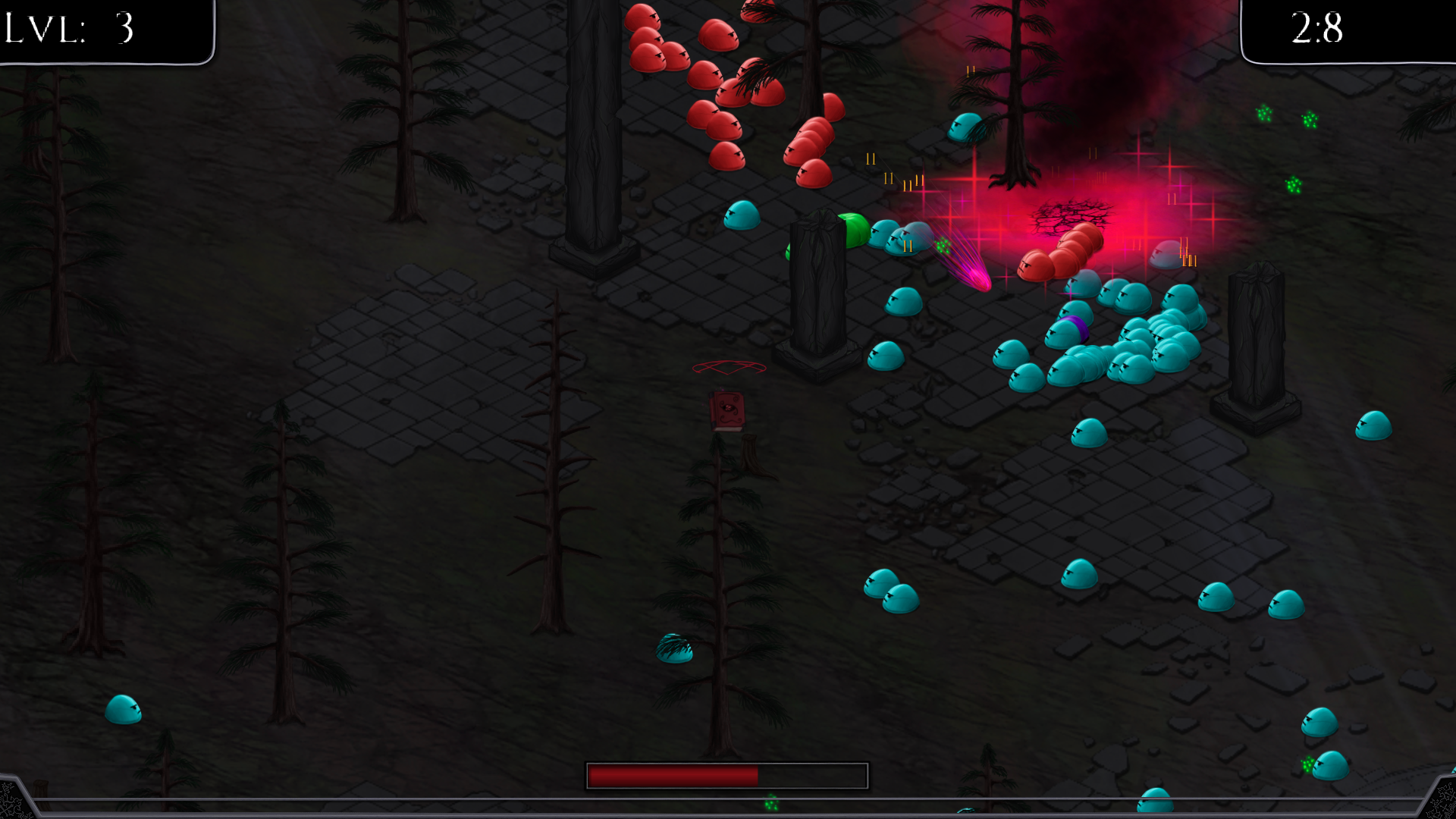
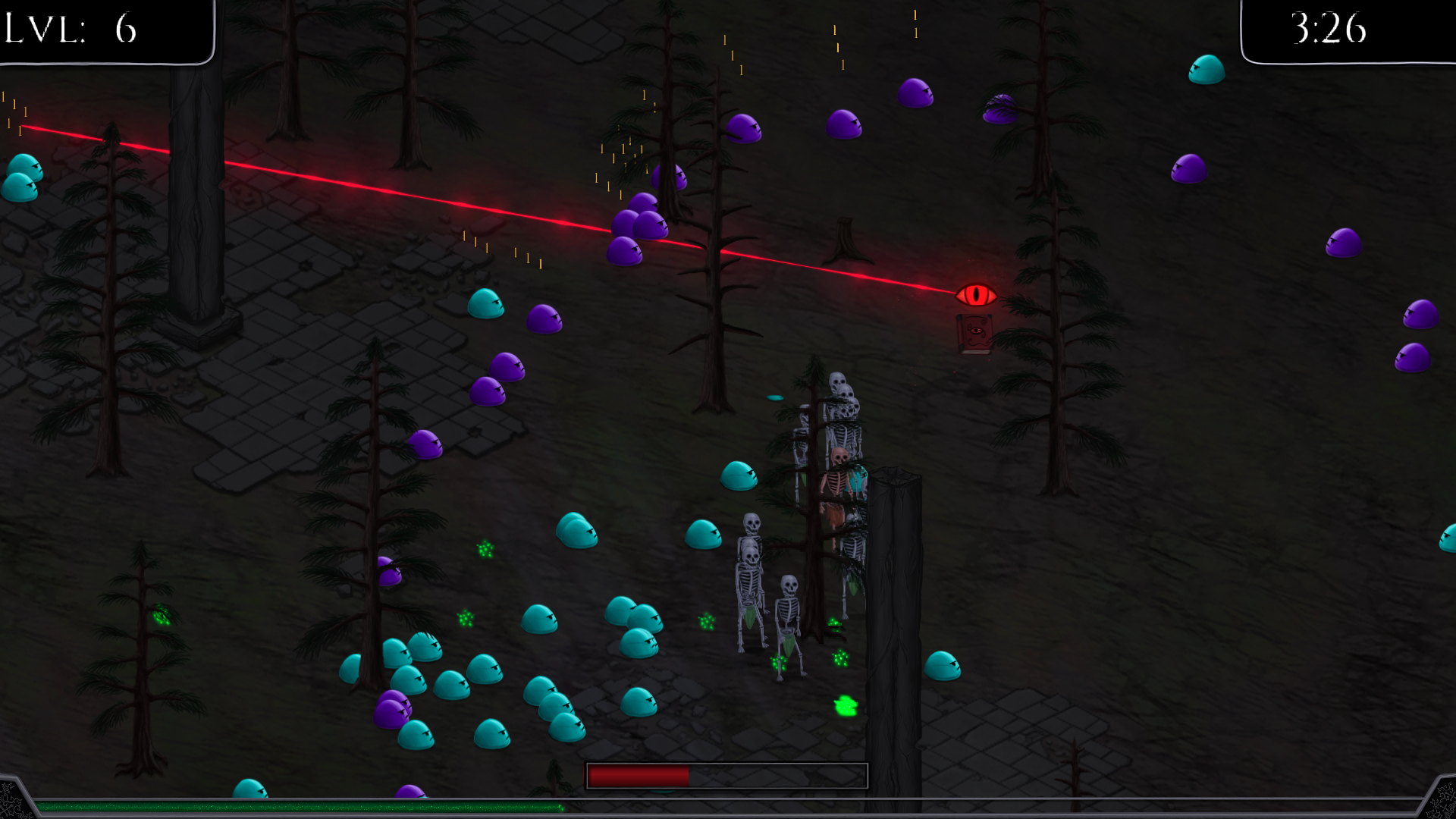
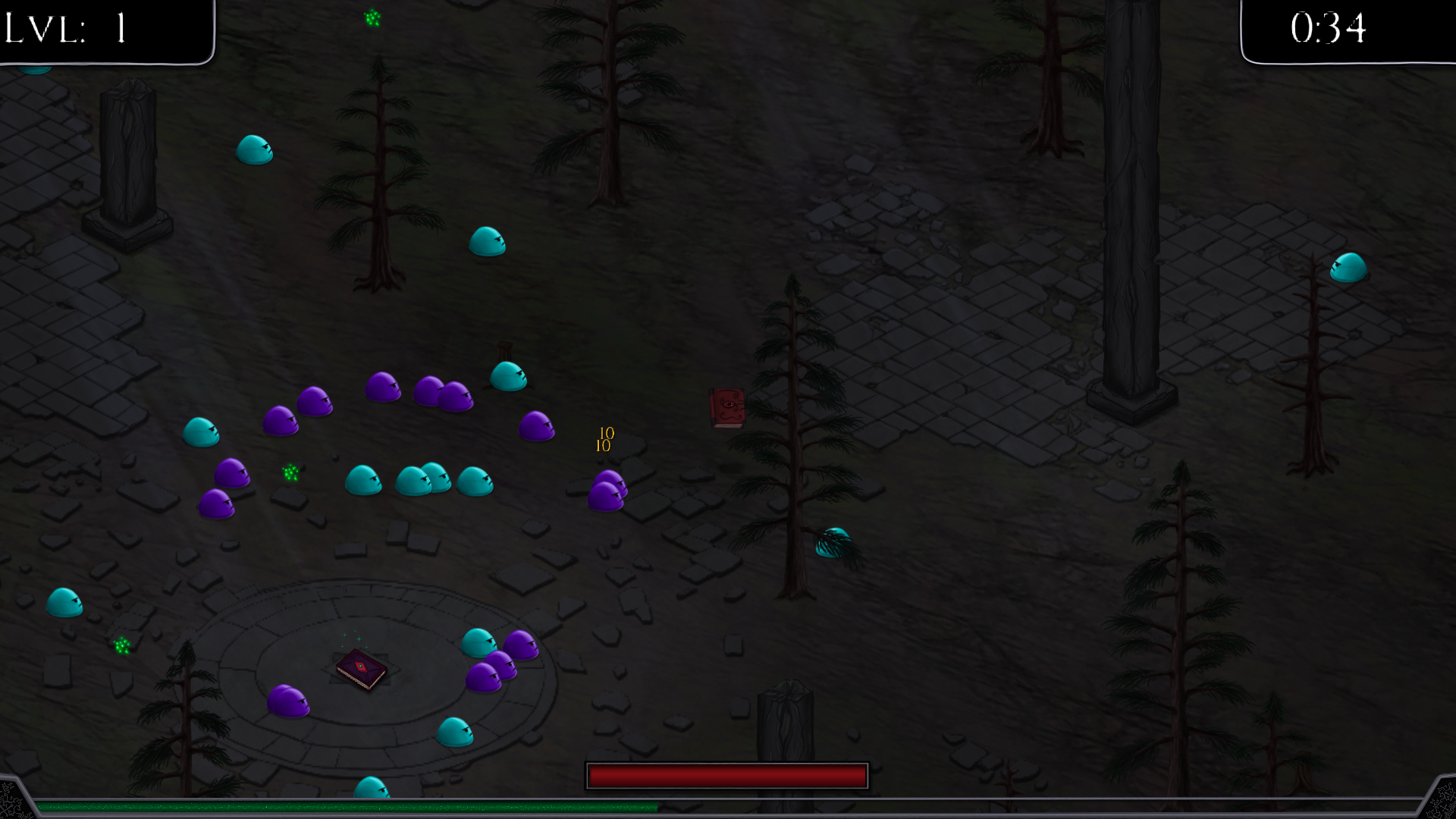
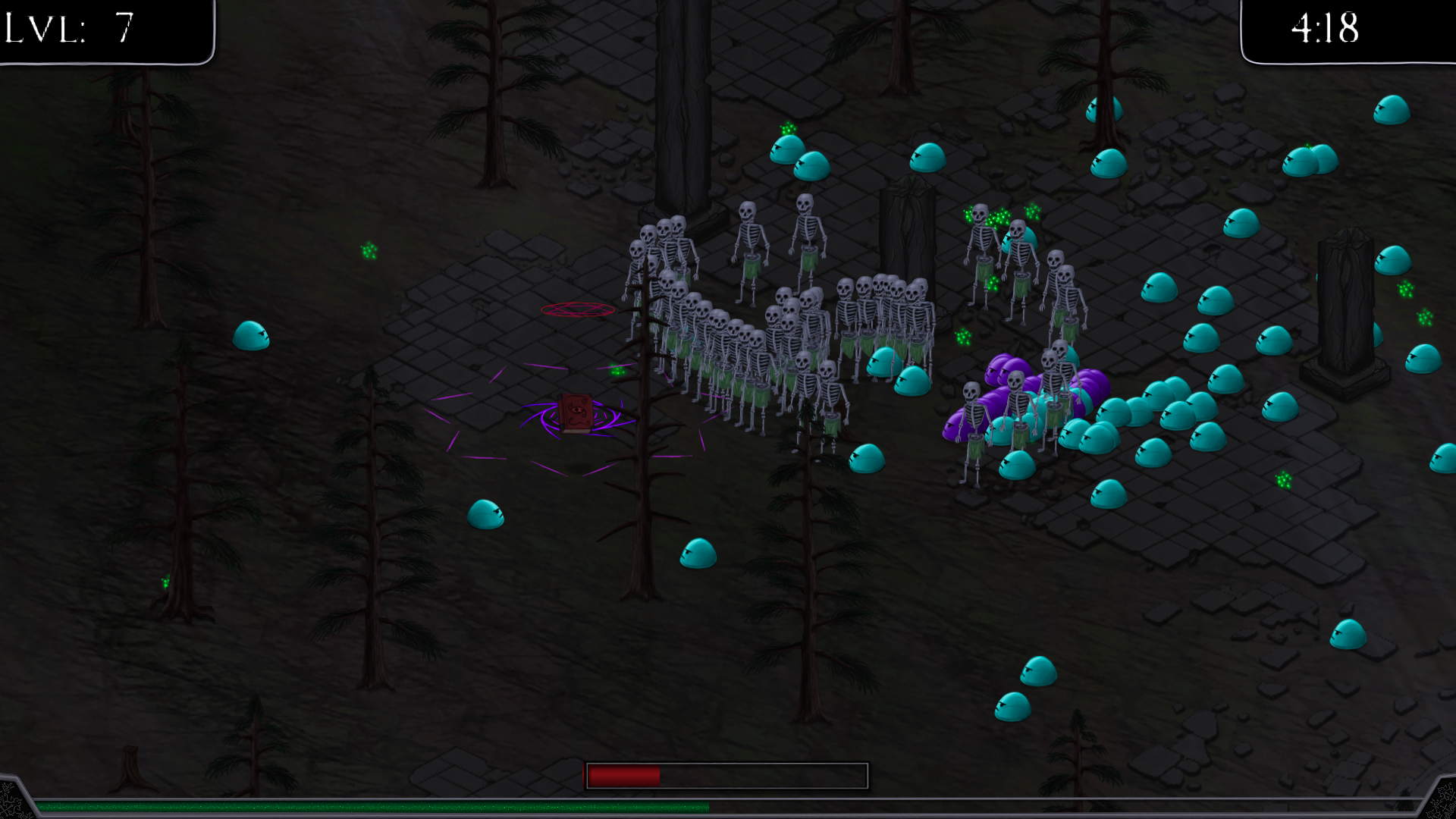
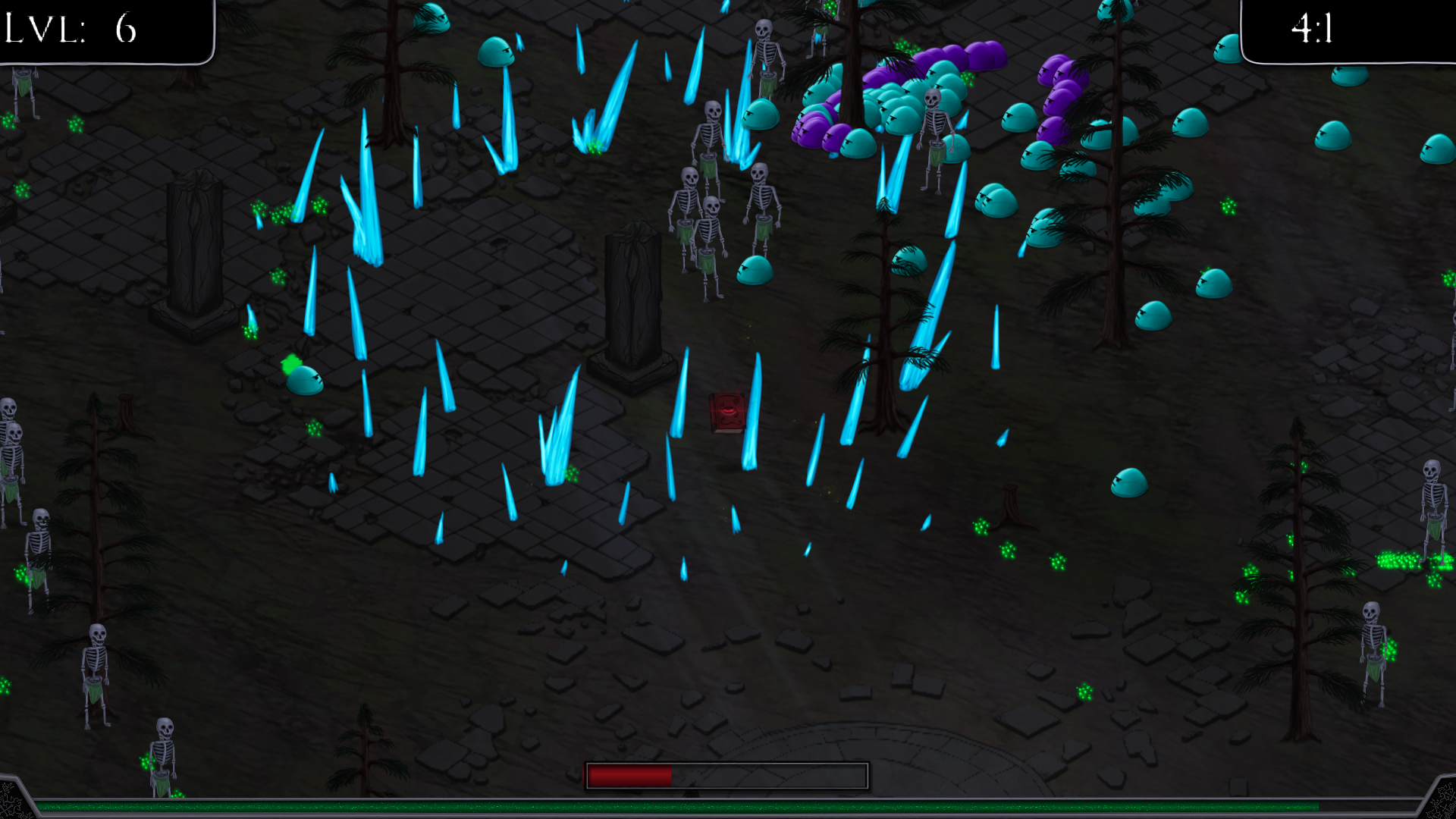
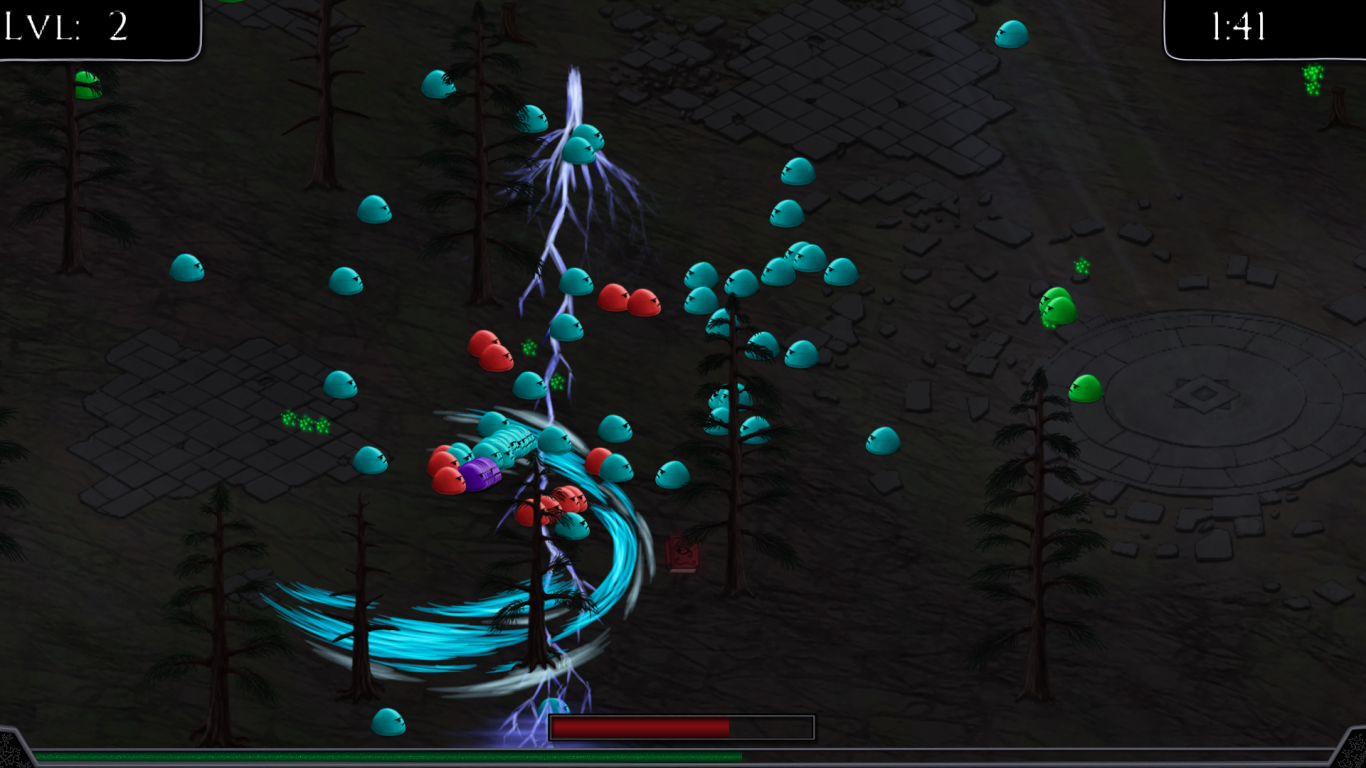
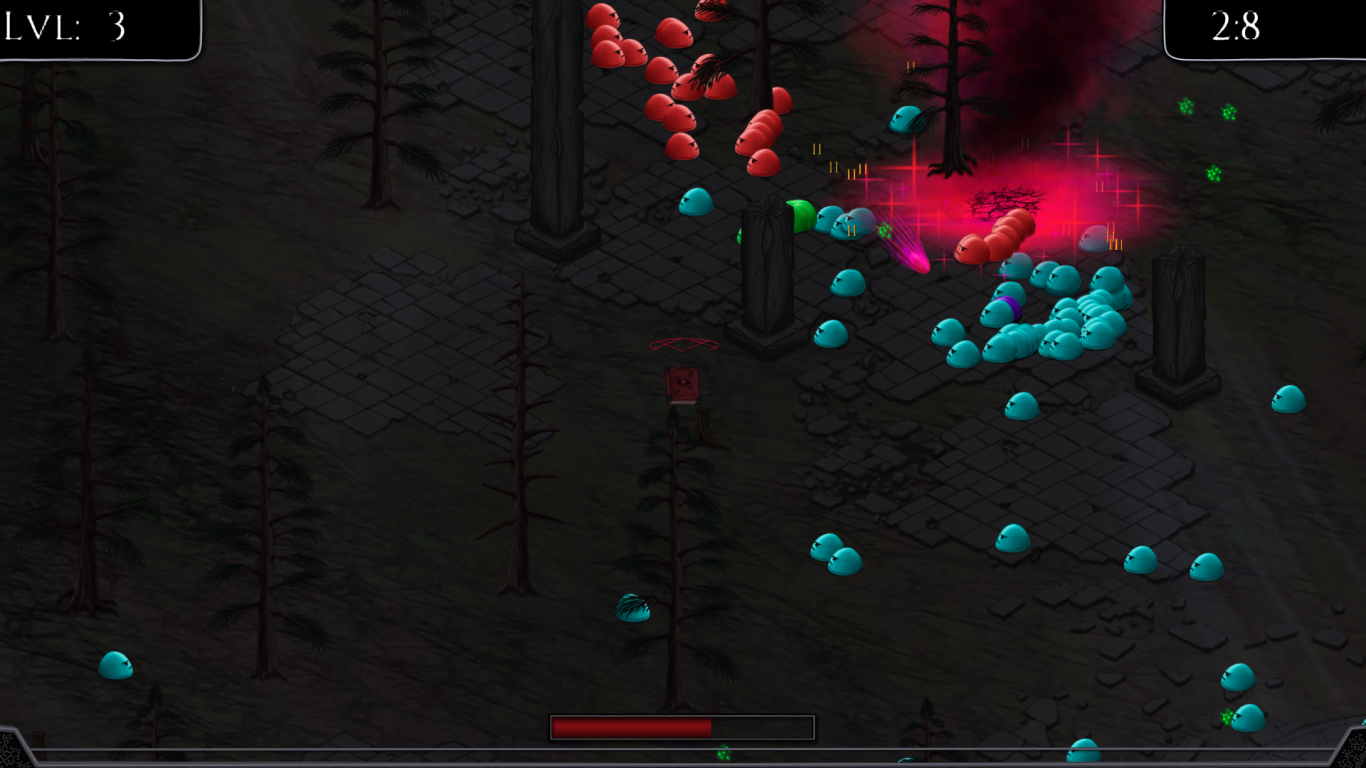
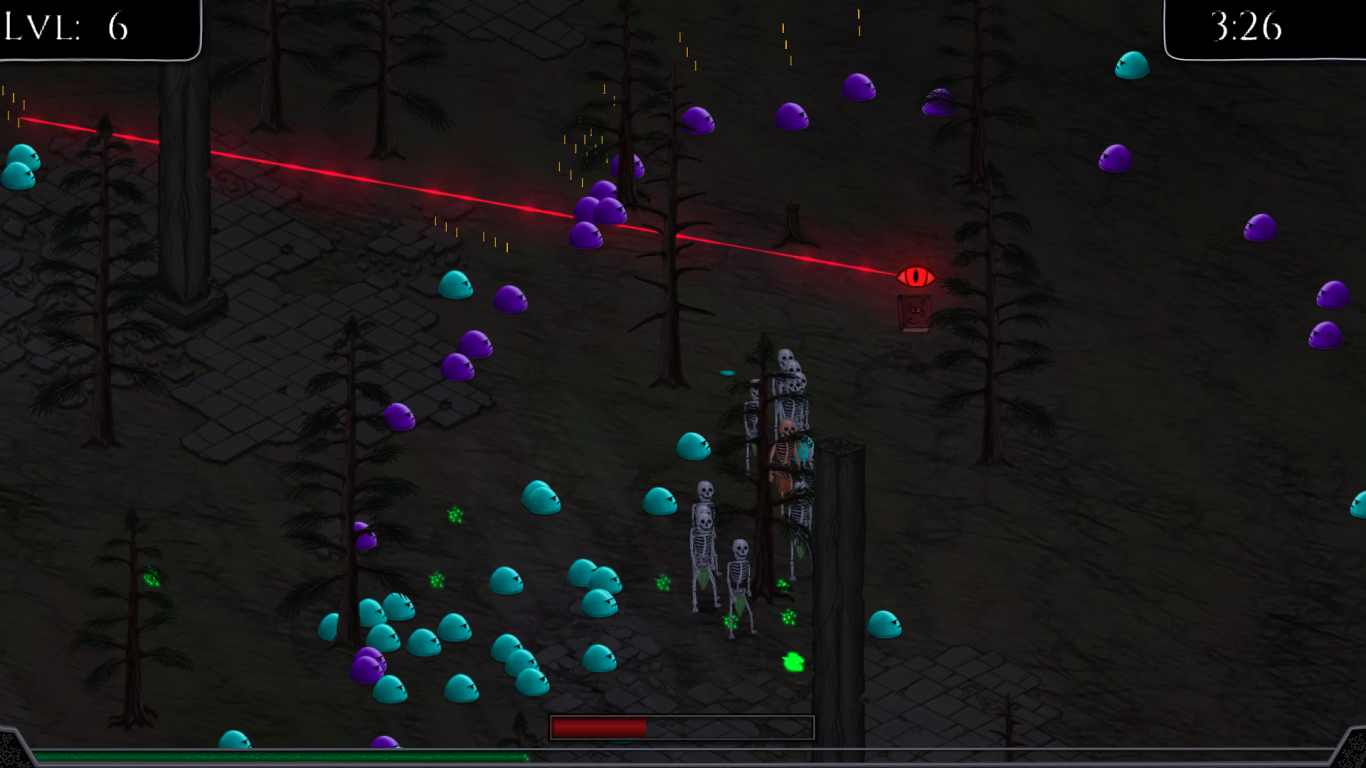
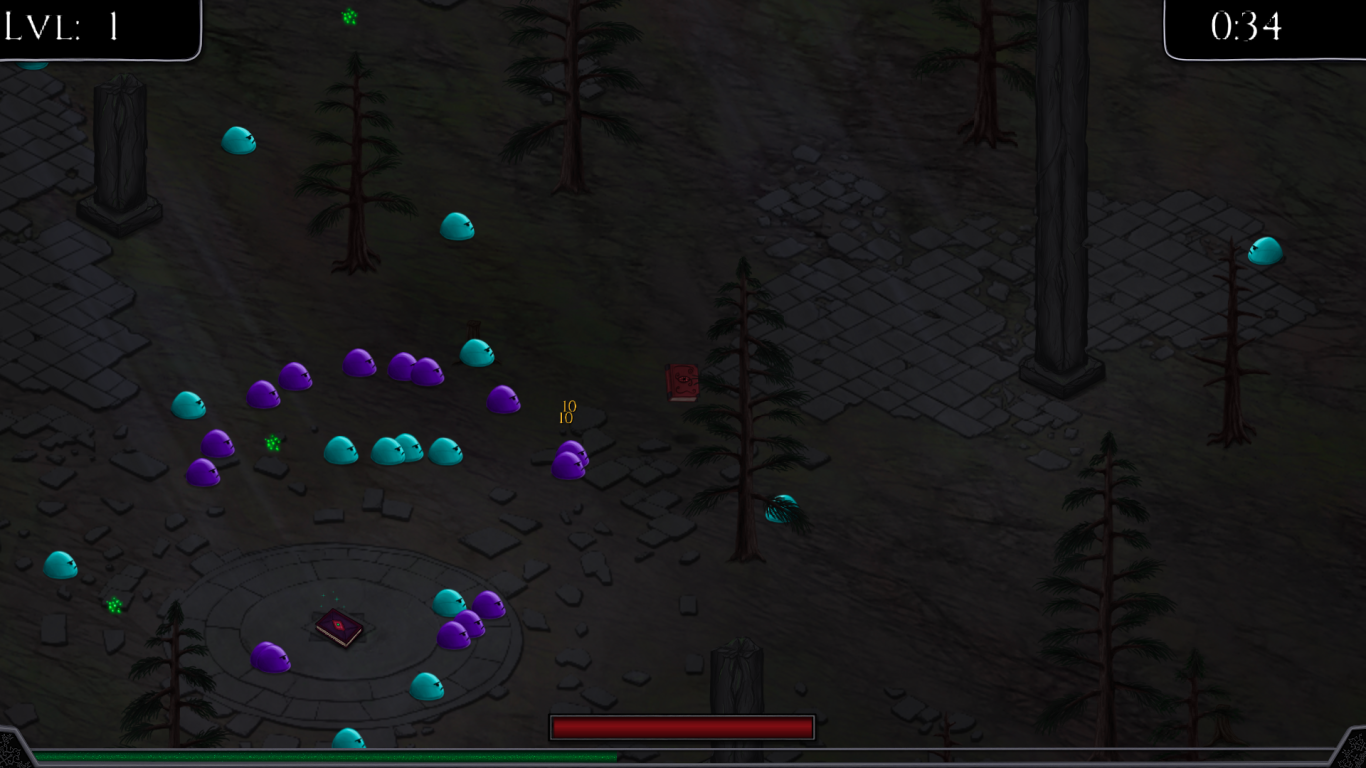
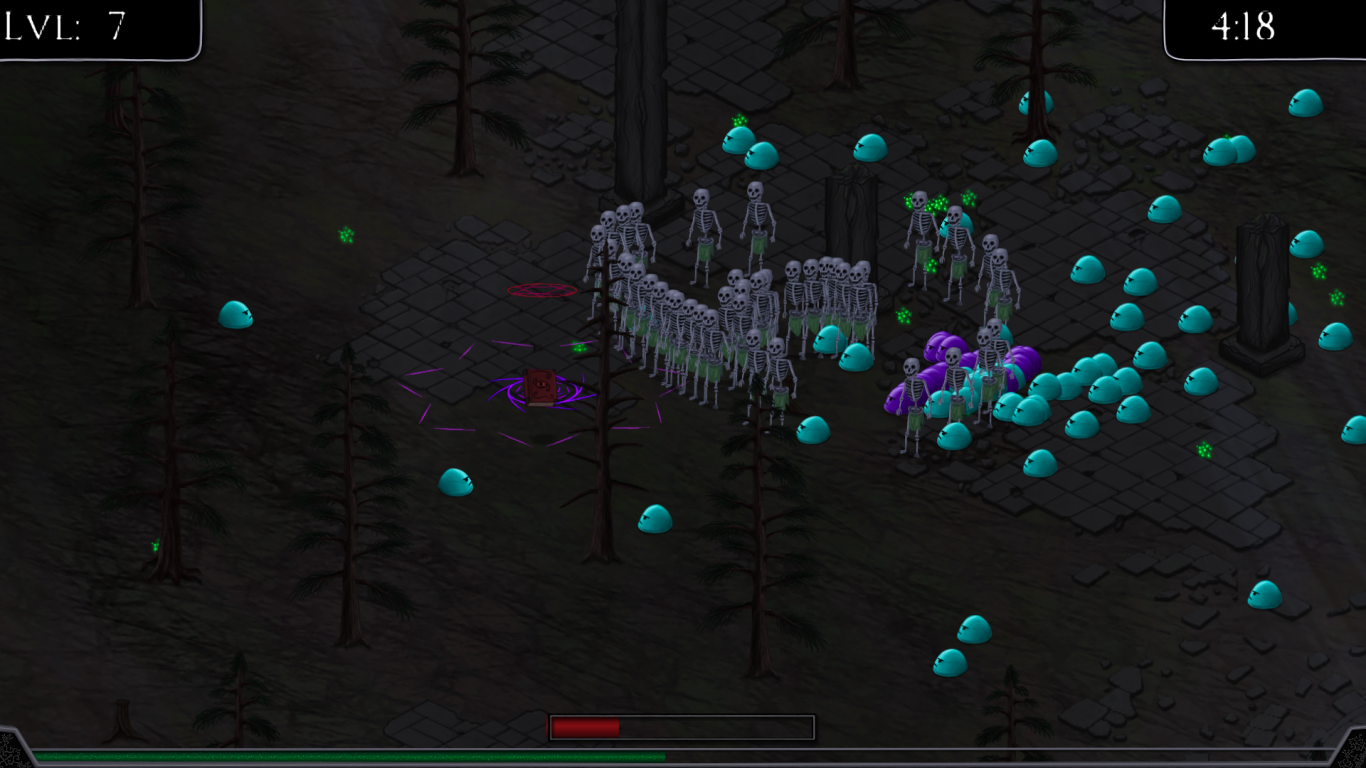
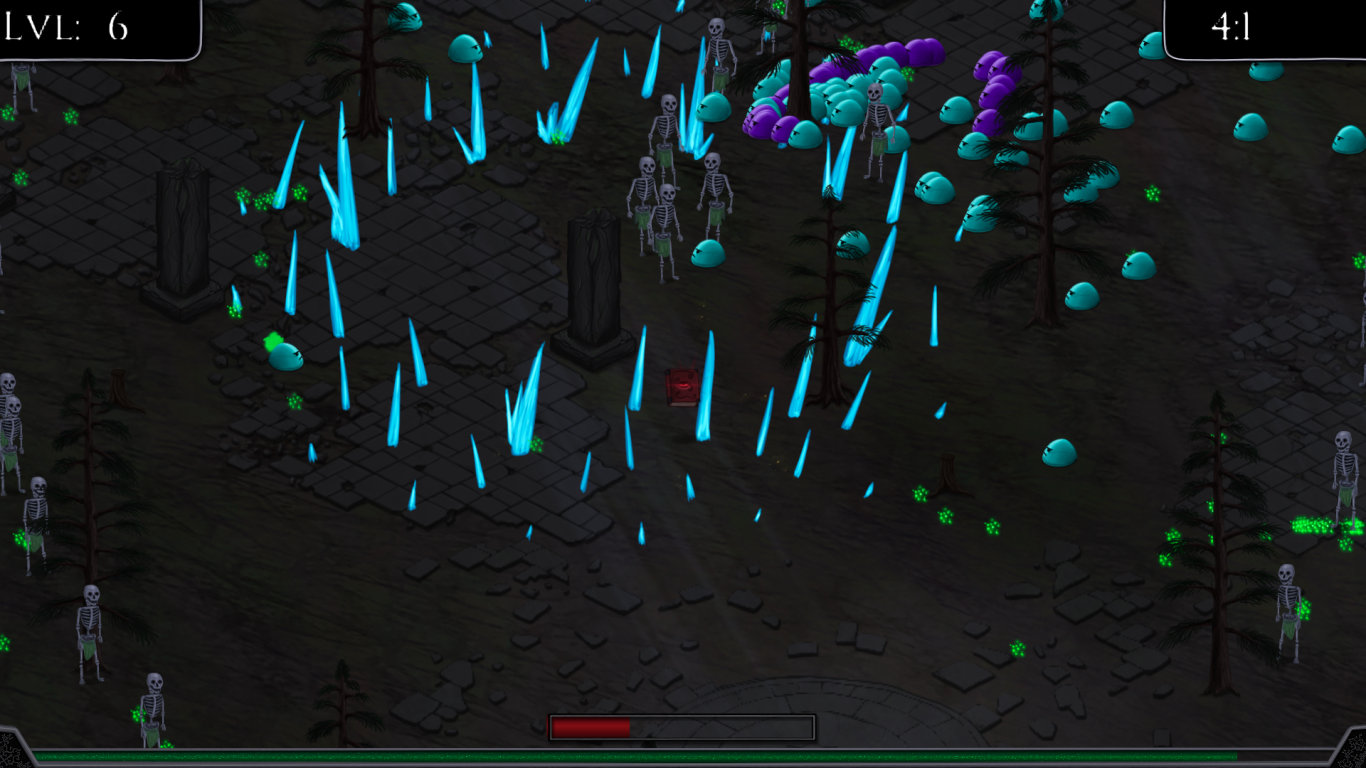
The Scribe's Spellbook
Submission to the Pirate Software Game Jam 16
"It was enjoyable enough that I went beyond the allotted judging playtime!" - Judge
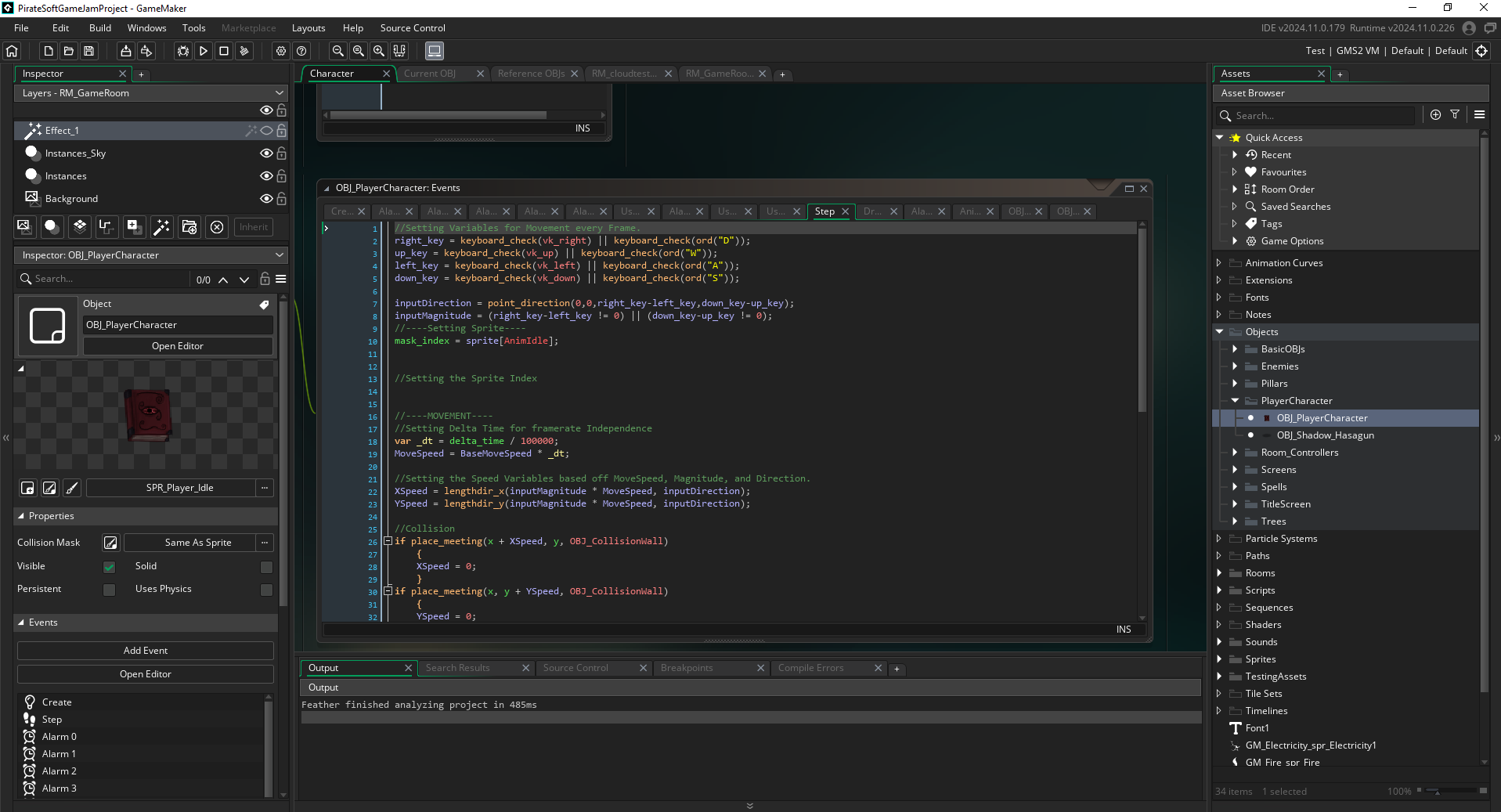
This project was made by a two person team, myself and an artist. I handled all programming work inside the engine. While the Game Jam was a two week event, due to scheduling constraints, I only had one week to dedicate to this project. Also, In addition to building the game in that time frame, I learned a 2D game engine (GameMaker), along with it's proprietary scripting language, GML script. During this game jam, I coordinated with my artist, giving him detailed specifications for the art assets that were needed and worked with him on the game design.
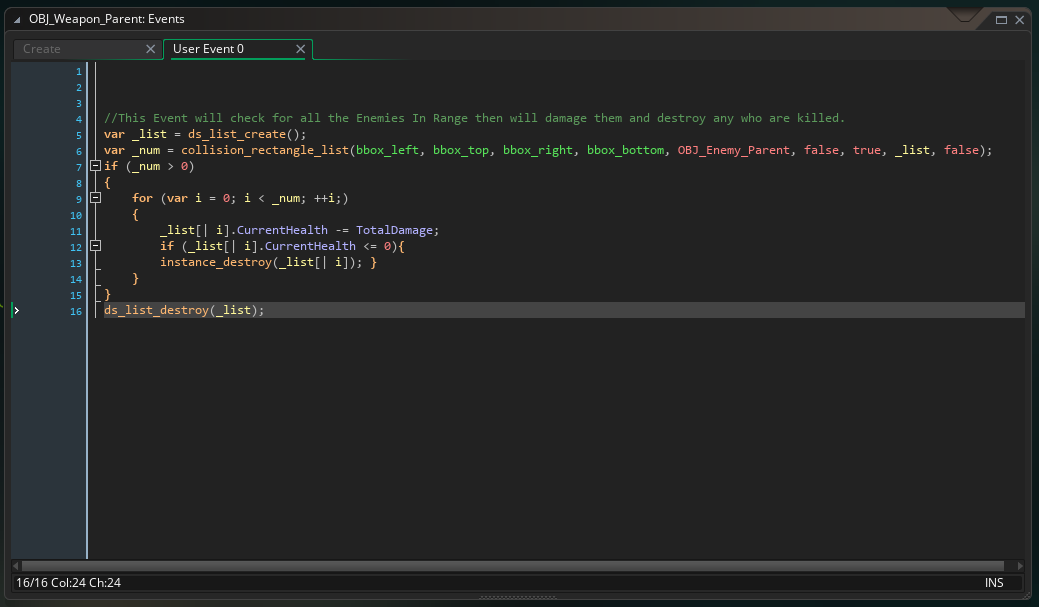
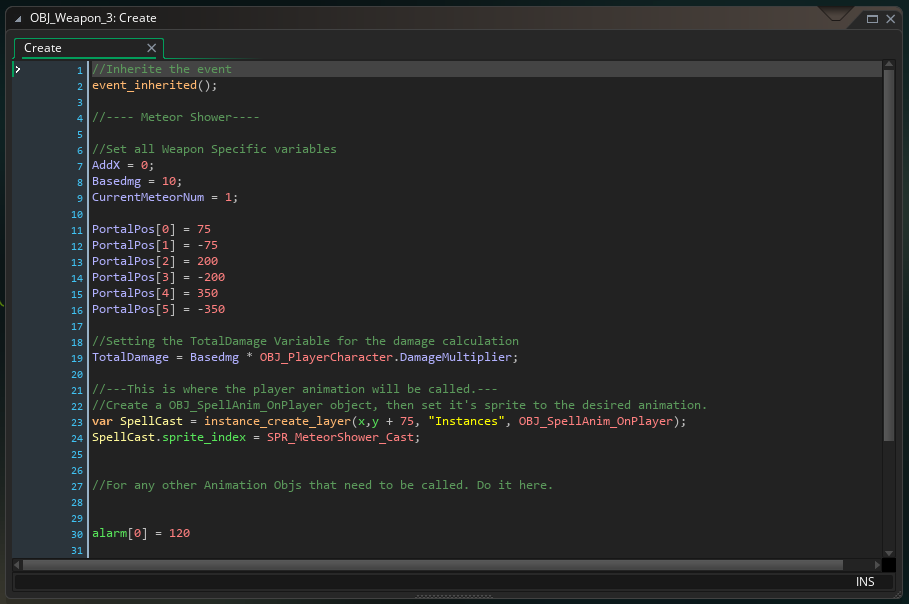
Code Examples:
Gameplay Systems:
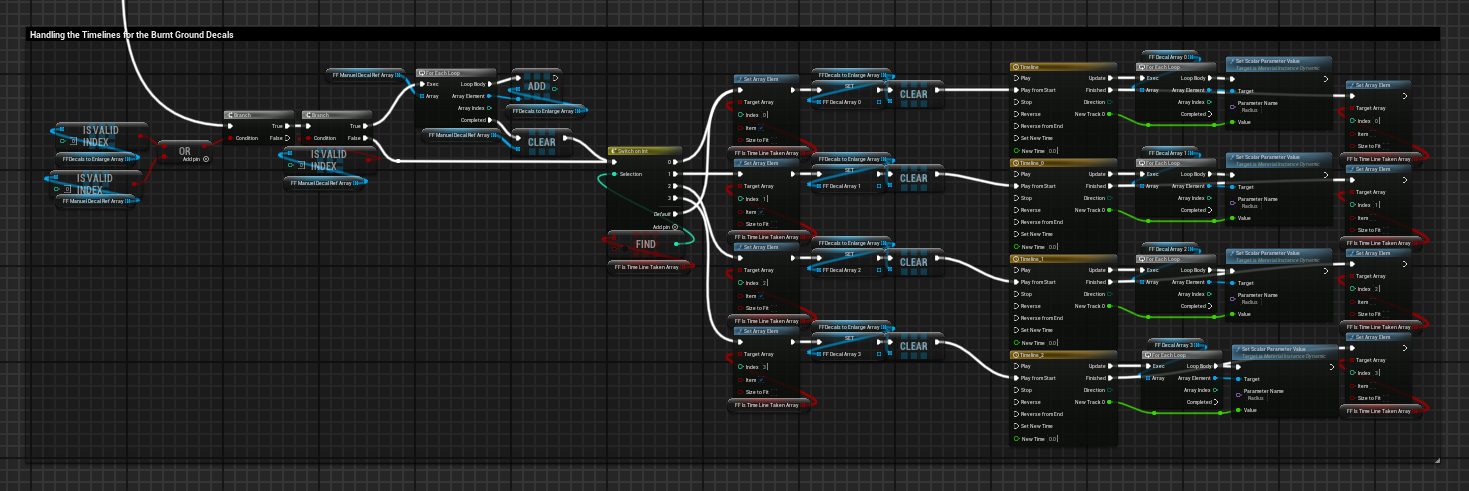
Forest Fire System
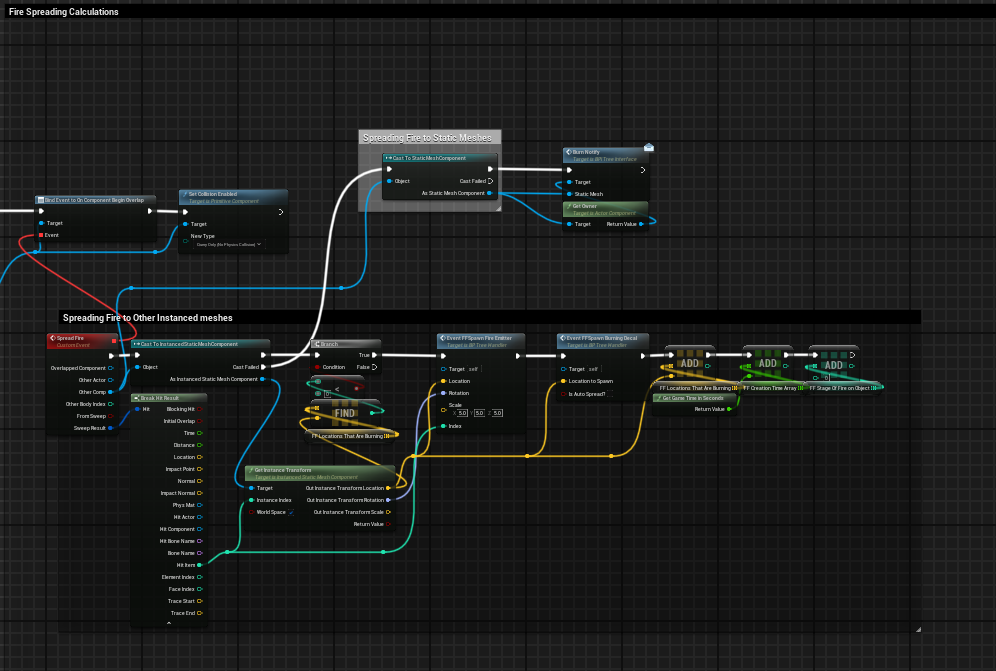
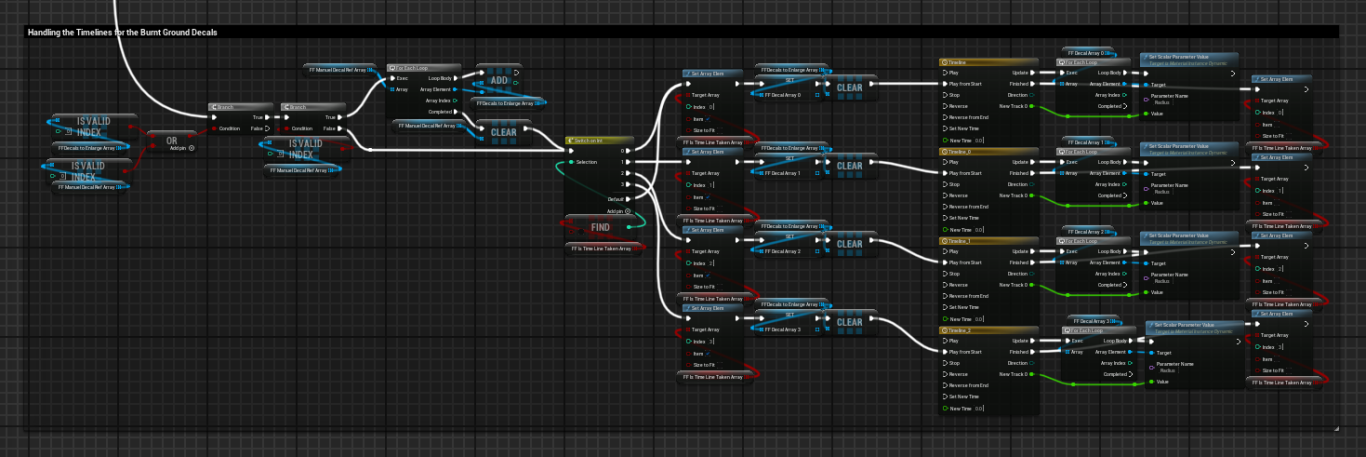
Built for a game where the player is a dragon in a large open world. This system allows for the player to start forest fires that effect the interactable procedural foliage as well as other objects like buildings! It is able to simulate these fires anywhere in the open world and there can be any number of them while remaining performant. The fires are able to spread on their own based on the proximity of other burnable objects. This system also ties in and interacts with the destruction system. This allows the fire that is spread to a building to eventually damage and destroy that building.
Forest Fire Demo
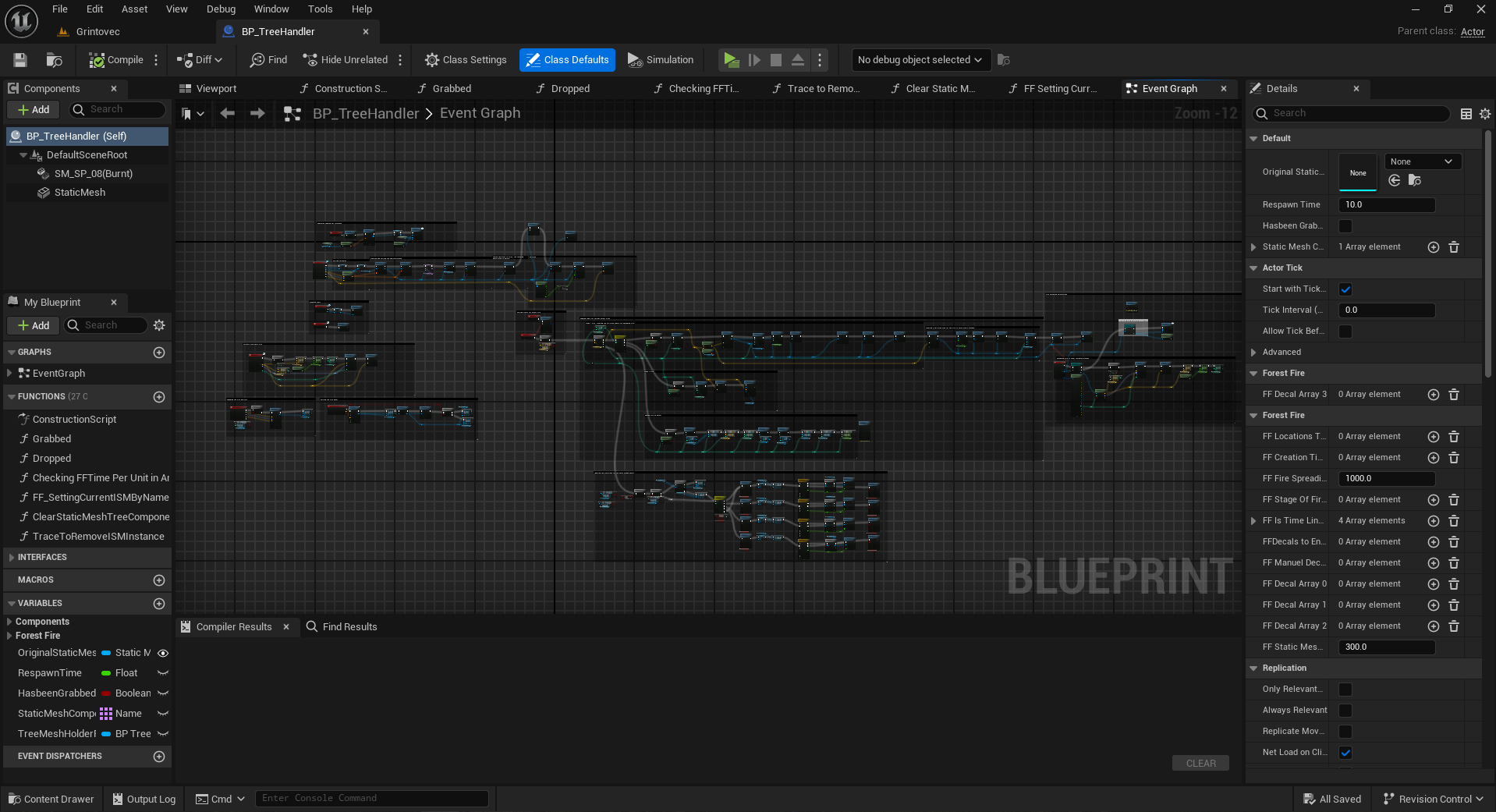
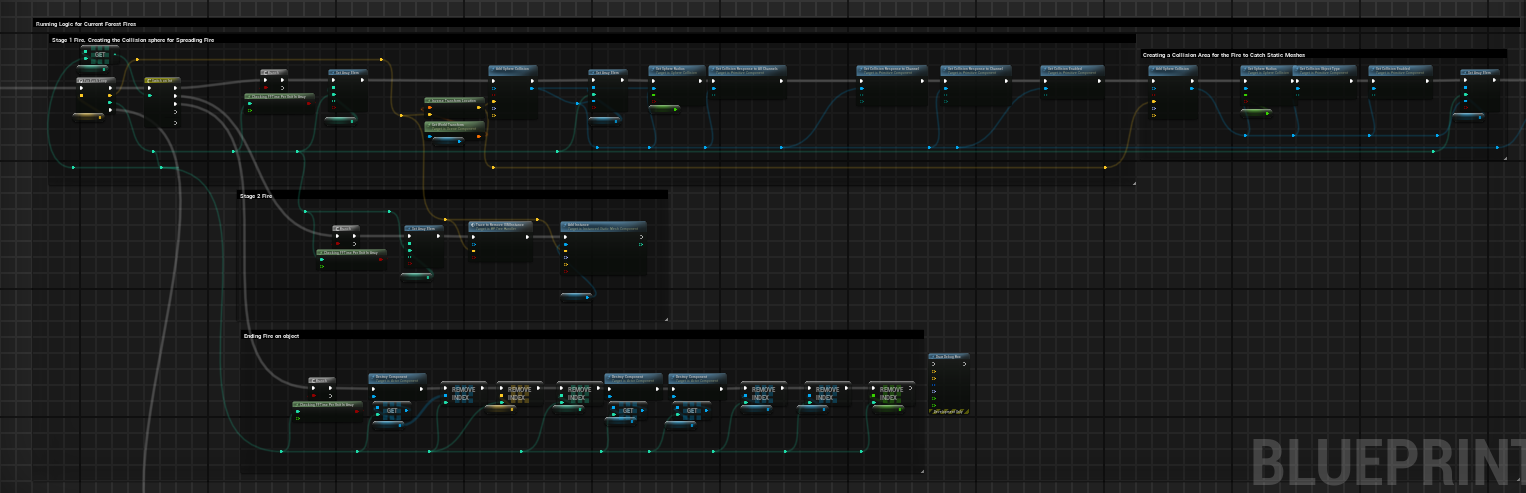
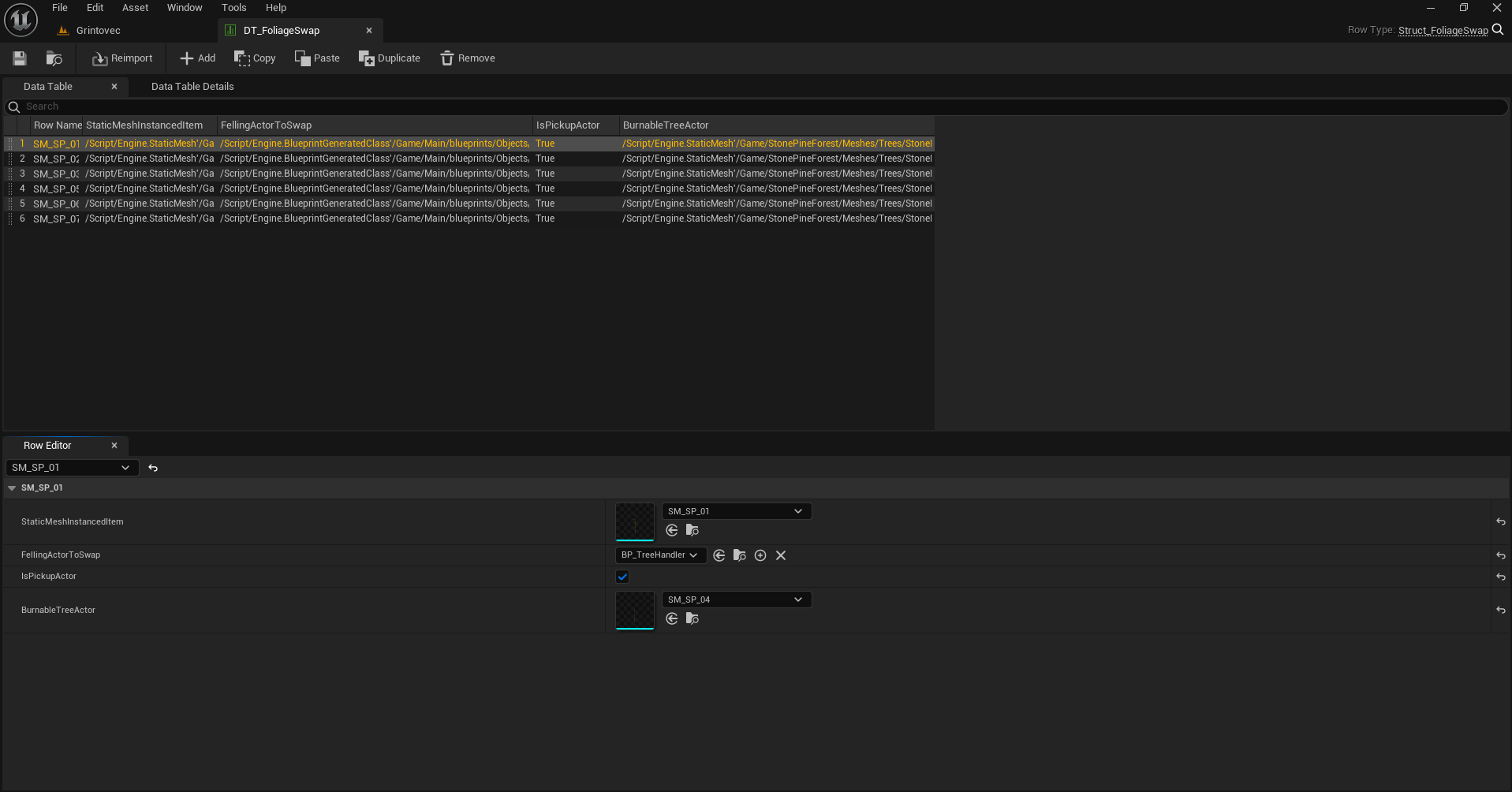
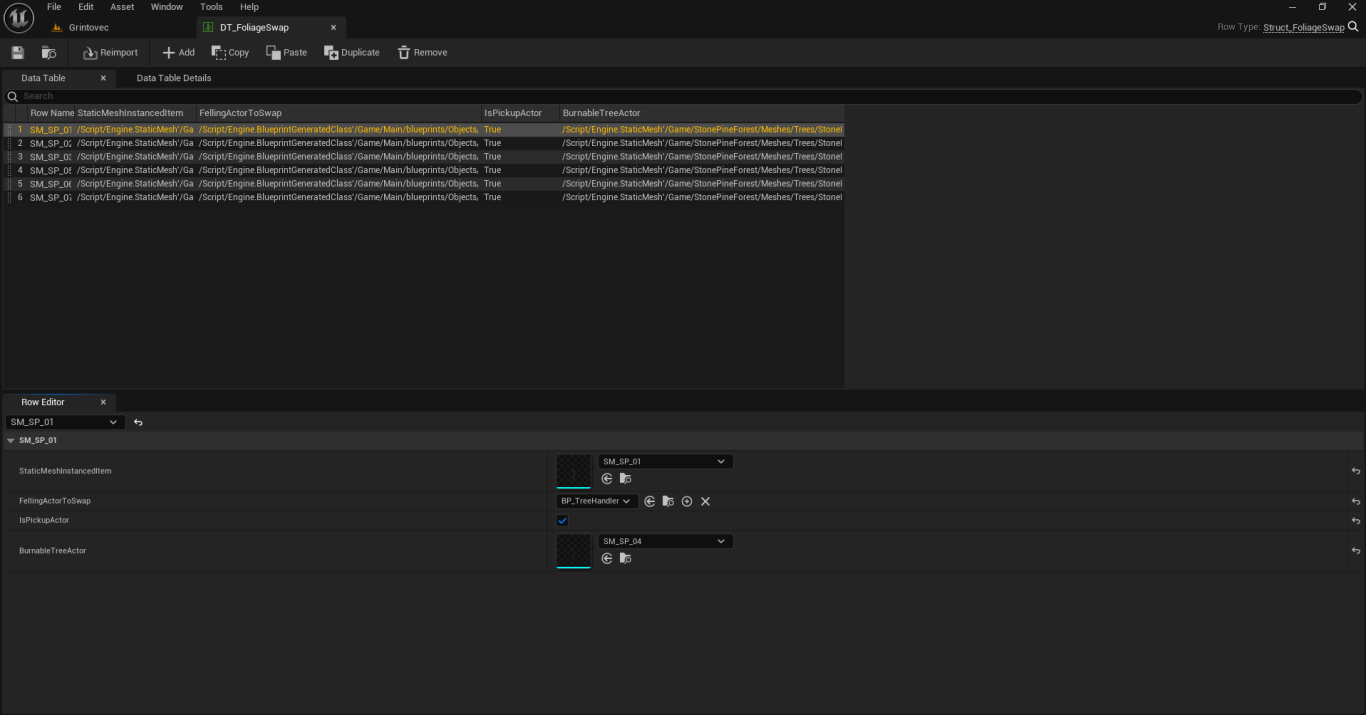
In this video, you can see that as the trees burn, their meshes also change. One of the secrets to making this system so performant is that it does not turn the trees into static meshes. Instead, I am actually switching out their meshes using the ISM (Instanced Static Mesh). So, all the new meshes are still a part of the original ISM. This makes it very performant, and also creates a much cleaner system for things like save-games and level loading.
Code Samples
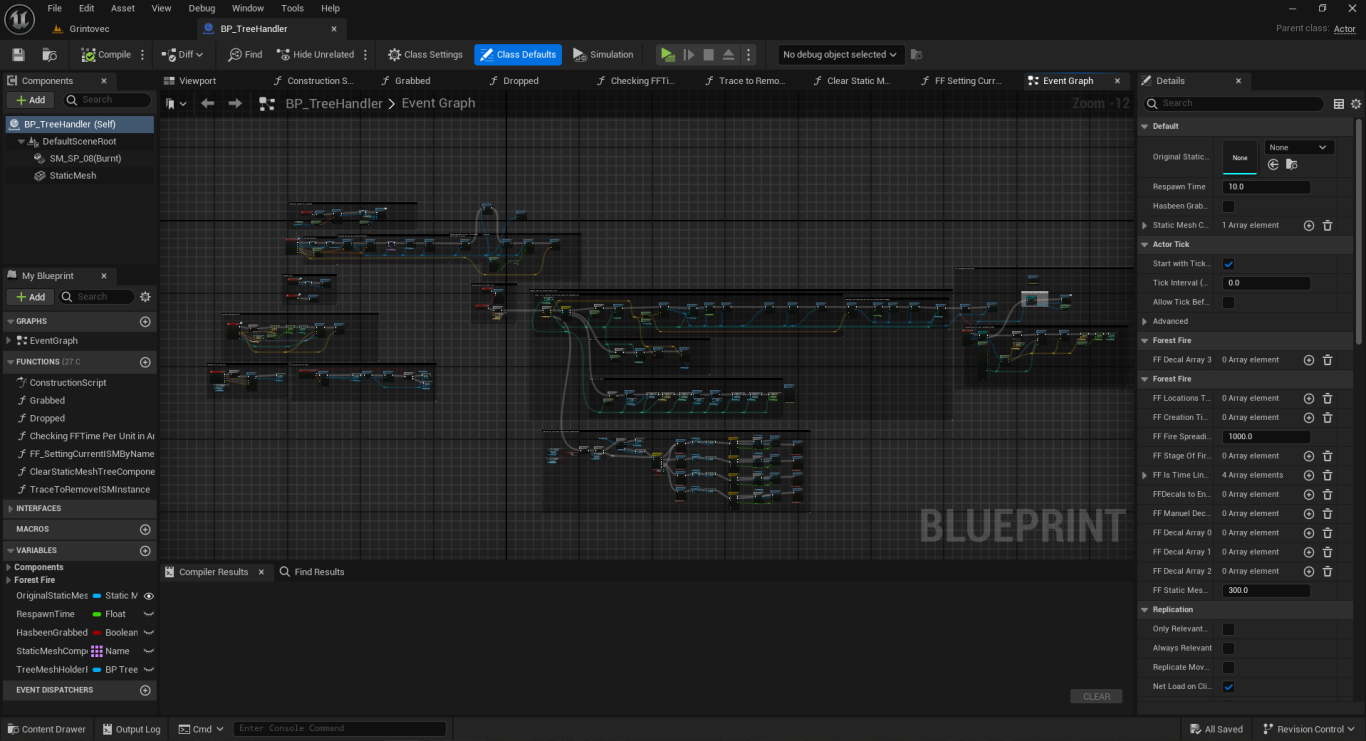
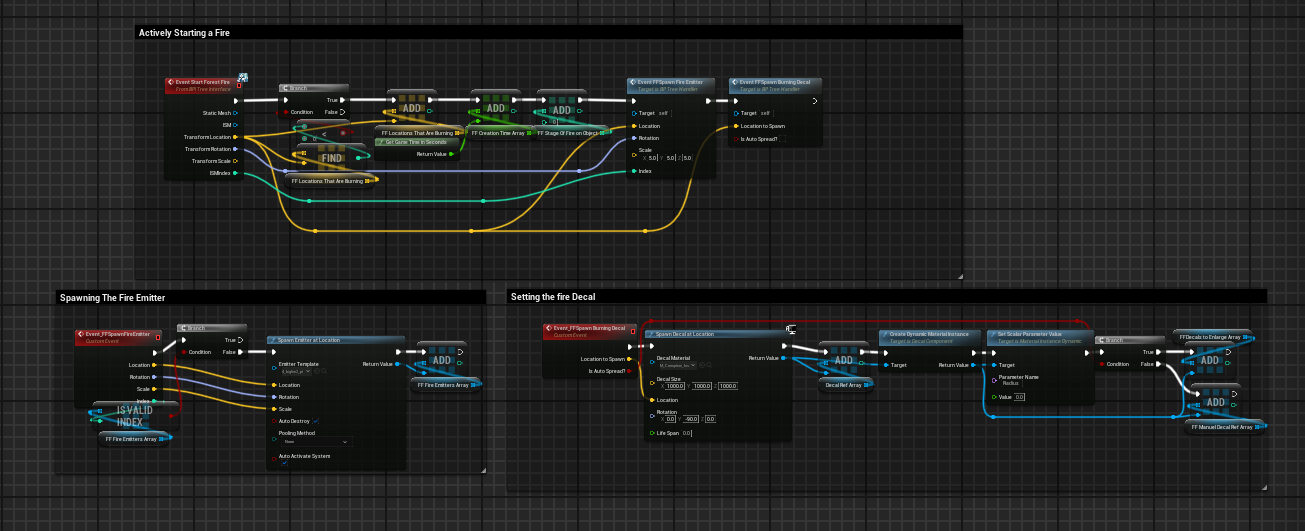
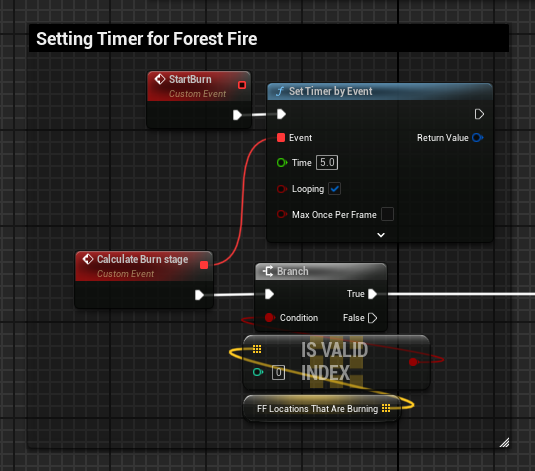
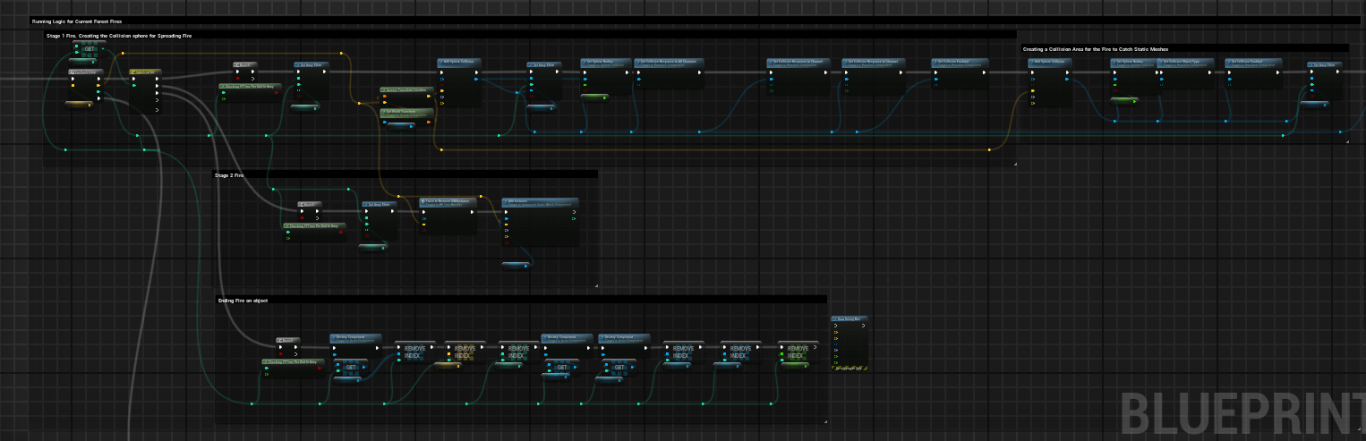
More Video Examples
Fire Spreading & Mesh Changing
Another quick example of the fire spreading and running through it's phases.
Catching a Staticmesh on Fire
This is an example of a static mesh being caught on fire by the system. This tree could even be dropped back into the forest, or on a building and spread the fire further.
Hex Movement Control System
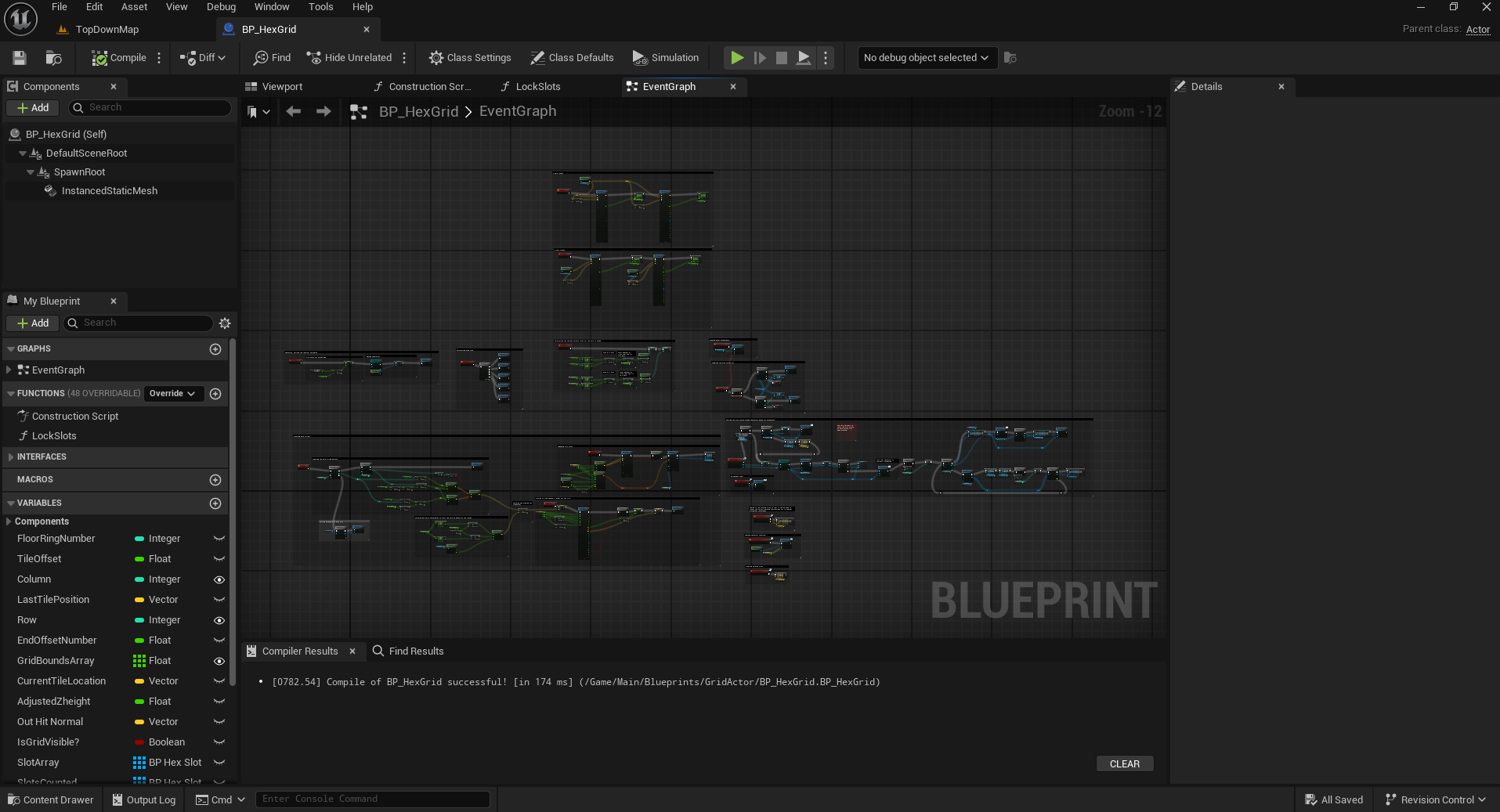
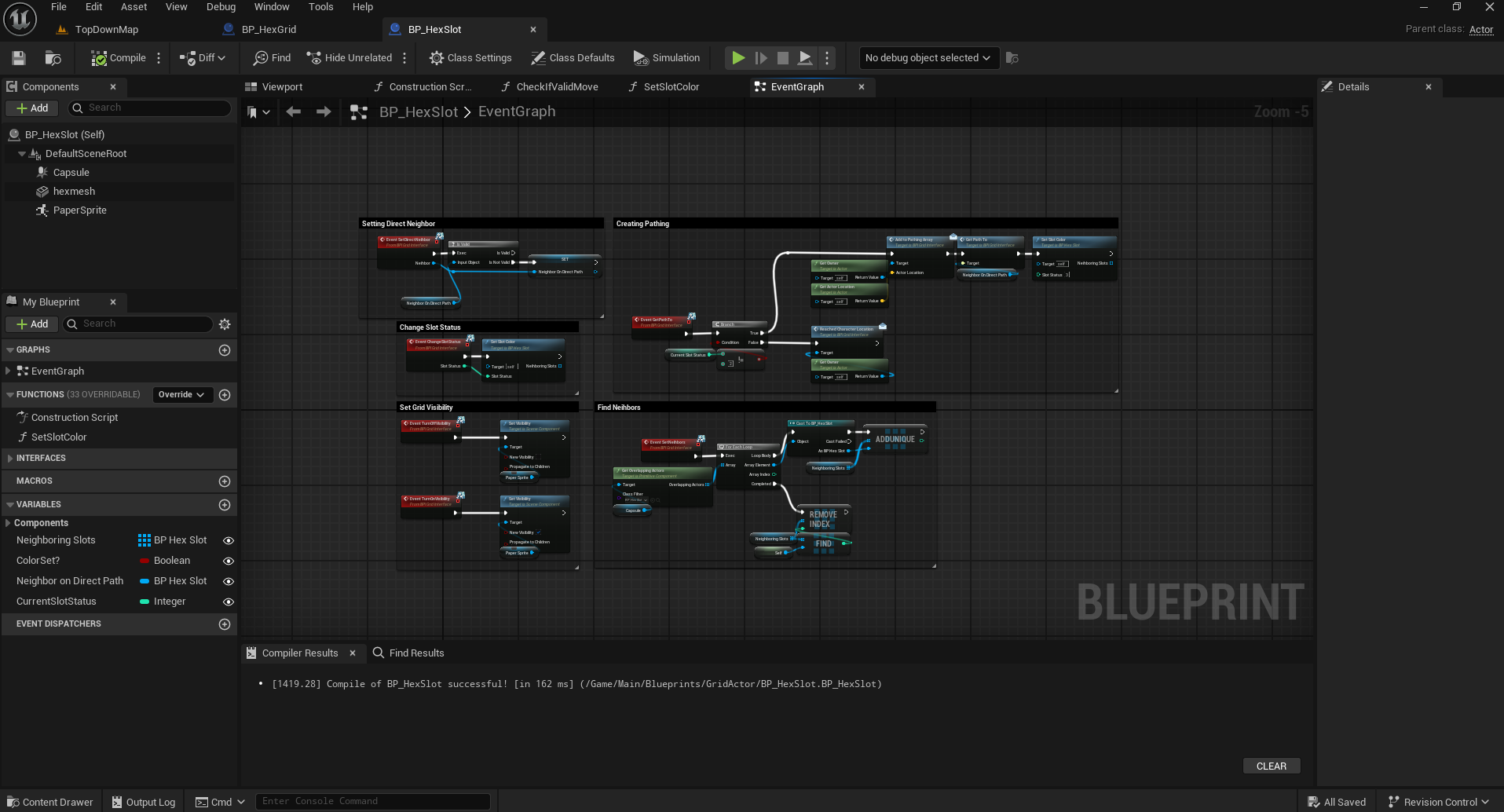
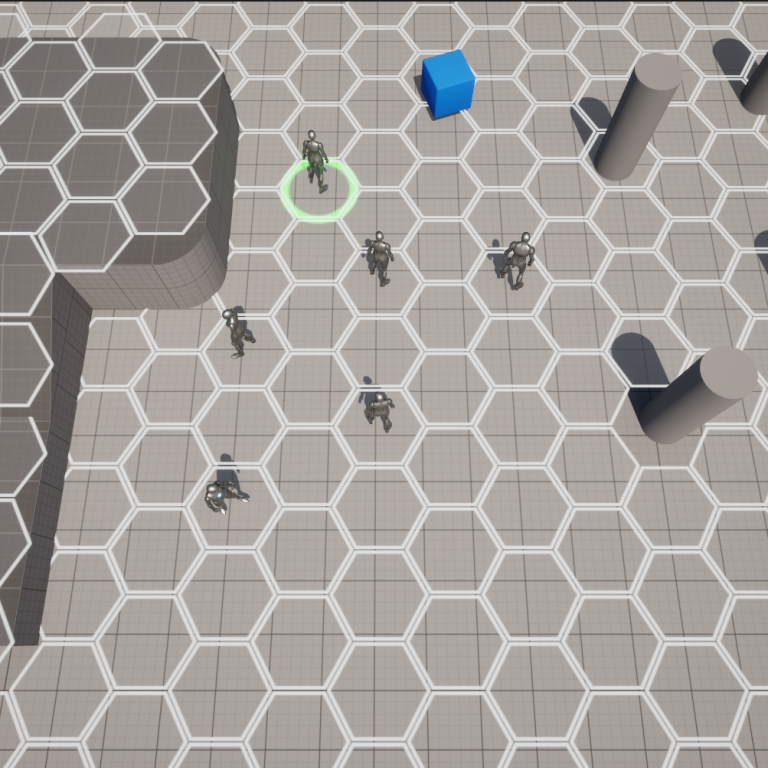
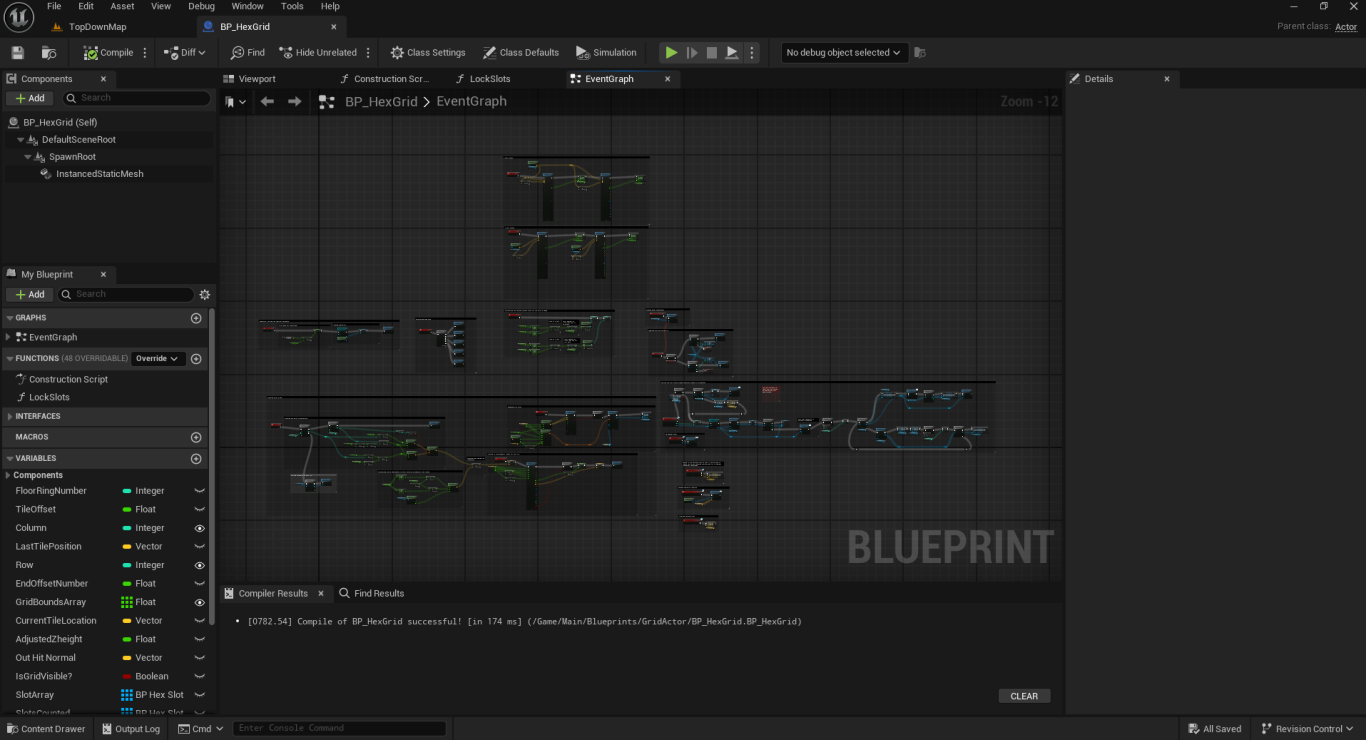
This system was designed for a game that requires a mixture of real-time movement as well as turn-based tactical combat. It generates a grid of hexes that can be show visually or hidden by the player while outside of combat. Once combat starts the hex grid will be shown and the game state will change how the player can interact with their units, making it a turn-based system.
Hex Demo
This video displays and explains the basic functionality of the system. Showcasing the real-time movement, visibility toggling, and the unit formation logic.
Hex Combat Demo
This video shows how the system can function during turn-based combat. During combat, the player can select only one unit at a time. It then changes the color of the hex to show where the player can walk. After selecting a valid location, it will show the path in blue and the player clicks again to accept that path.
Hex Preview Dev Tool
Along with the system that loads at the start of the level. I also made a small developer tool that will project what the grid will look like using the construction script. This is very useful for level building and design.
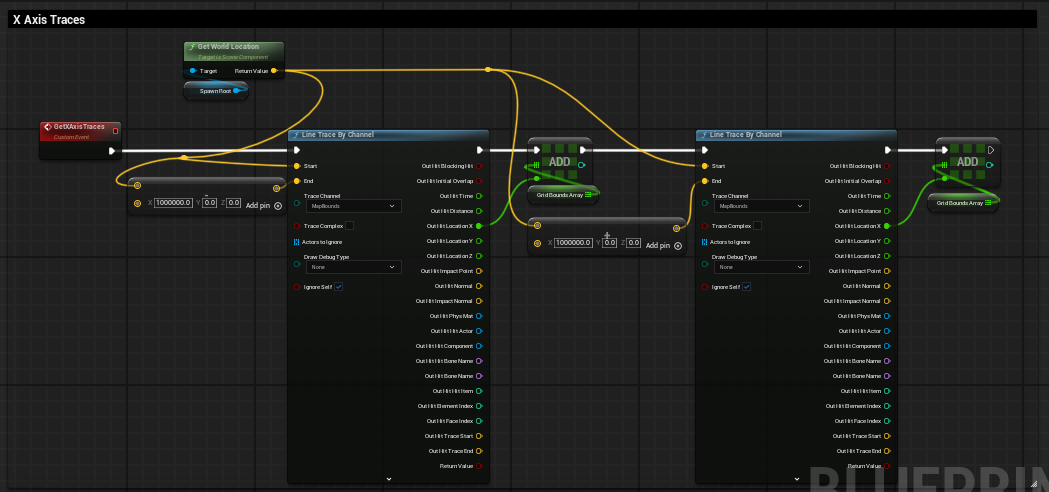
Code Examples
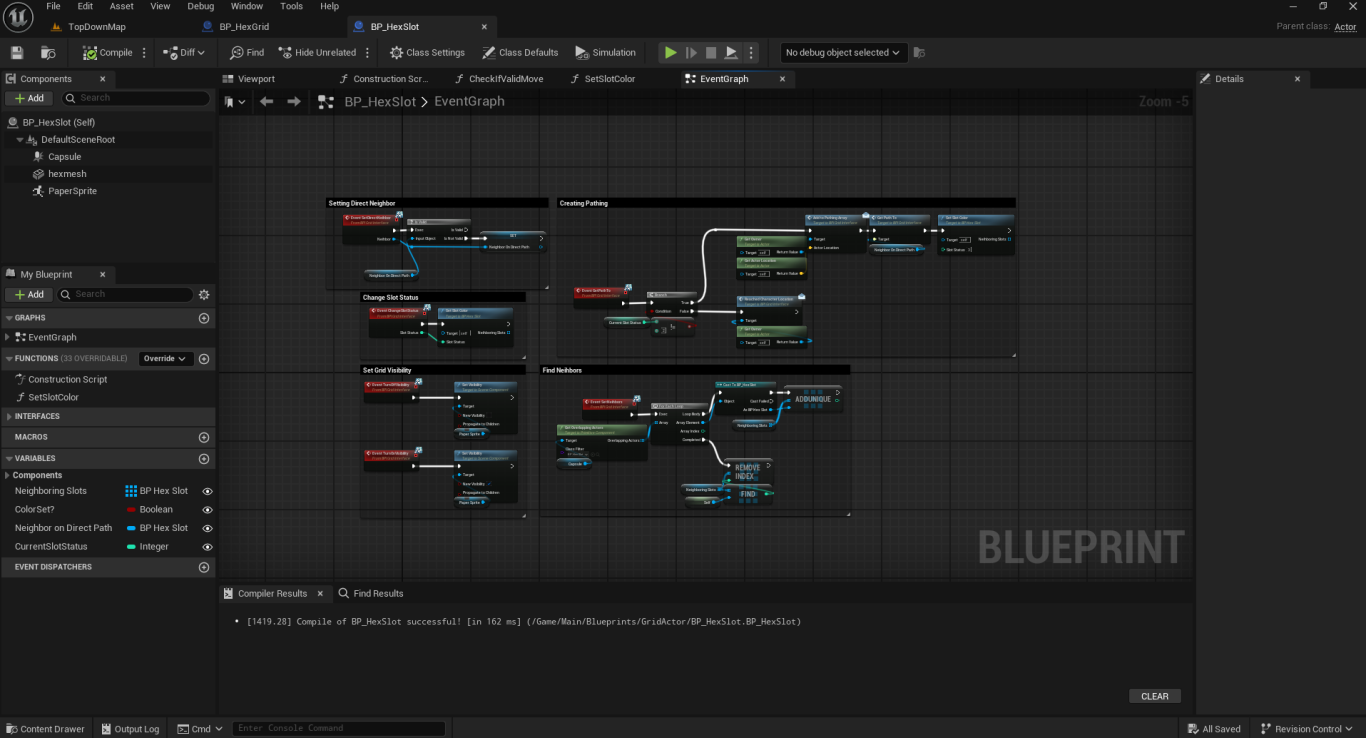
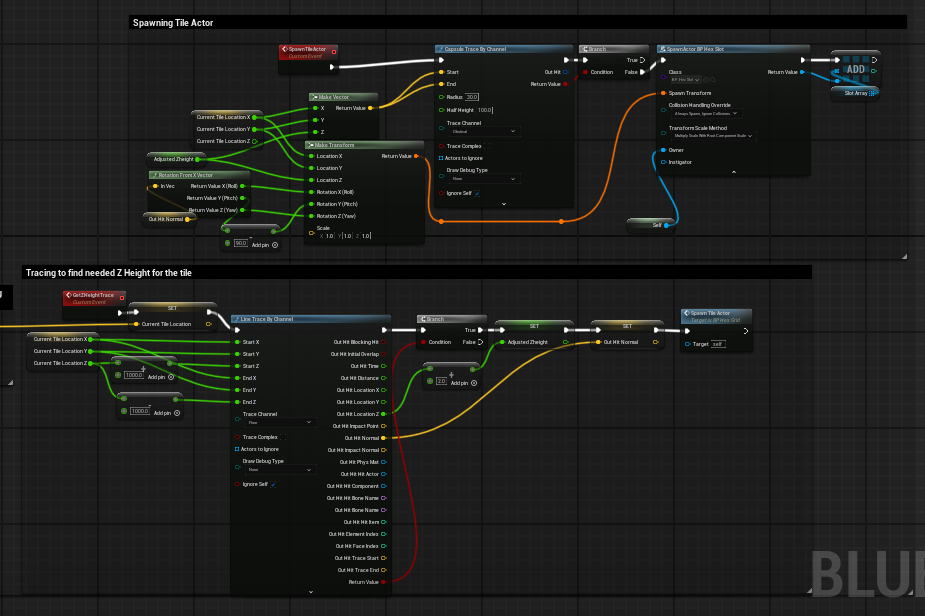
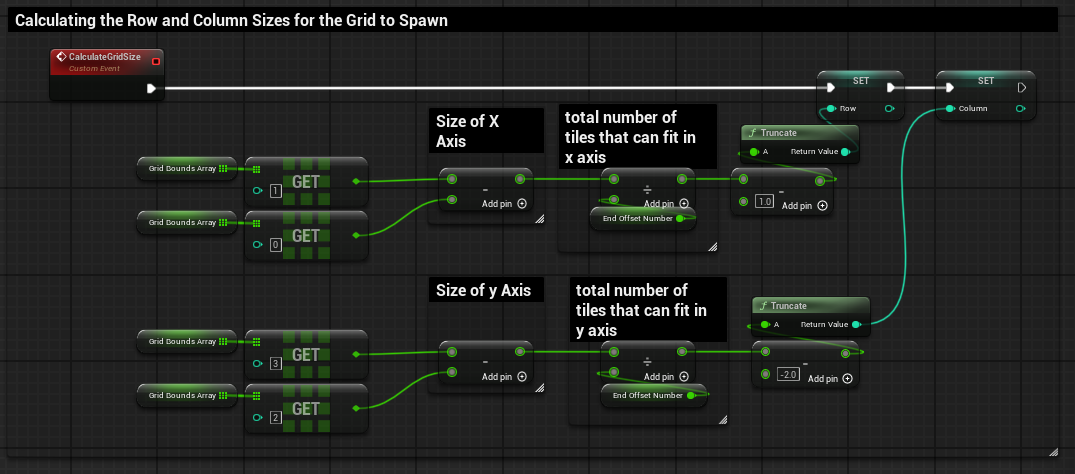
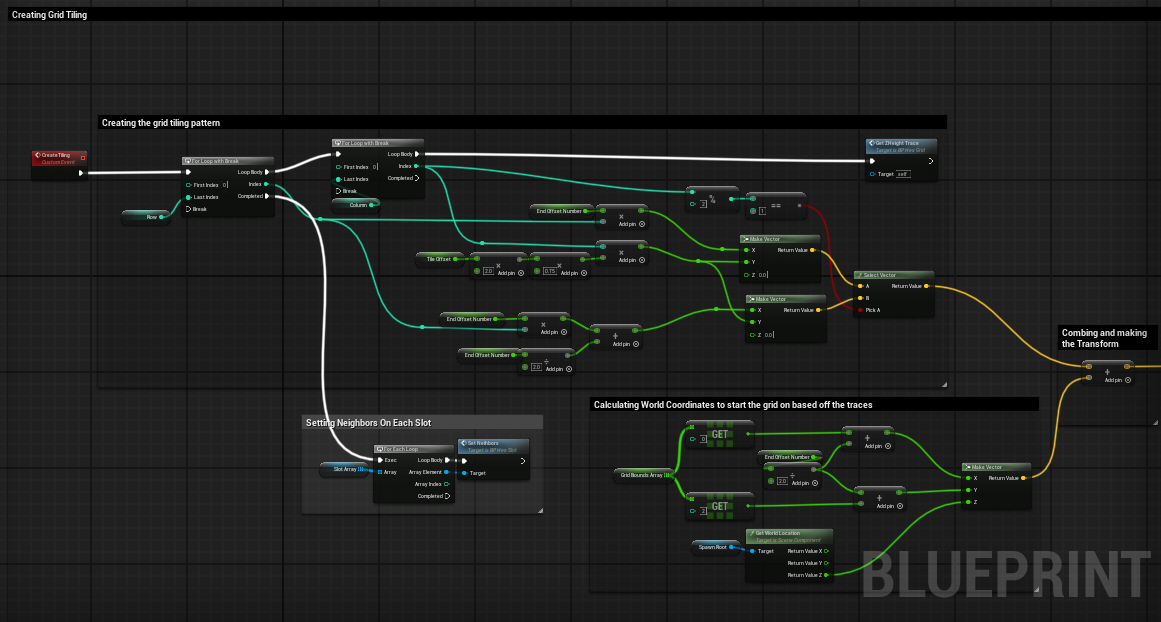
Action Combat System
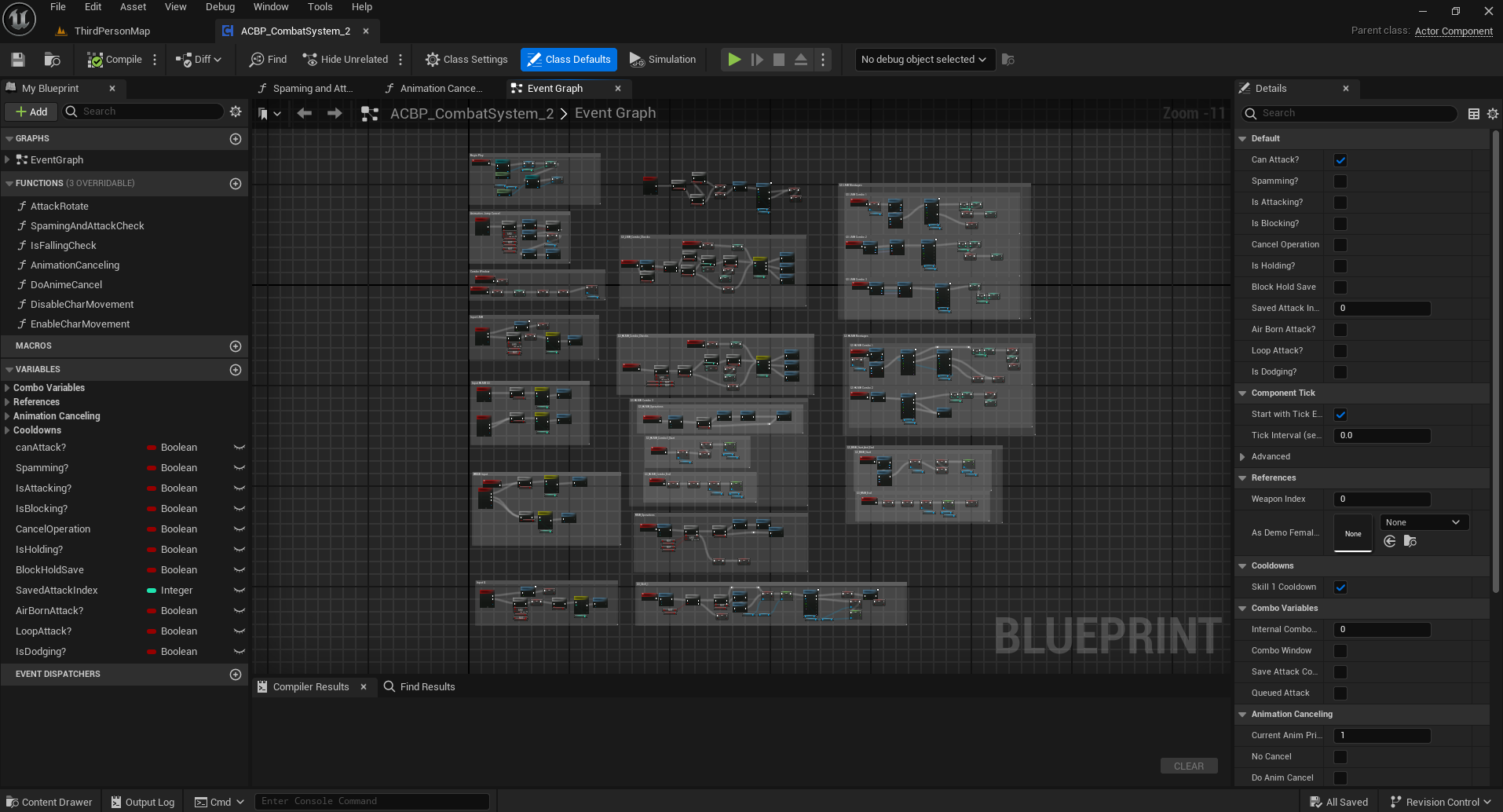
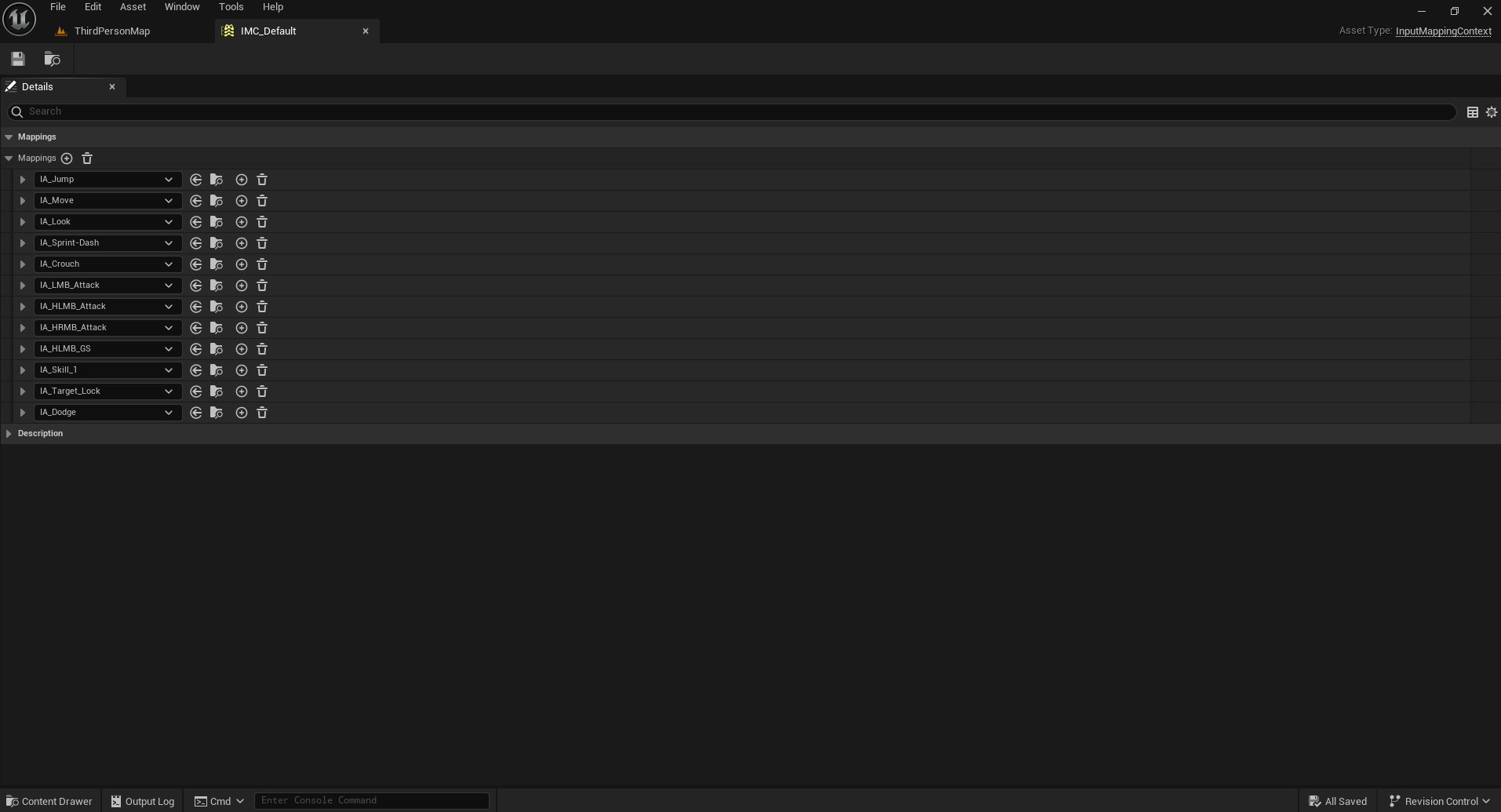
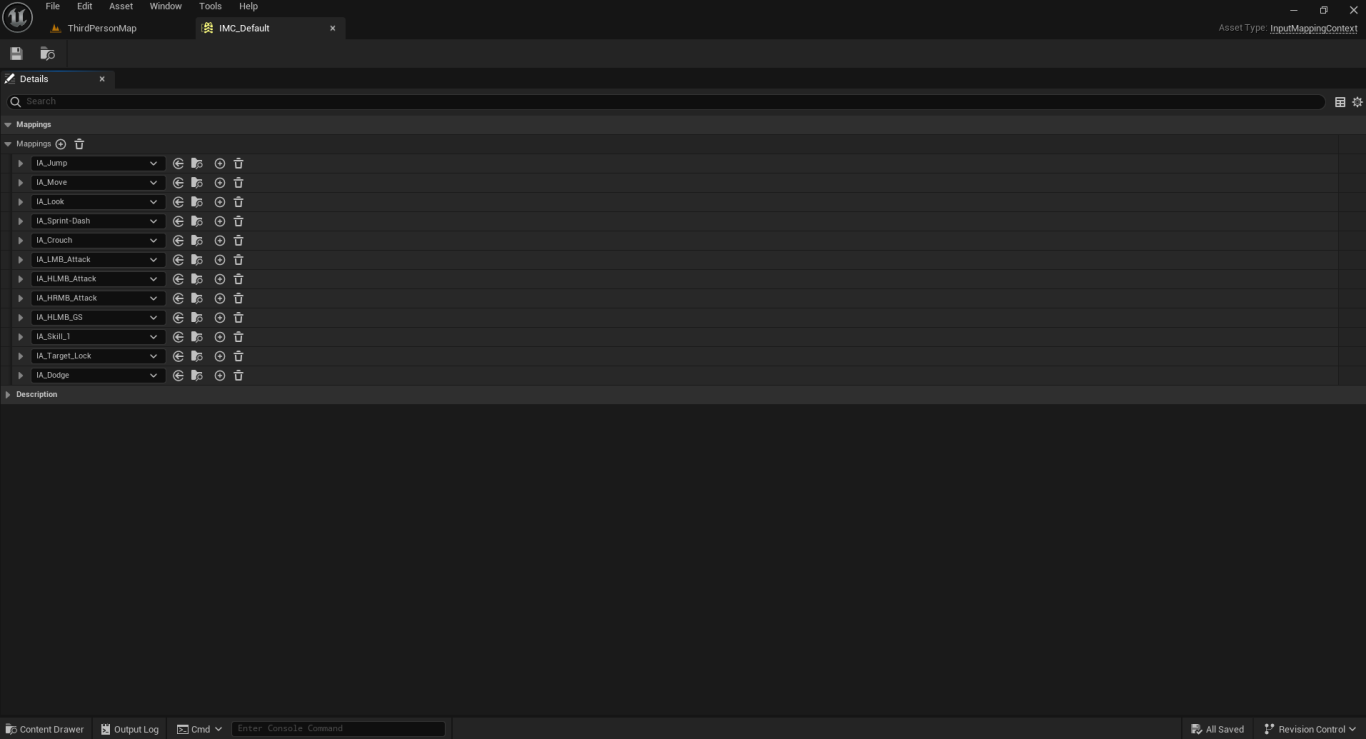
This system was designed for an action combat game which utilizes combos. I wanted to test myself and build the entire system using blueprints. I was able to successfully accomplish this and designed a simple and intuitive system that allows for a high skill ceiling. The system is also modular and can be easily update with new weapons / abilities.
Attack Combo 1
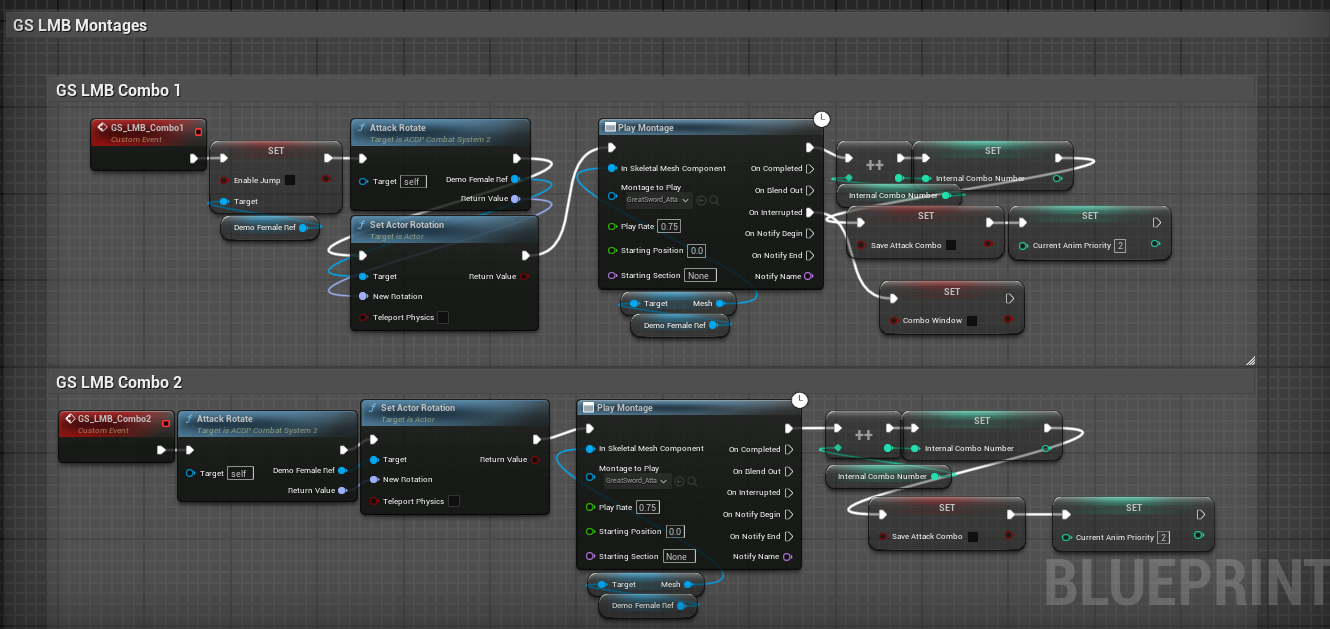
There are 3 attacks in a combo. These can be mixed and matched. So you could use the left-click 1 attack, and then the Left click hold 2 attack, and then the left-click 3 attack. Also, the combo inputs are designed to save your inputs so a player hitting an input before the animation is complete won't miss their combo.
Attack Combo 2
There are also different attack types, like channeled attacks. You can see a demonstration of that here with the spinning attack. The controls for this game have a left-click for the 'light attack' attack combos. And a left-click-hold for the 'heavy attack' combos.
Directional Dodge
Due to the fast pace nature of the game. I opted for a reasonably fast and very responsive directional dodge. This is different depending on the weapon. And is usually faster than this example as this is the slowest weapon. Also, when a player dodges, it resets their combo number.
Directional Block
I also have implemented a directional block. It can be used to block incoming hits from the front of the character. While it doesn't need to be perfectly timed, blocking will stop player stamina from recharging and have a cost for each attack blocked. Also, some attacks cannot be blocked. Blocking also resets the combo number.
Animation Cancelling
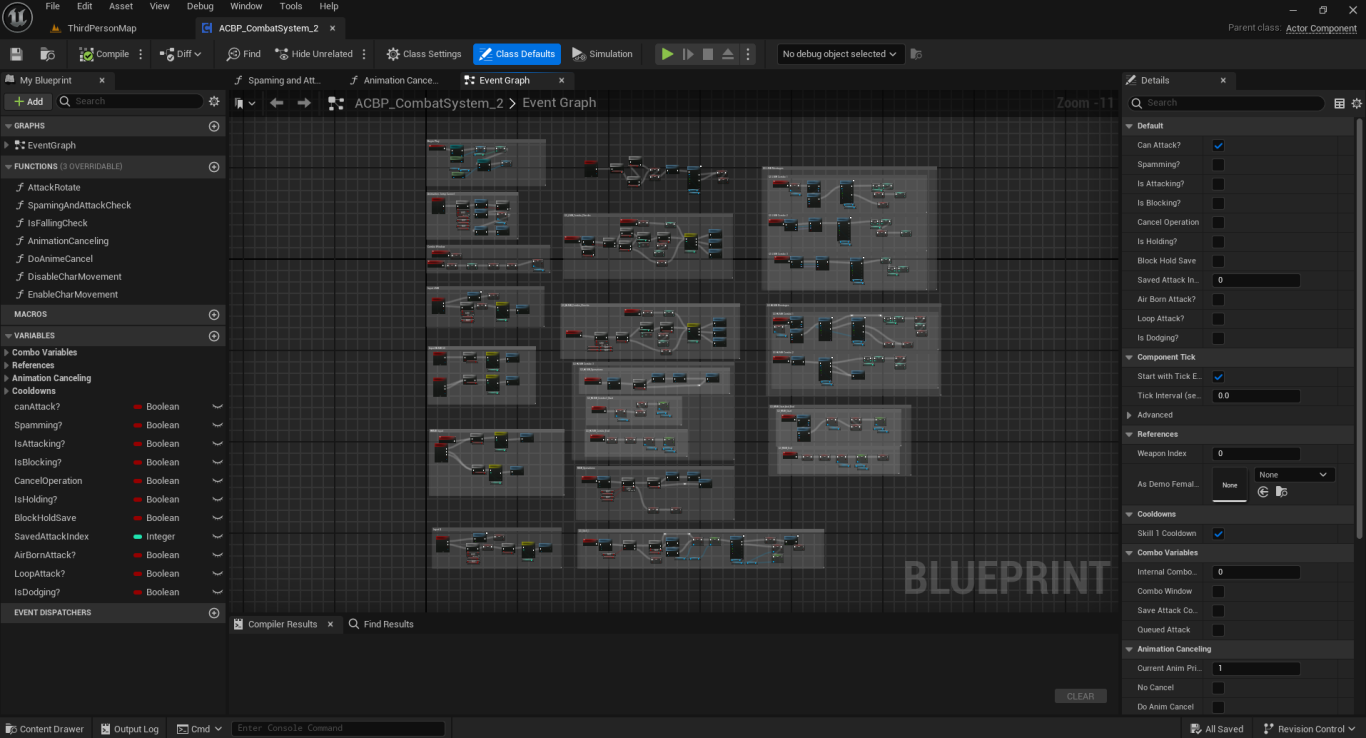
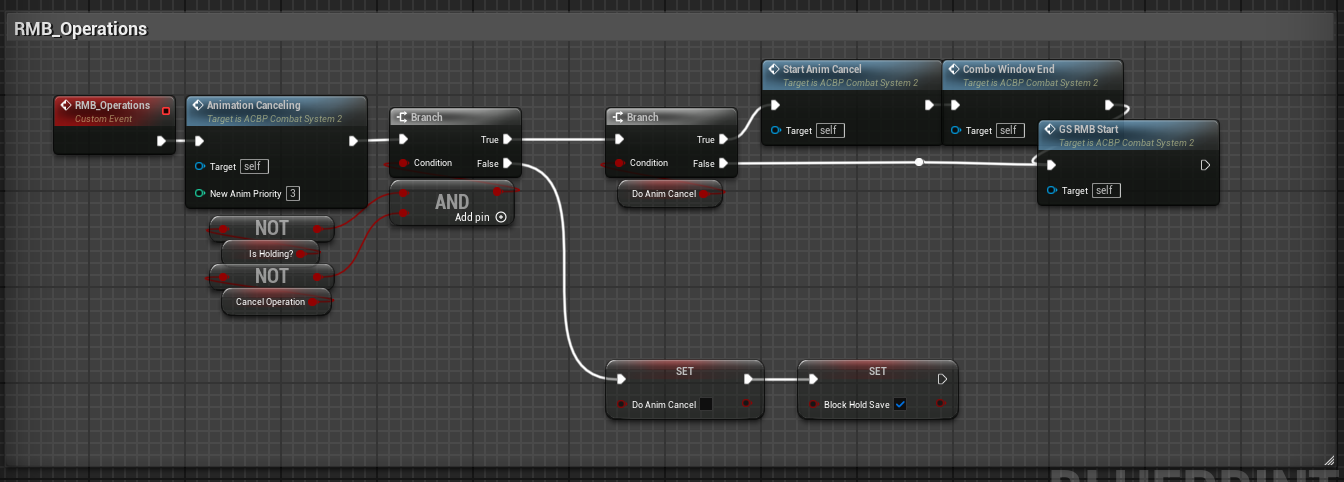
In addition to the features shown above. The system also has animation cancelling. Allowing a player to cancel the end of certain animations with other animations. This creates a fast paced, fluid looking and feeling move-set by increases the responsiveness of inputs. This is done by giving each type of ability an animation priority number. Higher priority animations will then be able to cancel lower priority ones.
Code Examples
RTS Game Project
One of the first projects I worked on was an RTS game. I used it to learn and put into practice everything I was learning about Unreal Engine at the time. I also wanted to get a good view of everything that goes into creating a game like this. Below are some examples of work I did for it.
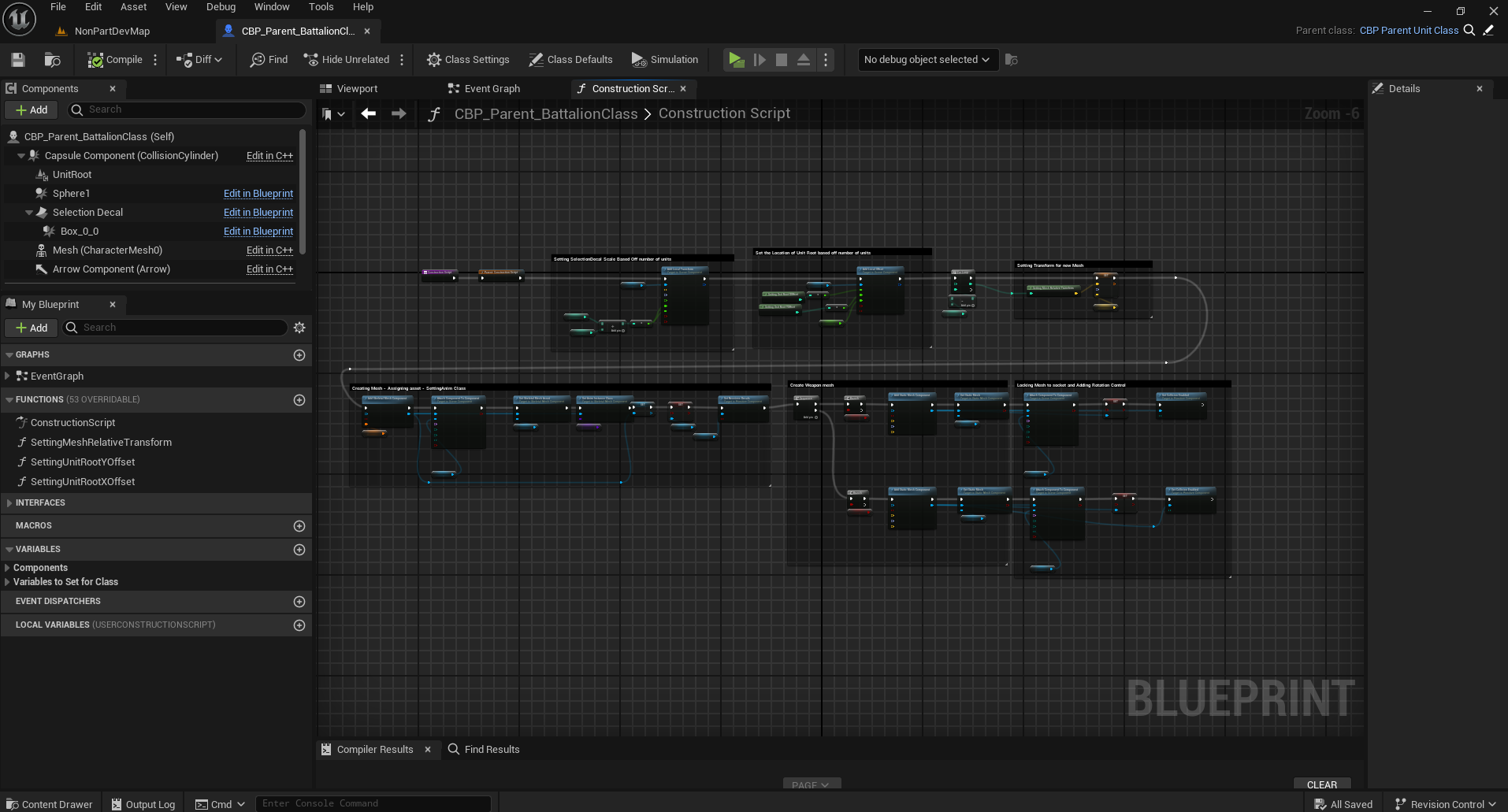
Unit Battalions
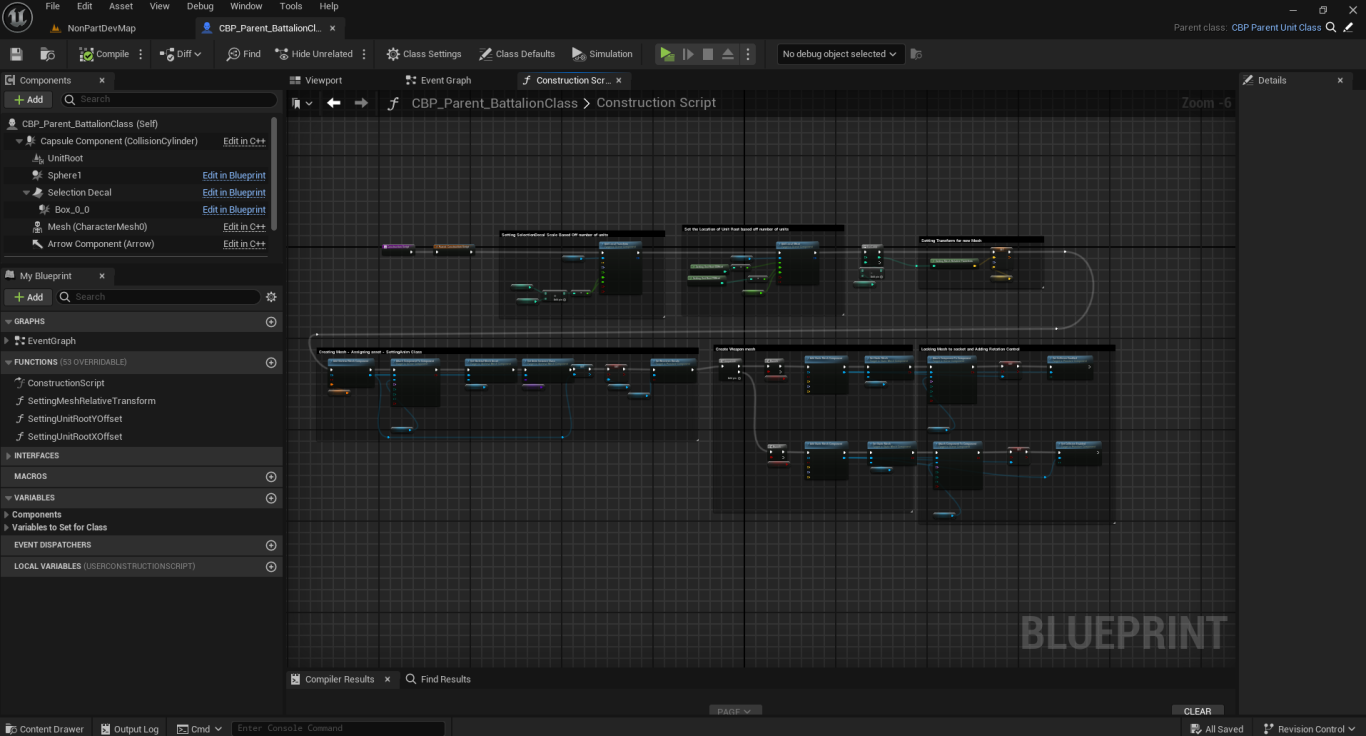
Units are modular and can be easily increased or decreased in size. During combat, the number of character models in formation can change based off their current health. There are a number of different types of units, including ranged, melee, offensive magic casters, and support units.
Building System
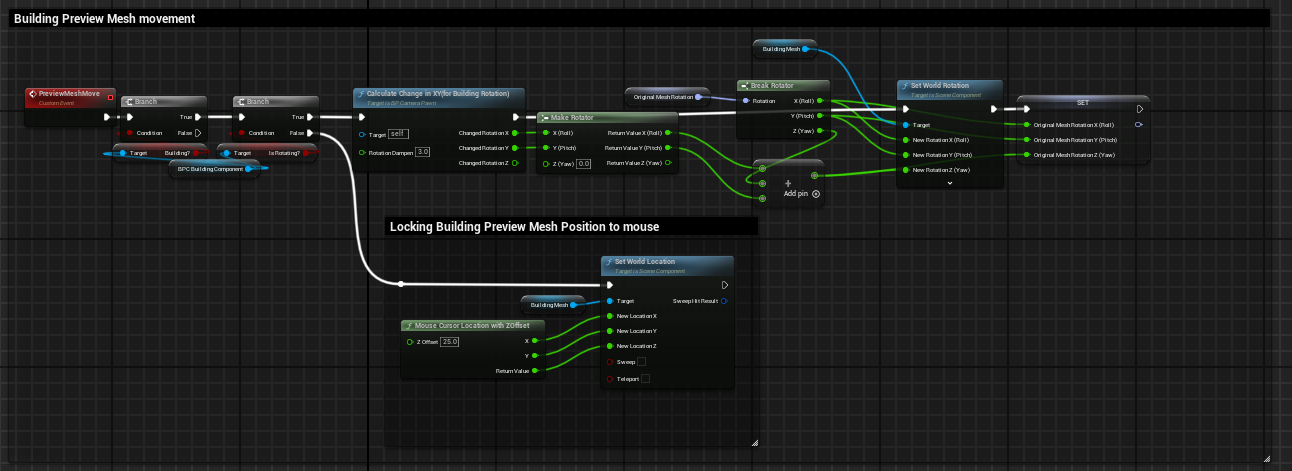
The building system can be accessed either through a key binding, or through the building menu. It shows a preview of the building and the player can switch between the different building types with the scroll wheel. It will change the color of the preview between green and red depending on if you can place a building in a location. Buildings can also be given a cost for construction.
RTS Unit Selection & Movement
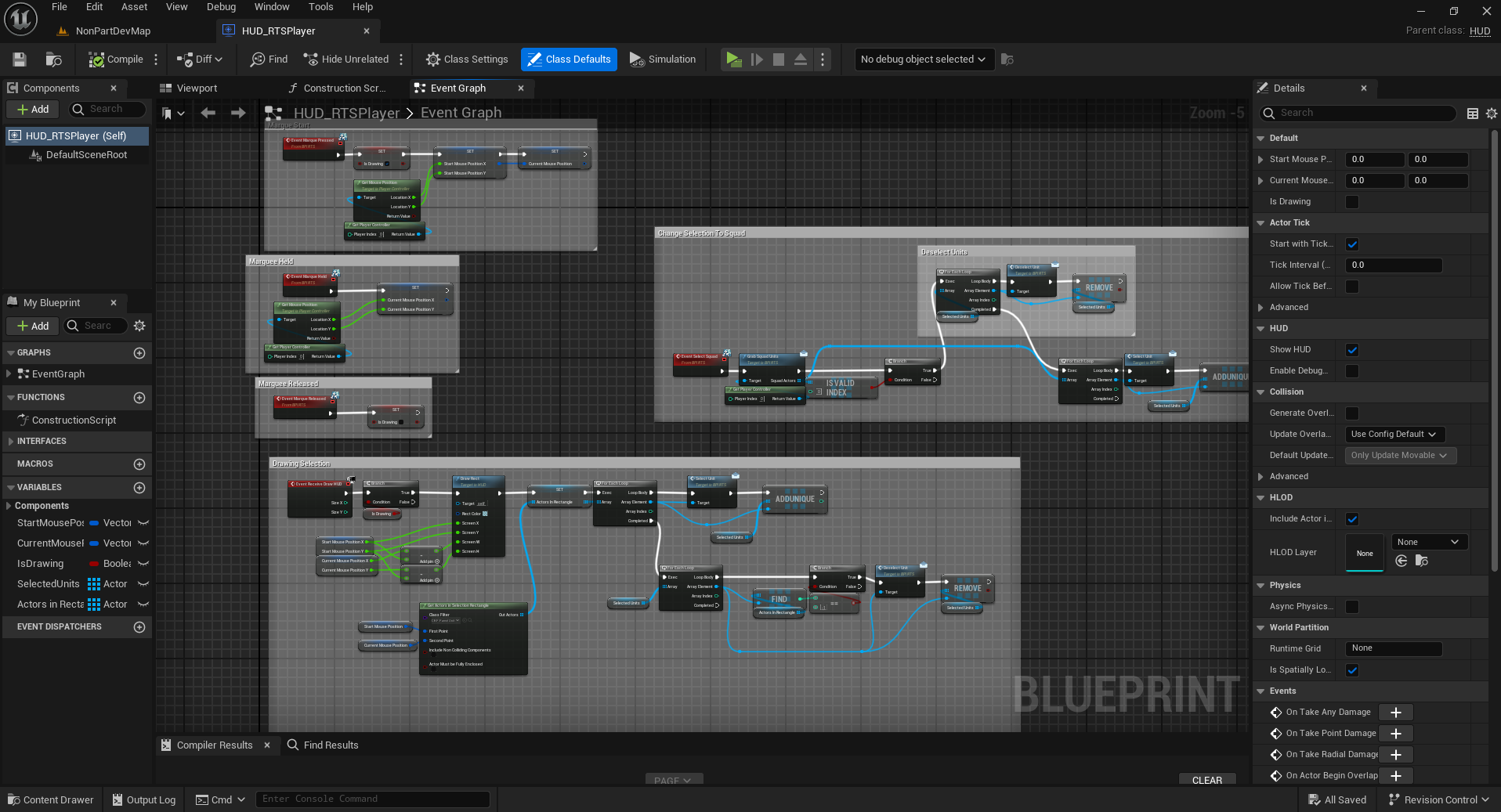
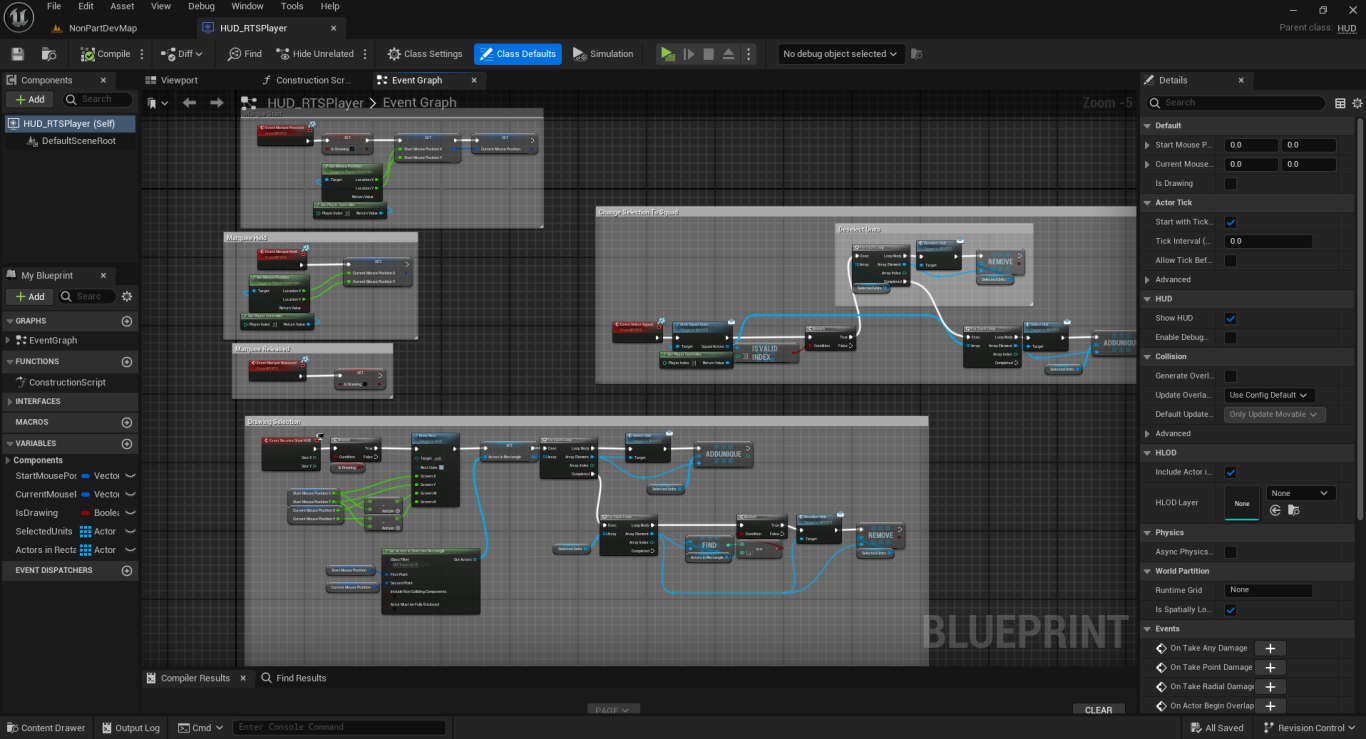
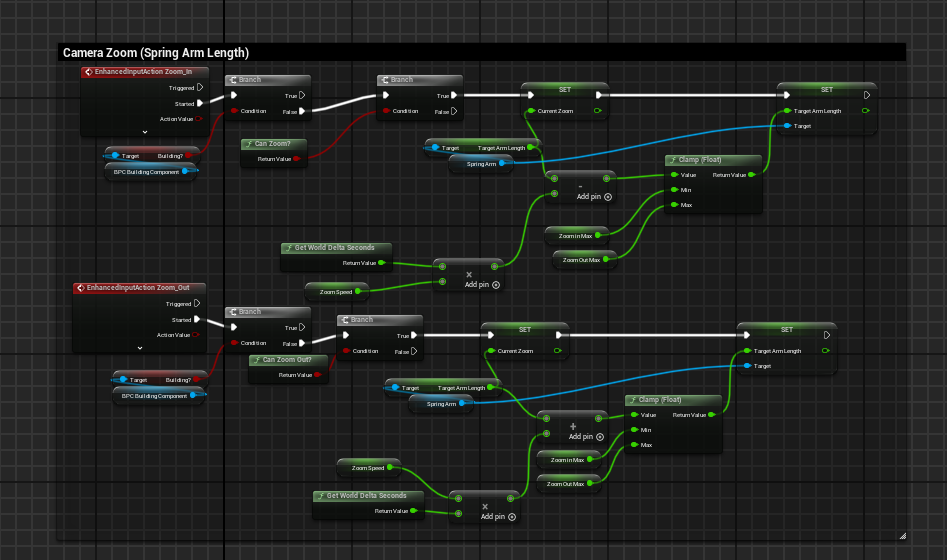
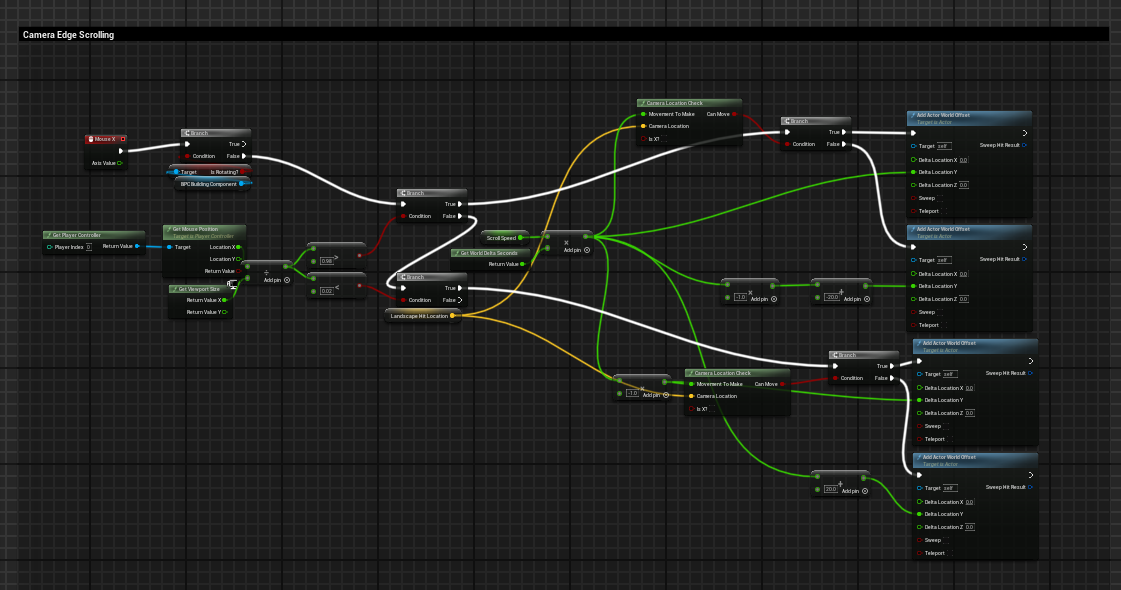
I set up a standard RTS style camera system. Allowing the player to zoom in and out, and move the camera freely using their mouse. The units can be selected with a marque selection, and allows the player to save groups of units as an 'army'. These armies can then be re-selected with a keybinding for fast movements.
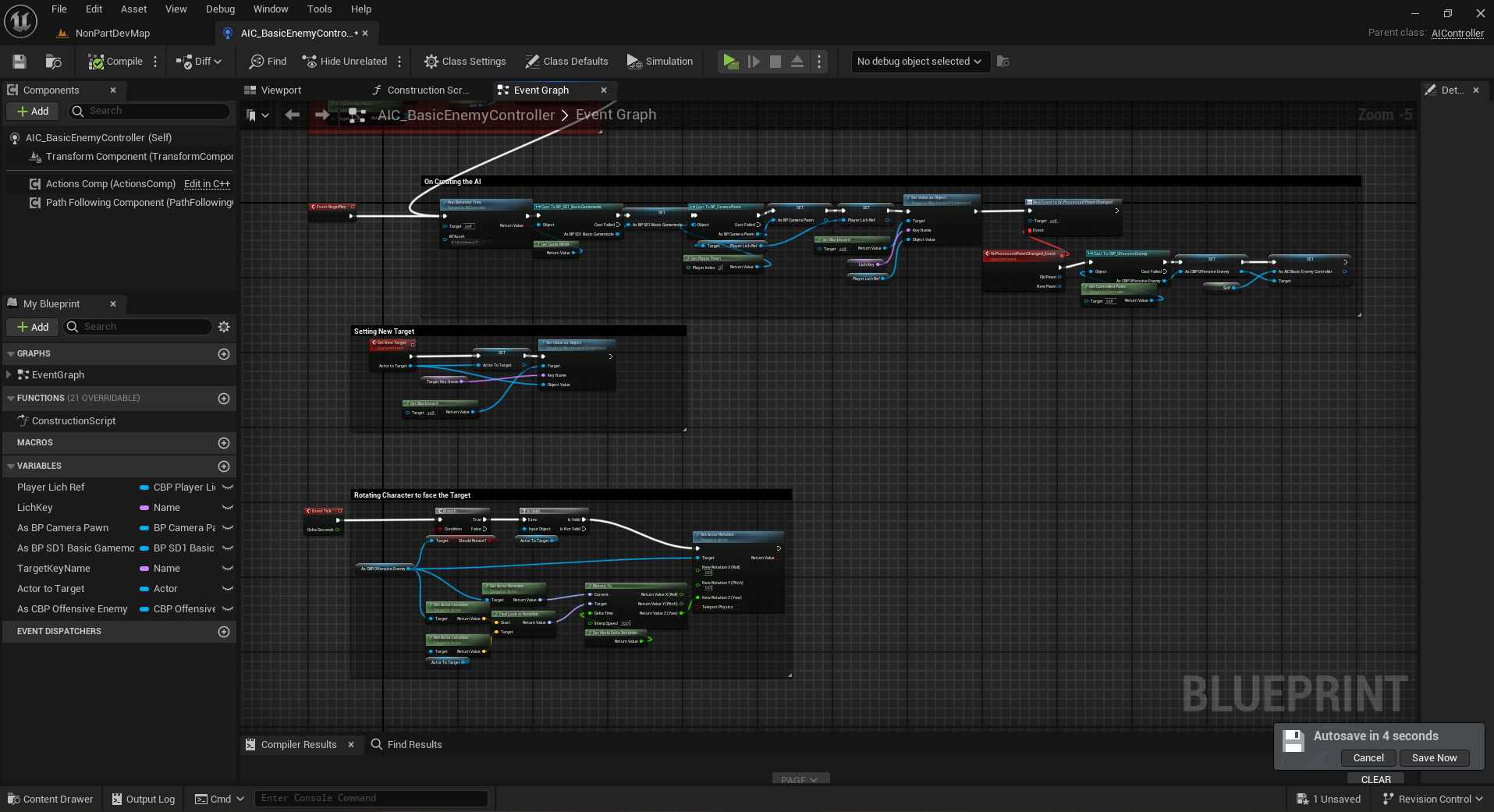
Enemy AI And Combat
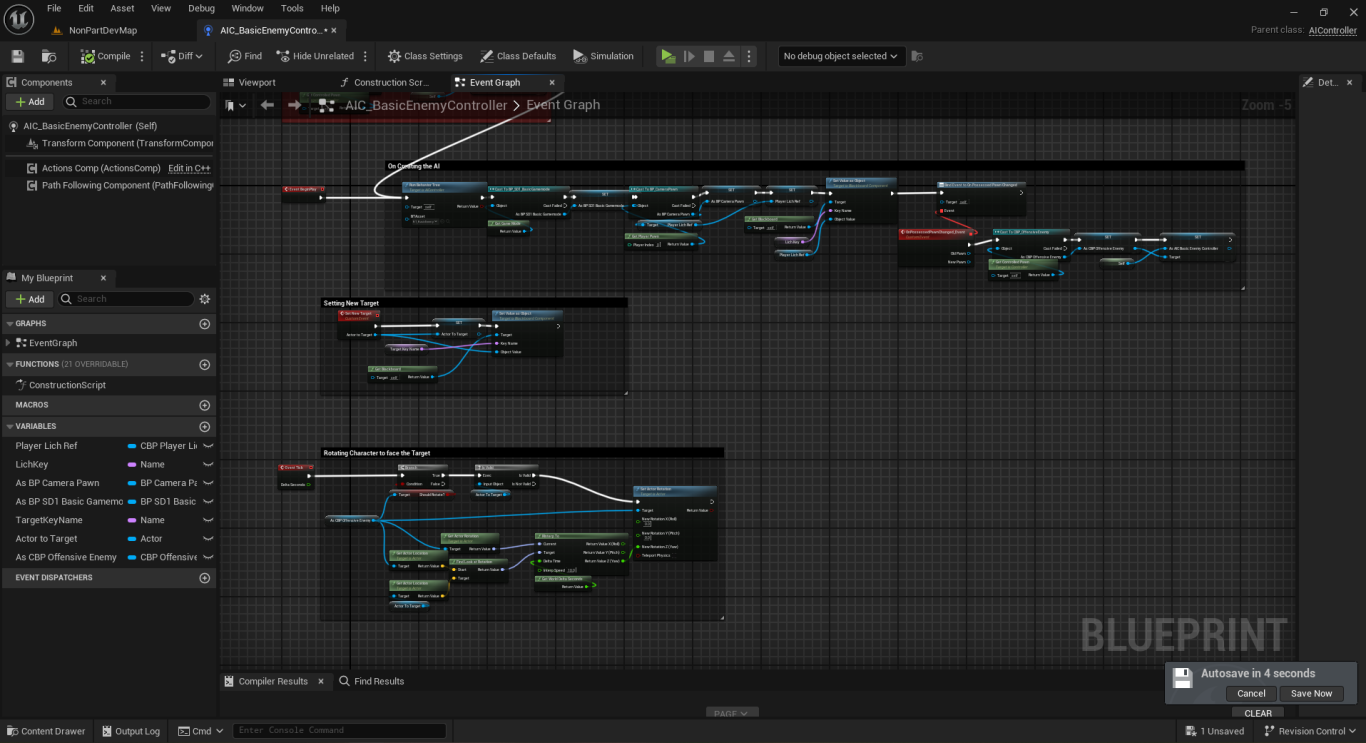
The game was designed to be a mixture of tower-defense and RTS. So, I built a simple and straightforward enemy AI system. The enemies spawn from designated caves around the map. They then target the nearest player unit or structure and begin pathing towards it. Once in range, they will attack. Some enemies have a higher priority to attack buildings while others prefer units. Also, there are boss monsters that can be found roaming the map. Killing them grants bonuses for the player.
Code Examples
Interactive Procedural Foliage
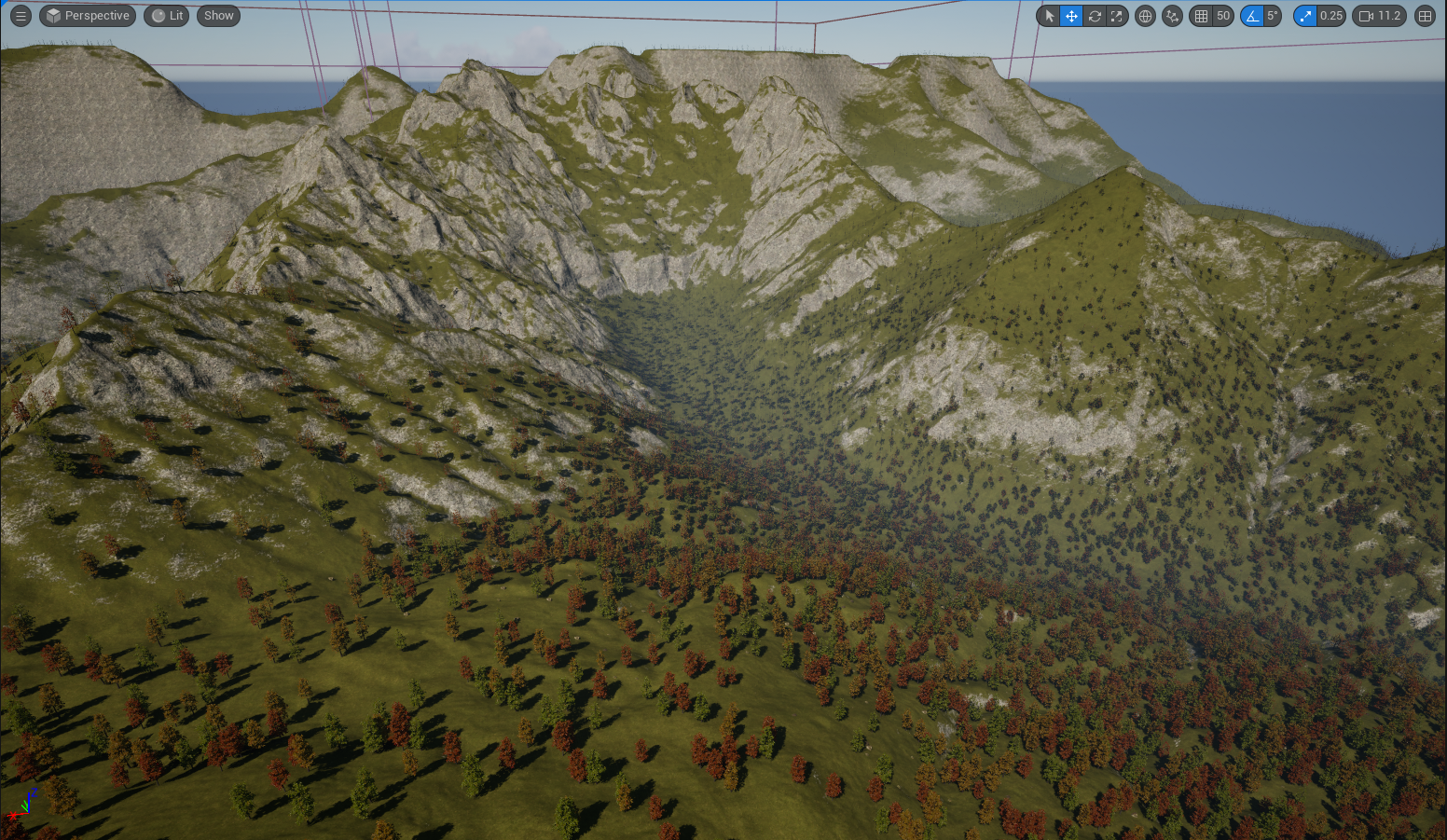
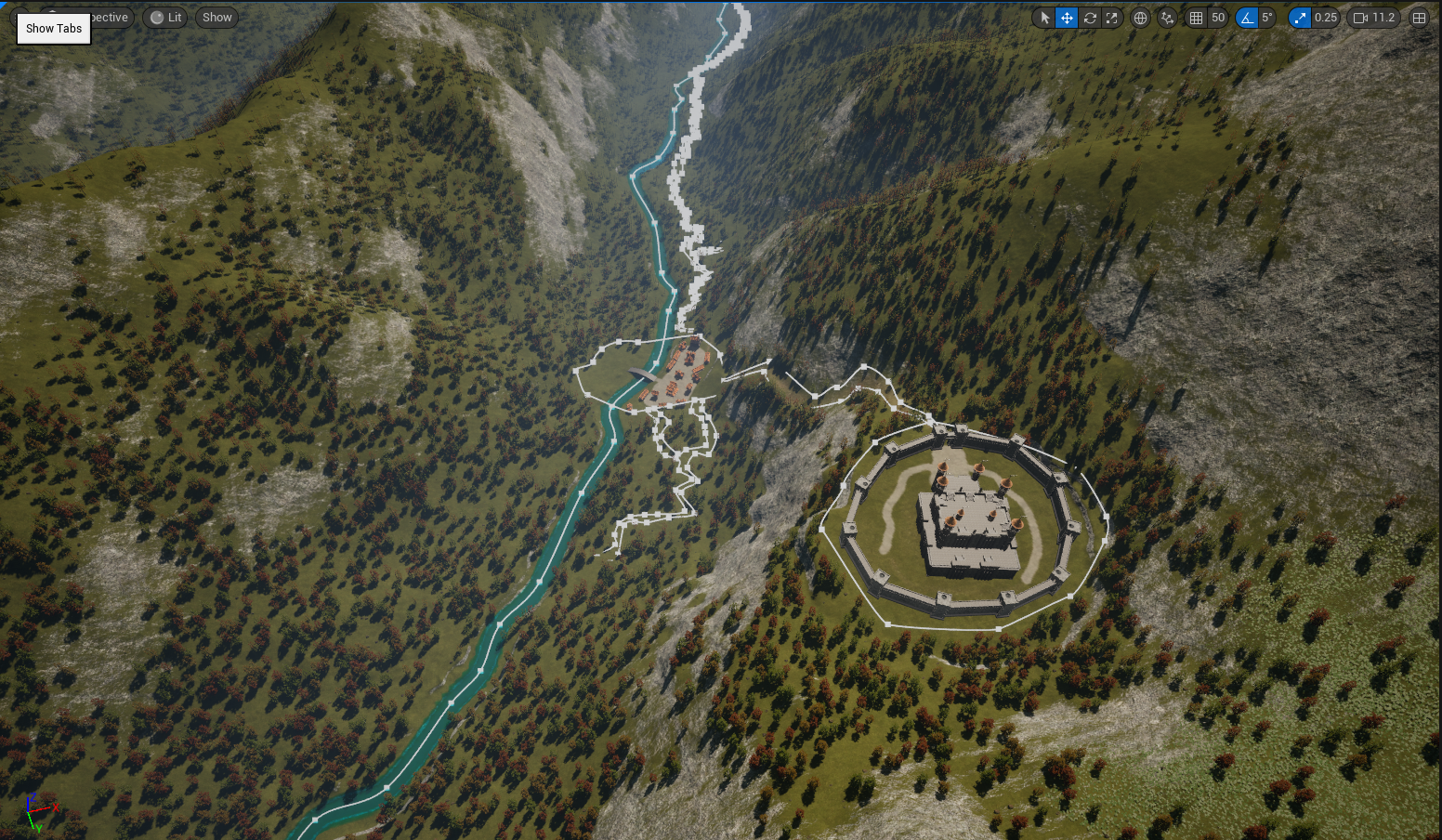
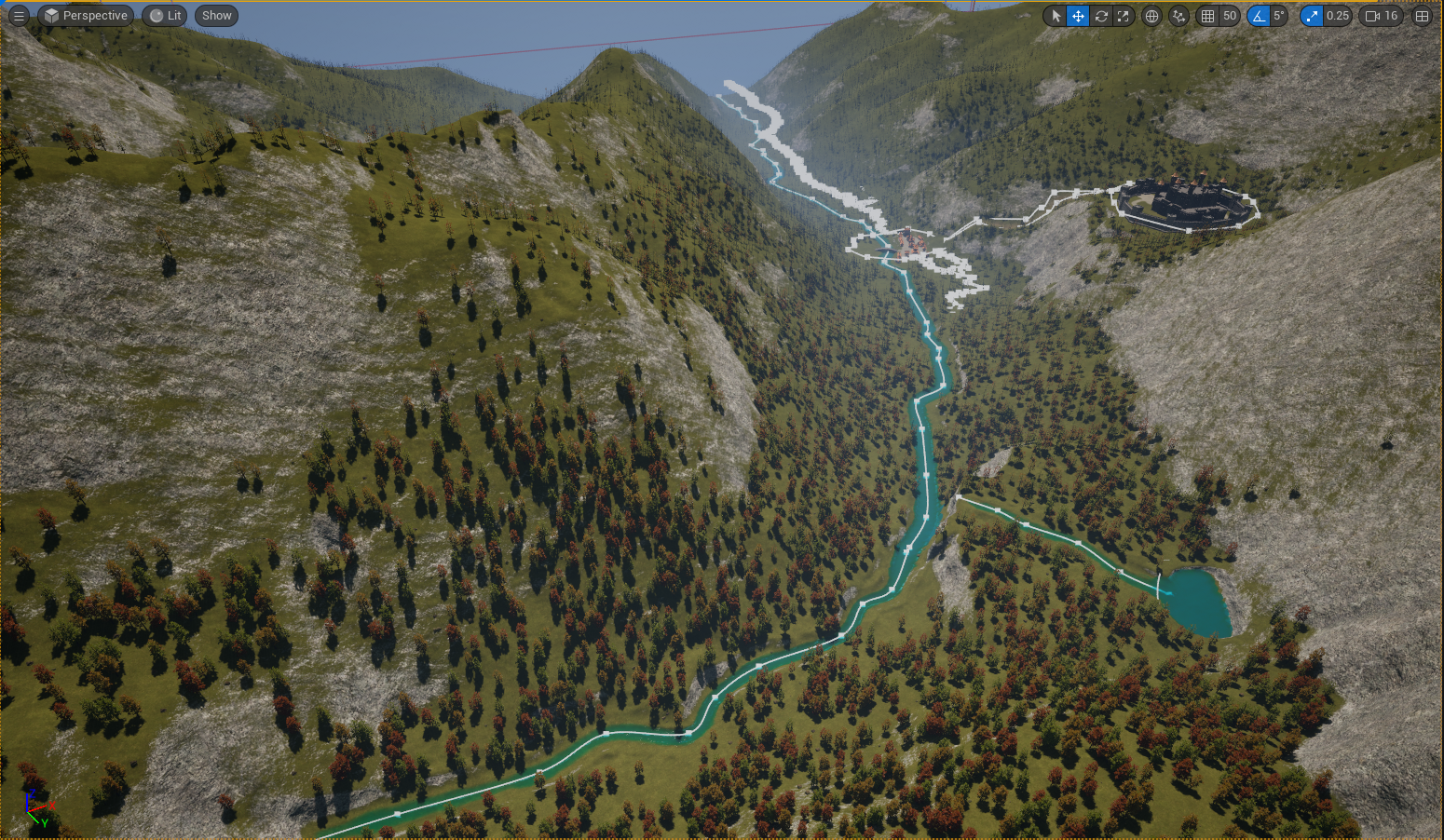
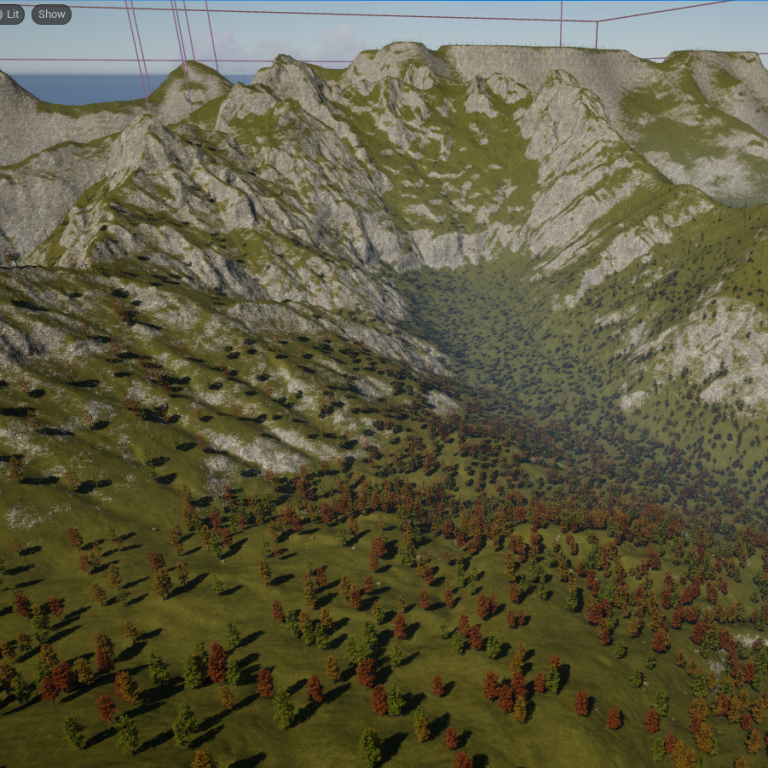
Using Unreal Engine's powerful procedural generation tools I created a procedural and interactable forest. The system that I designed to make this happen adds a lot of possibilities while also remaining incredibly performant. Using this system and nanite, I can have large numbers of trees and foliage all being rendered.
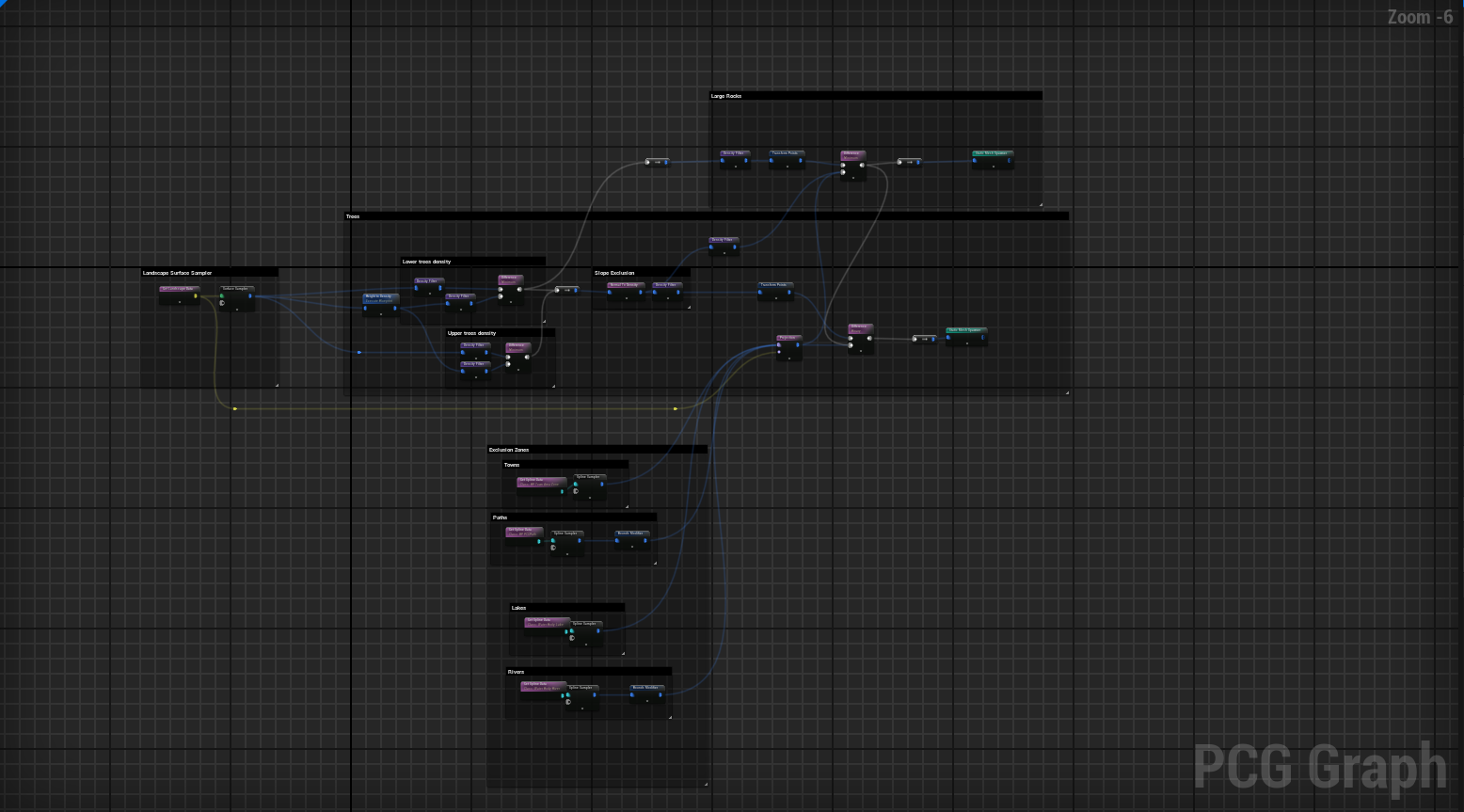
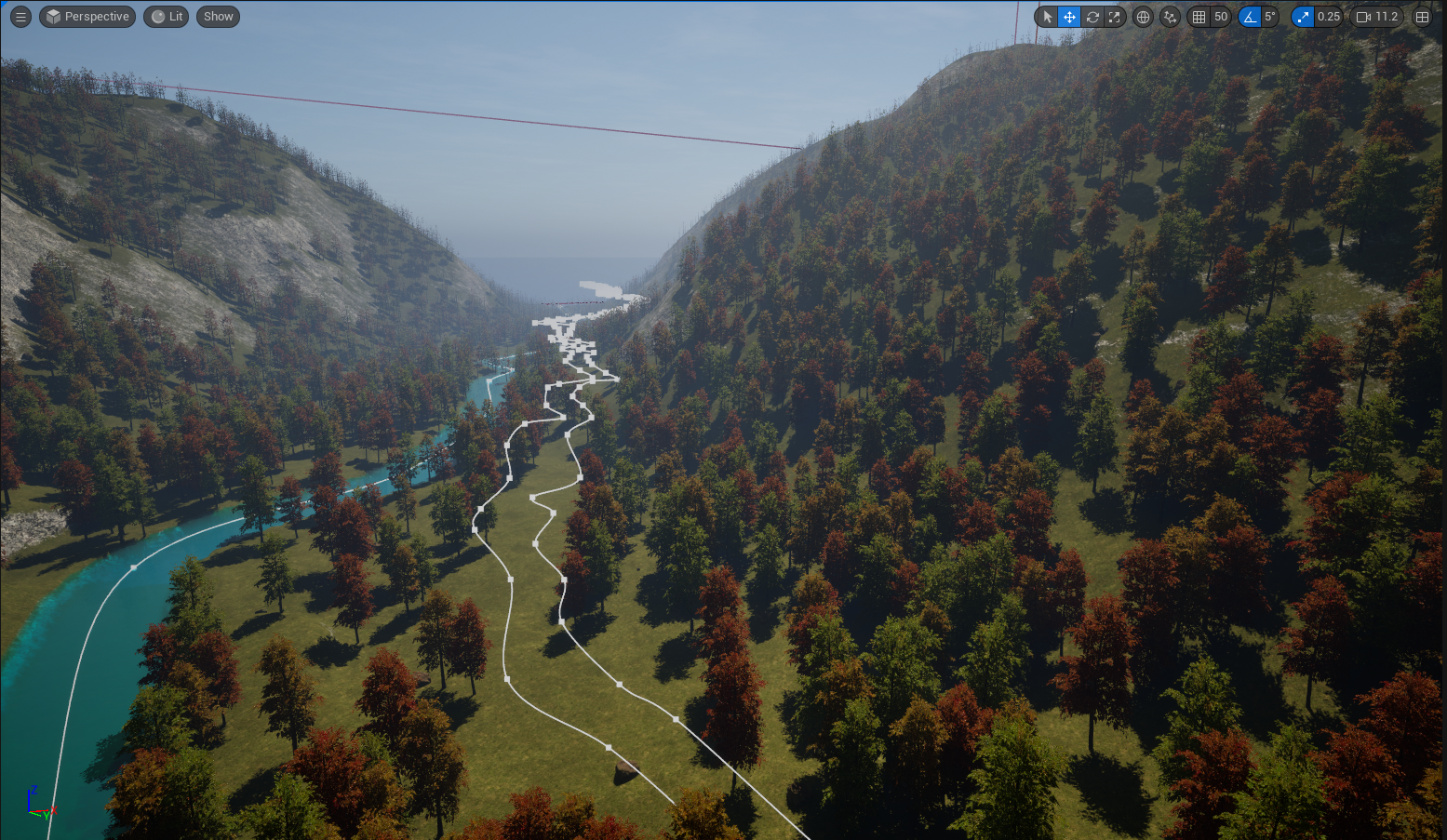
Procedural Forest
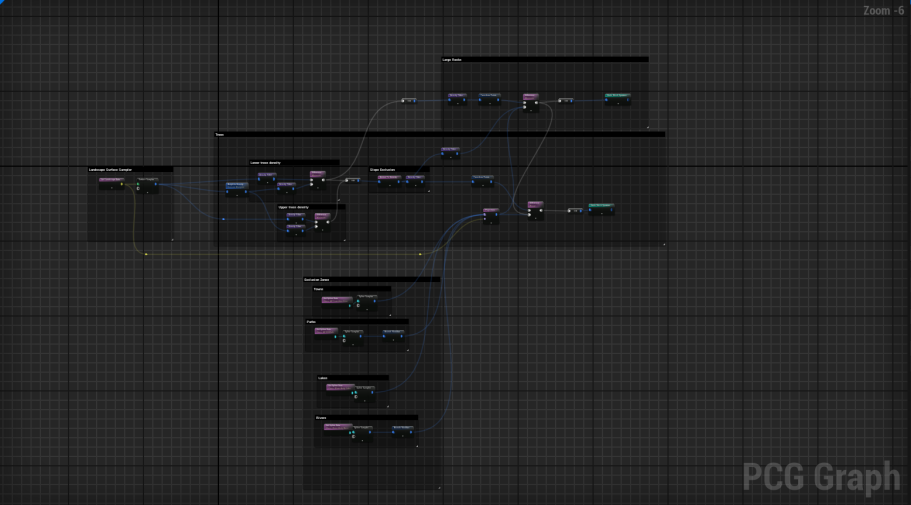
In the PCG I have a few important features. The first is that since this game world is in a mountain range. I wanted more trees to spawn in the valleys and less at higher elevations. Another feature is the exclusion zones. Allowing for rivers, towns, and paths to be easily placed in the world and the PCG will adapt to the changes accordingly.
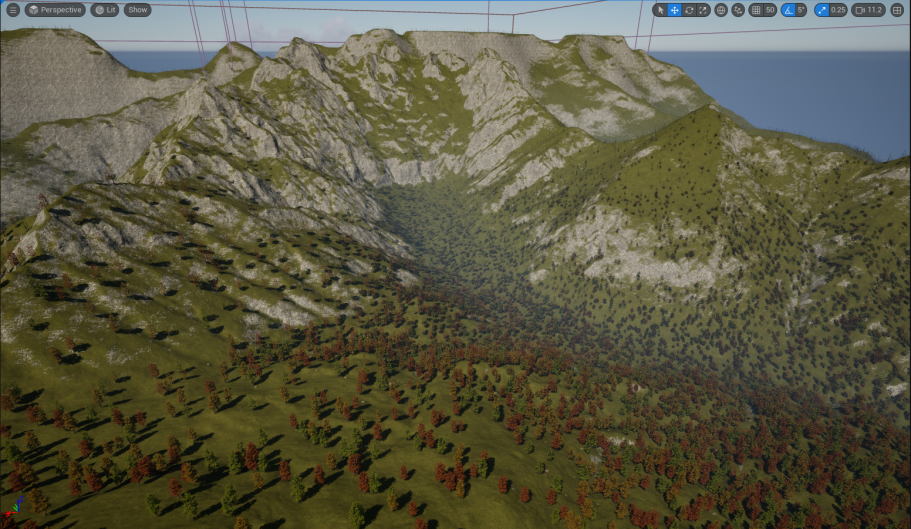
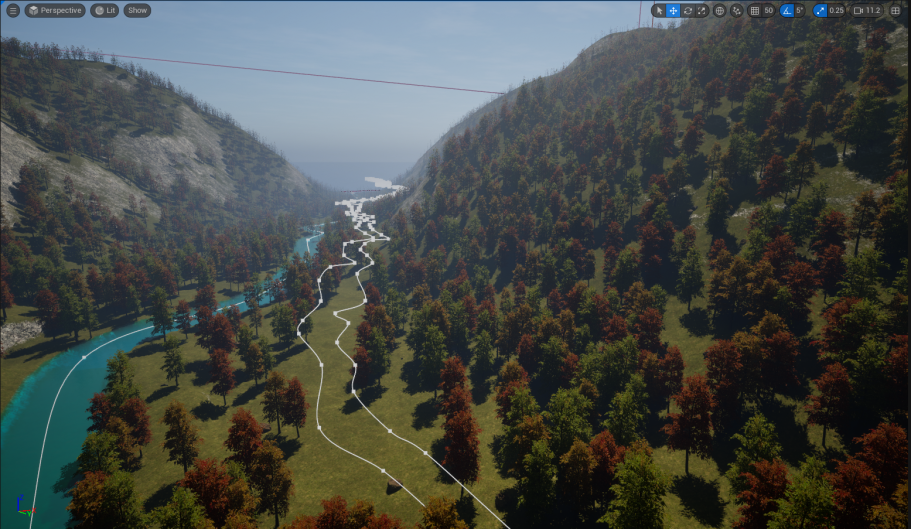
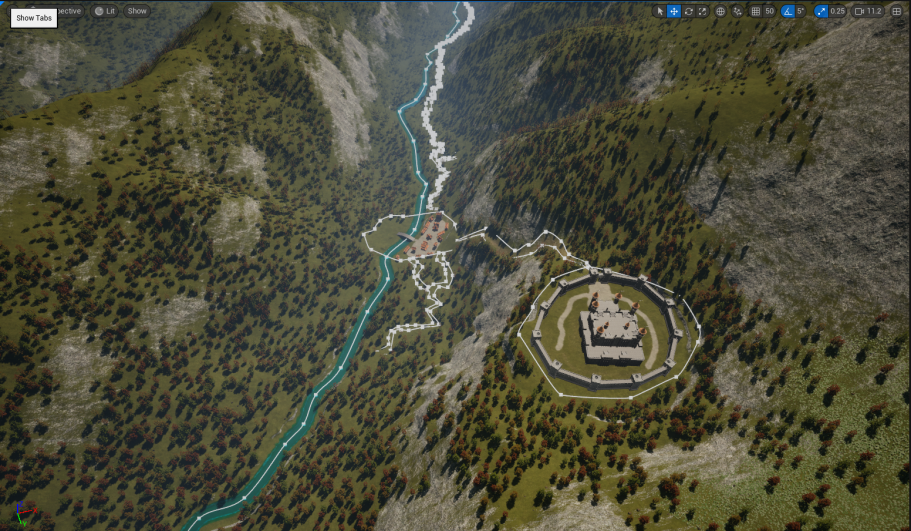
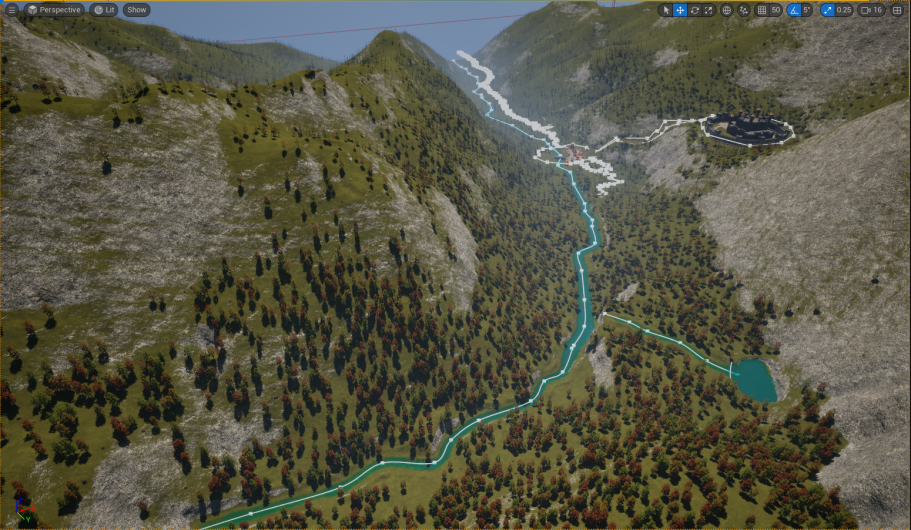
Interactive system
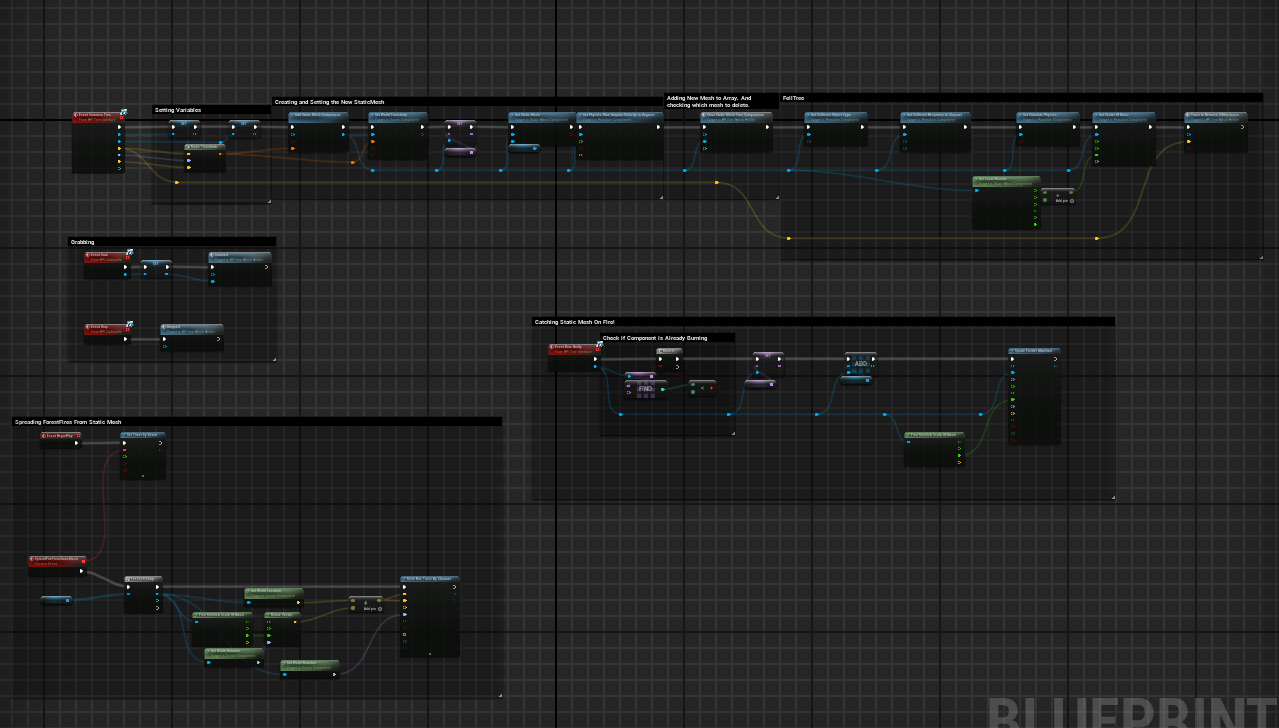
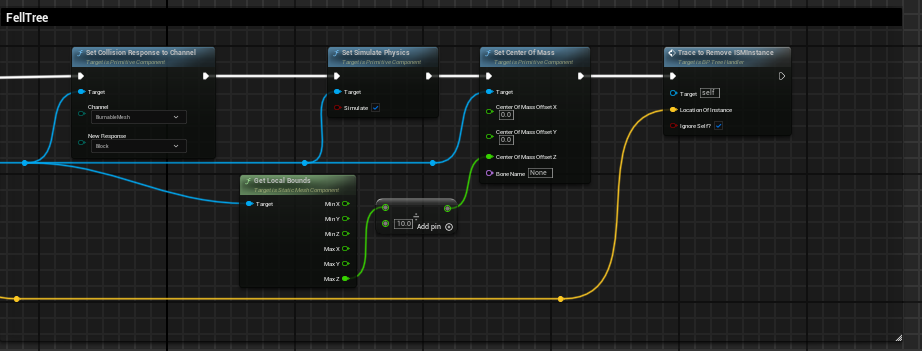
What really makes this system interesting is that it is interactive. The trees can be knocked down, set on fire and burned, and it is done without causing any noticeable performance hit. The way I achieve this is by using blueprints to edit the ISM. In the event of fire, the tree is found through a trace and then has it's mesh updated and appropriate effects added to it. But, it still remains an ISM, drastically increasing the performance.
Sometimes a tree needs to simulate physics, like when it is felled or picked up. To handle this the character has a collision sphere that detects a collision with ISM trees. It will then find it's ISM index and creates a new static-mesh version of that tree in it's location, before destroying the tree in the ISM index. This transition is perfectly seamless.
Also, instead of just spawning a new blueprint actor, an action which can cause a performance hit. I instead create a static-mesh component inside the "Tree Holder" blueprint, drastically reducing what needs to be done when loading a new tree. That actor manages all static mesh trees and allows the number of static meshes in the world to be capped and managed.

Control-Rig & Animation
Animation is one of my favorite parts of game development. I have spent a lot of time learning different methods and working out how to use the Unreal Engine Control rig to it's fullest. I believe good animations and procedural animation brings an incredible amount of value and immersion to a game.
Procedural Animation
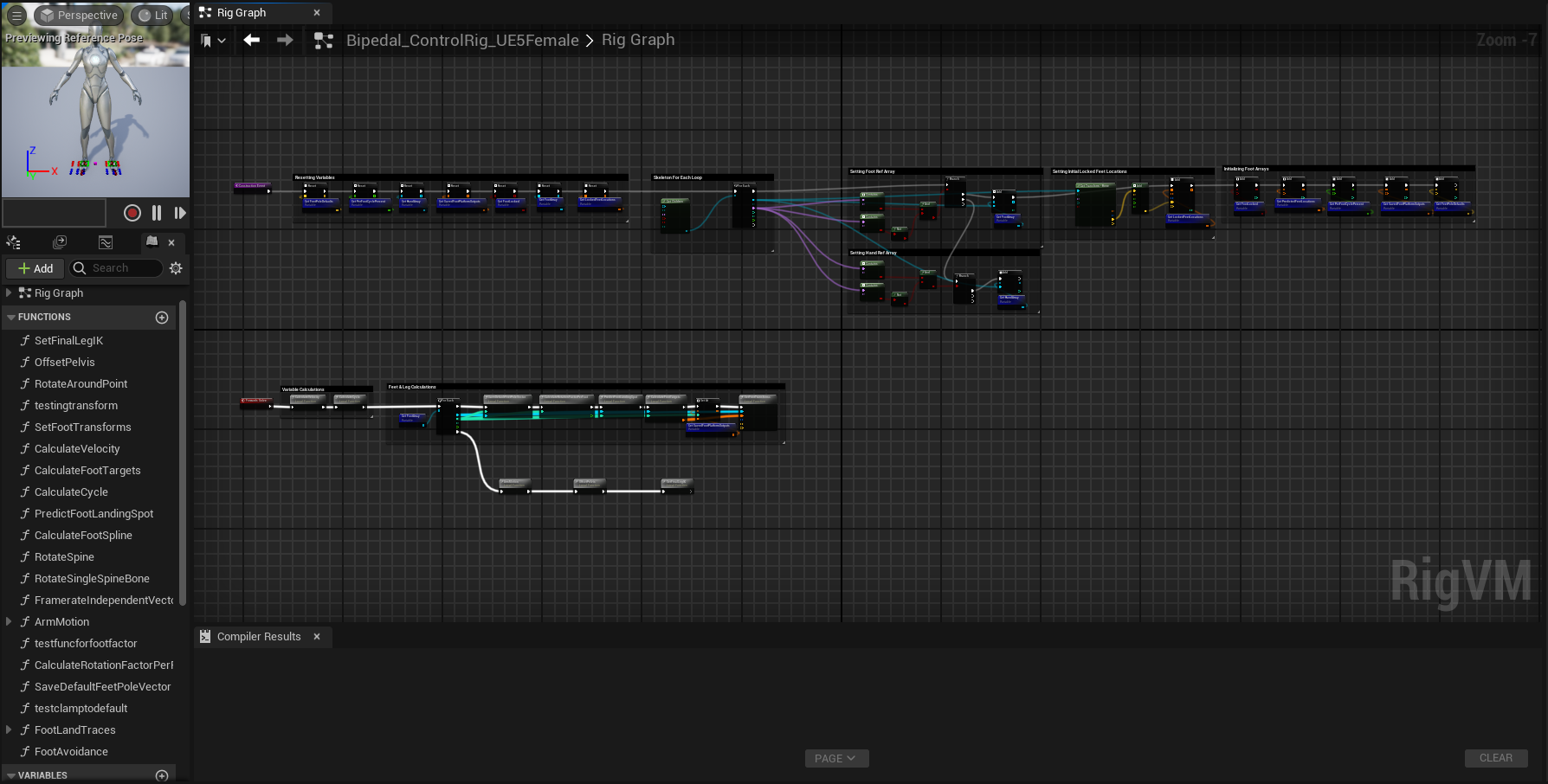
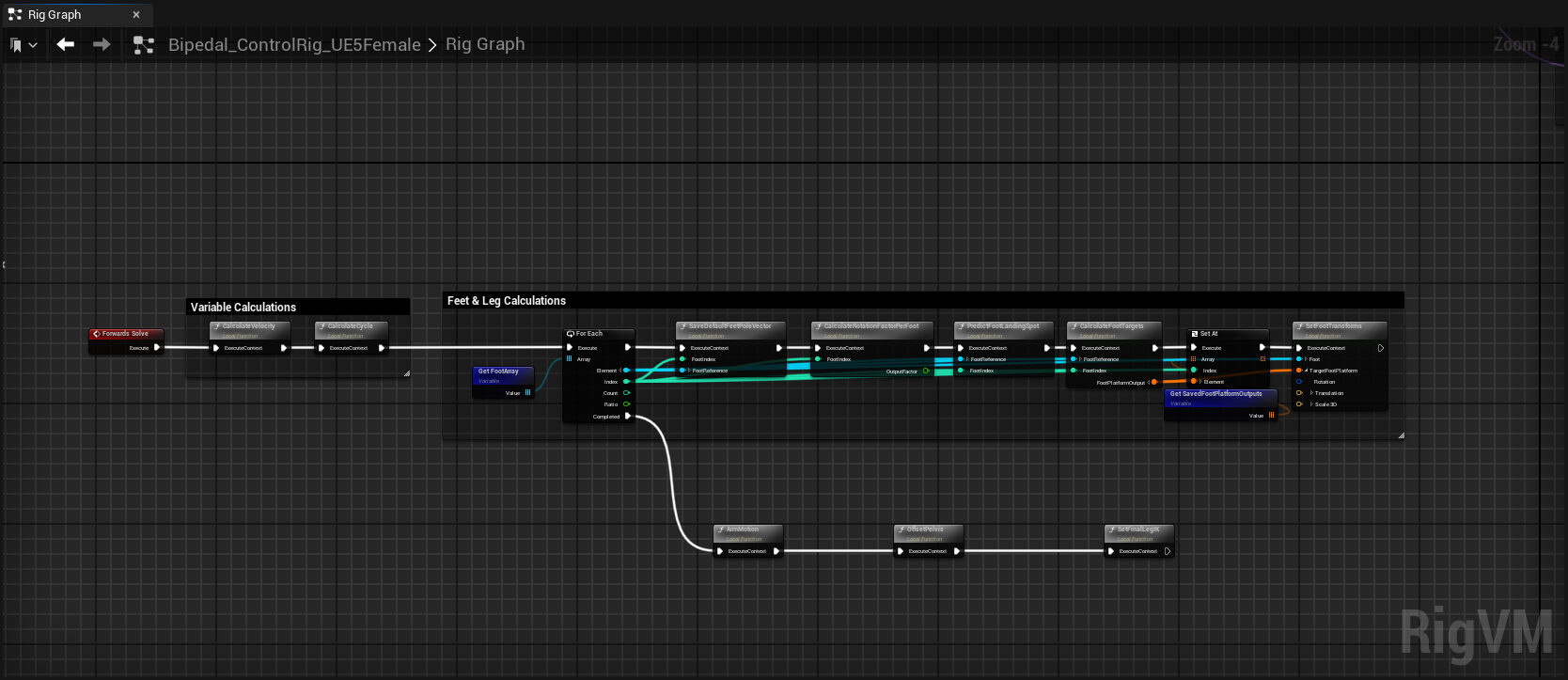
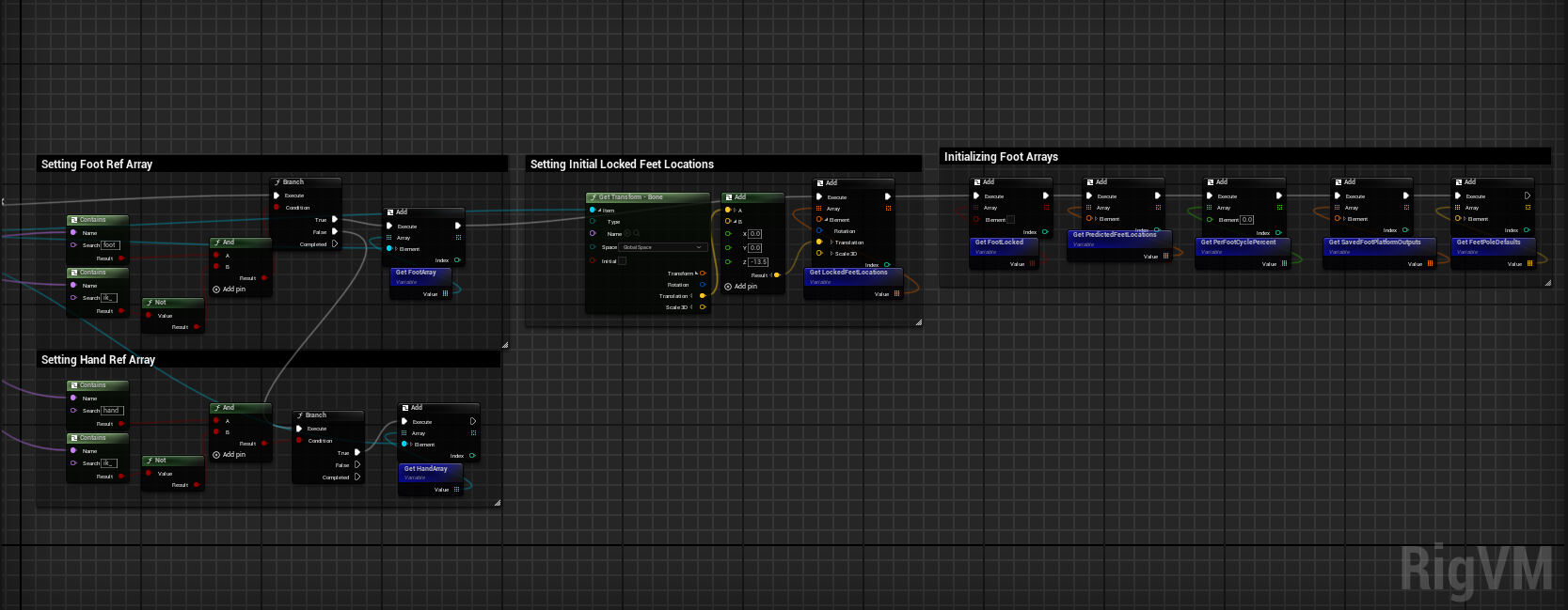
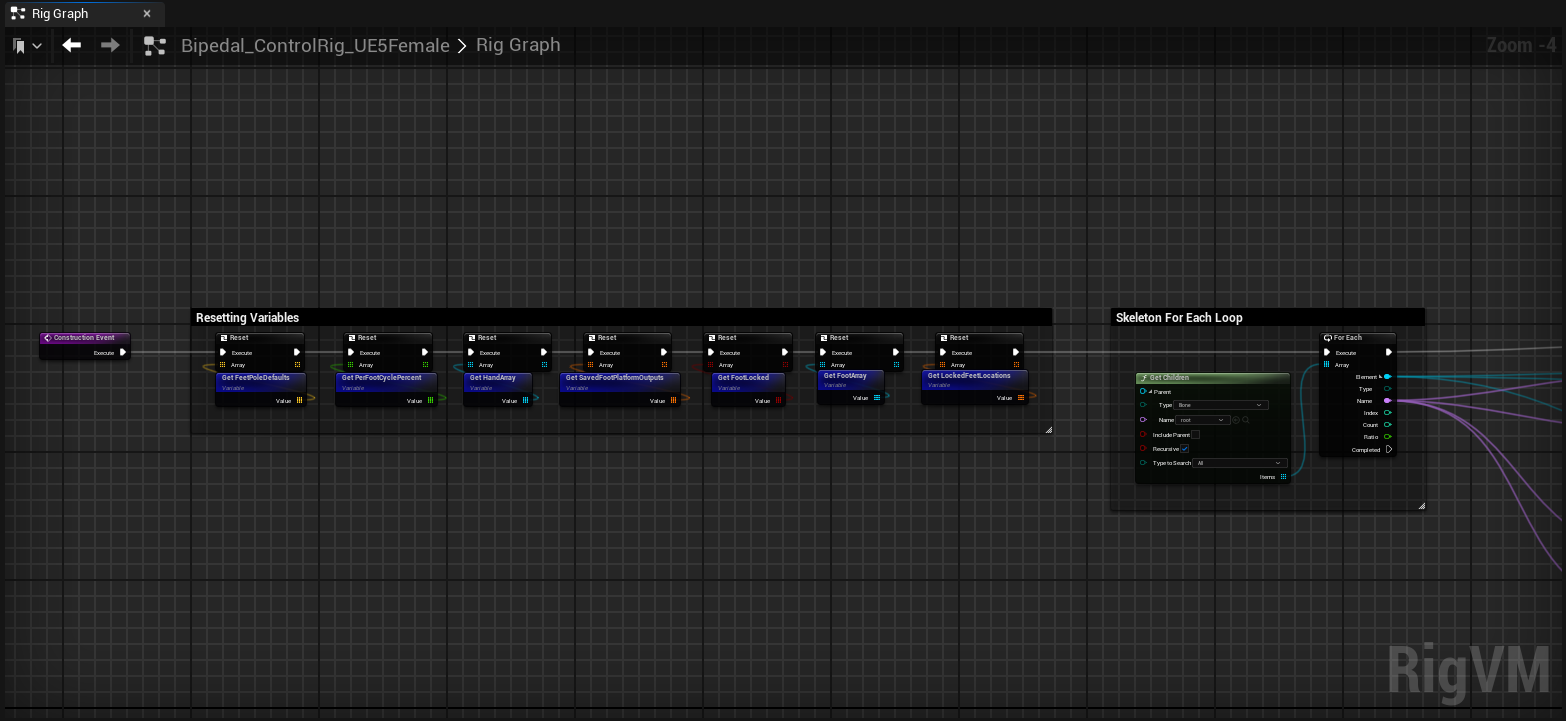
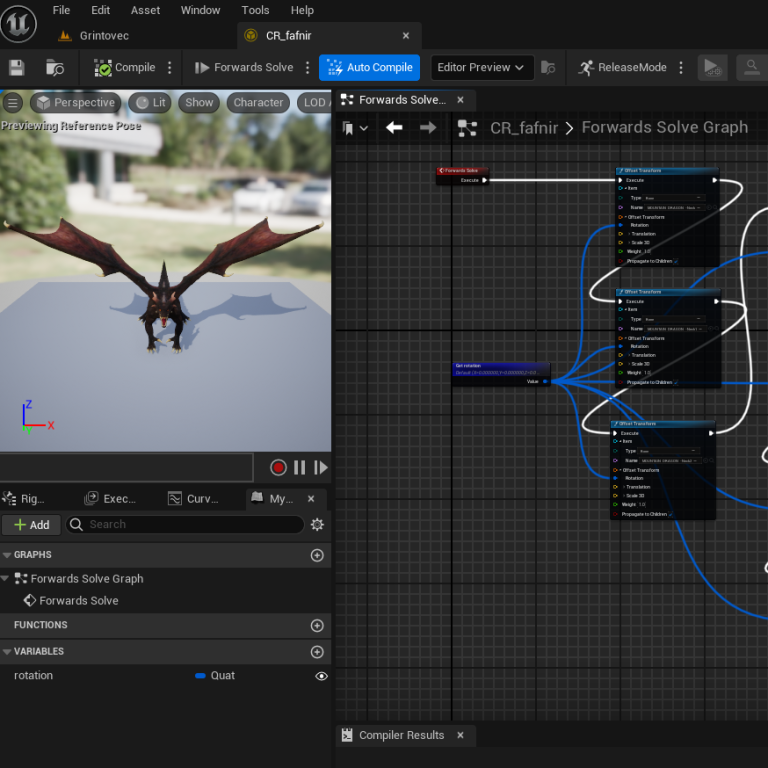
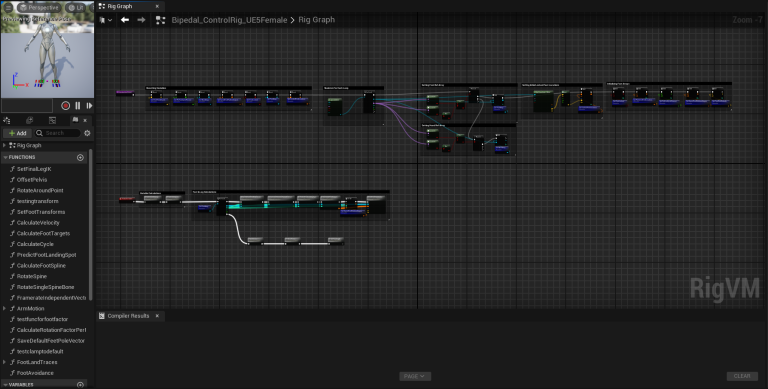
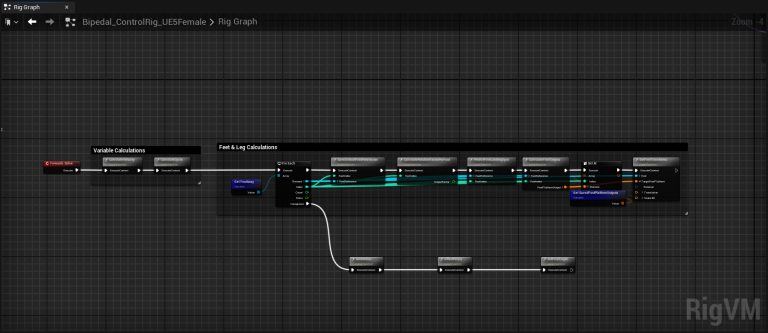
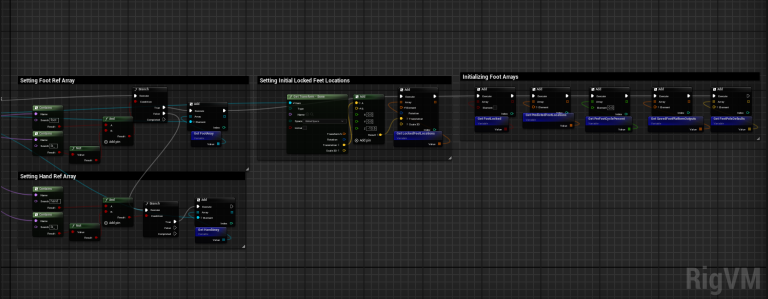
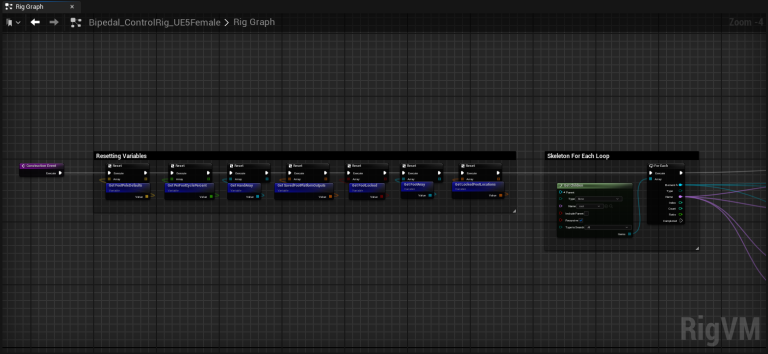
I am very passionate about IK and procedural animation. After taking a class in it, I decided to begin working on a fully procedural animation system for humanoid characters. In the videos below, the character is being animated with only the control rig.
Every step the character makes it checks the terrain below it and tries to decide on the best possible place to step. This can make a lot of animations a lot more fluid and even when used in conjunction with more traditional animation, it can add some incredible polish. Some examples are things like having a character procedural move their hand and even bend down to pick up an item, ducking under a branch or obstruction, and even placing their hand on a wall or door if they are near it. These sorts of interactions can have a huge effect on immersion.
Control Rig Examples
Motion-warping & Blend-shapes
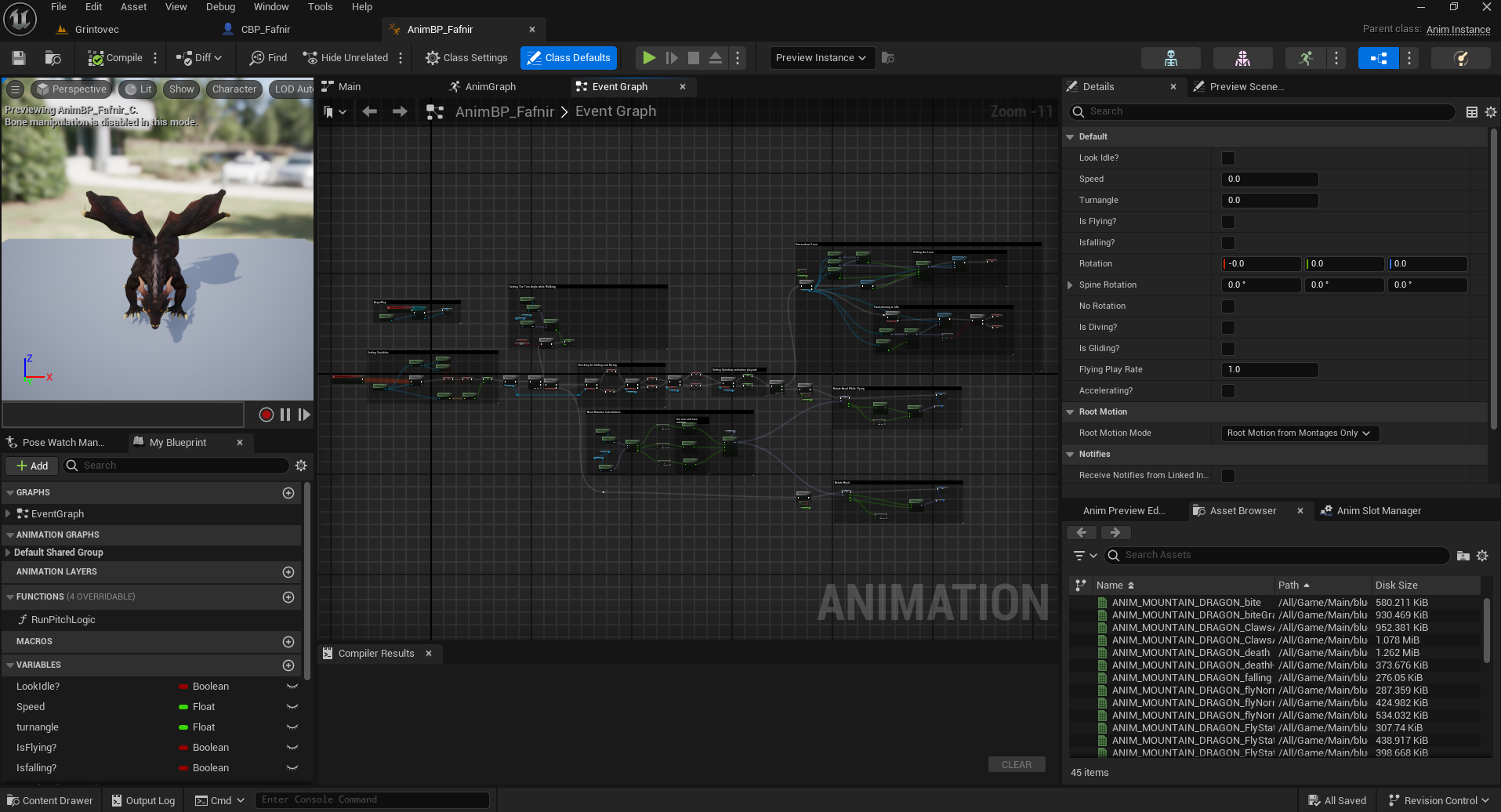
In this project I was using mostly traditional animations. I used blend-shapes to allow for the character to tilt as it turned, giving it a more natural feel.
Vaulting
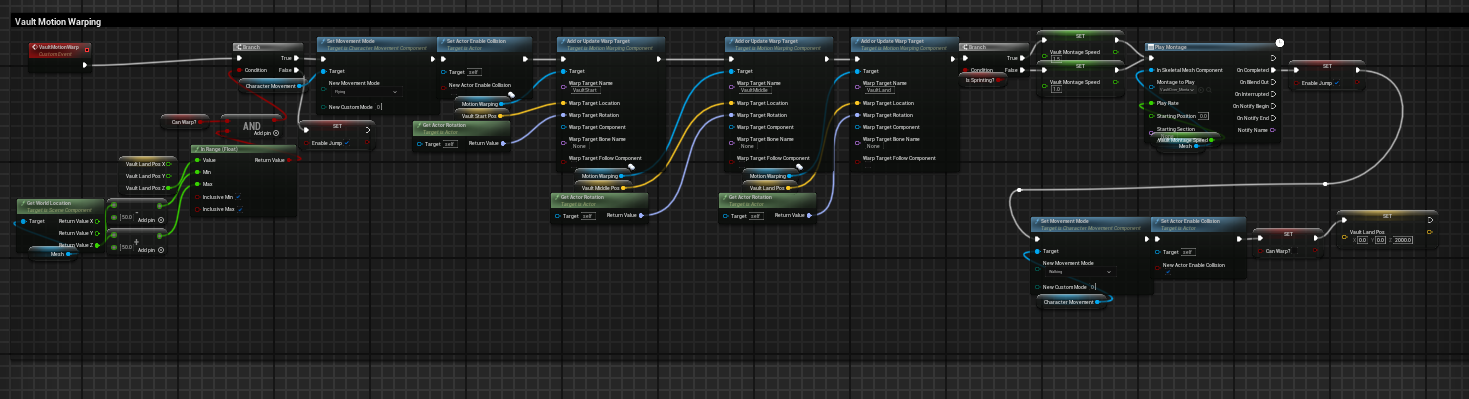
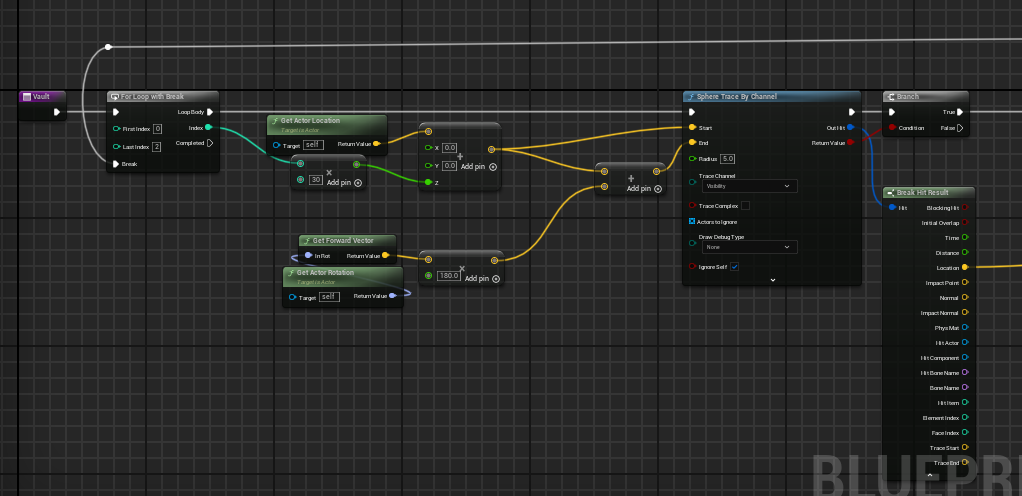
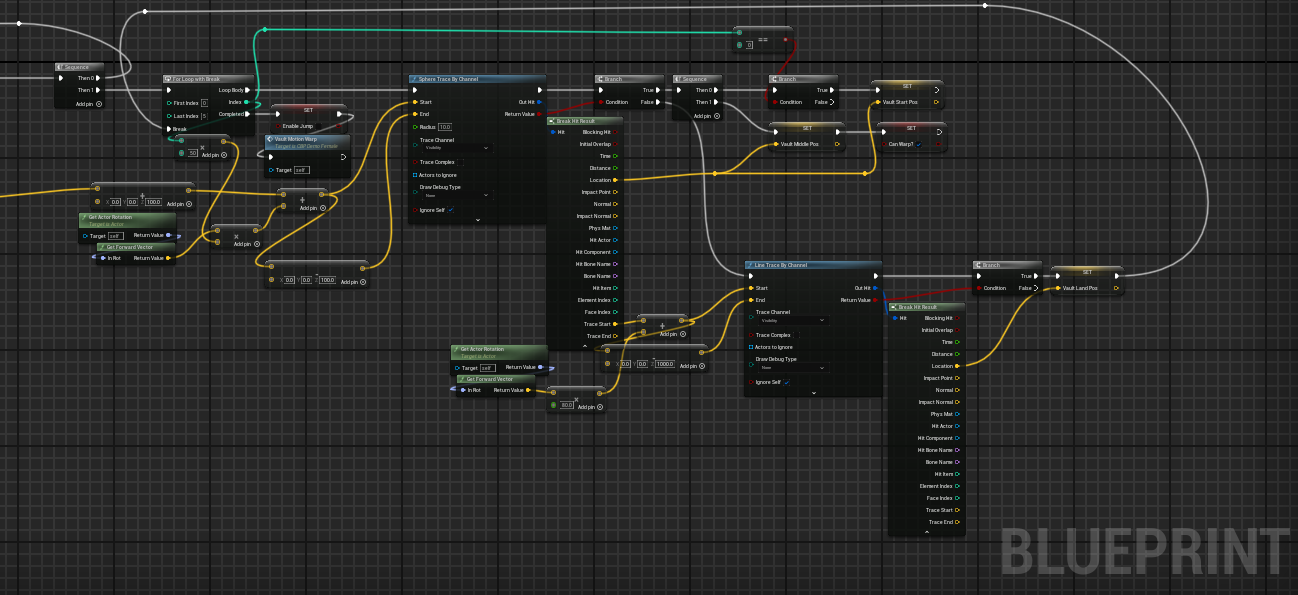
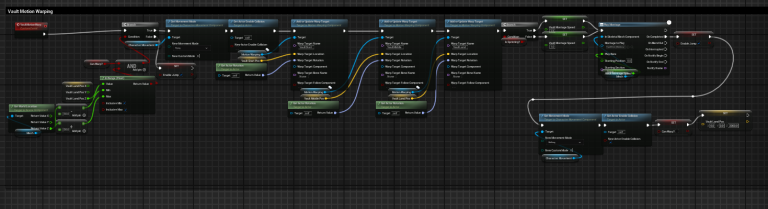
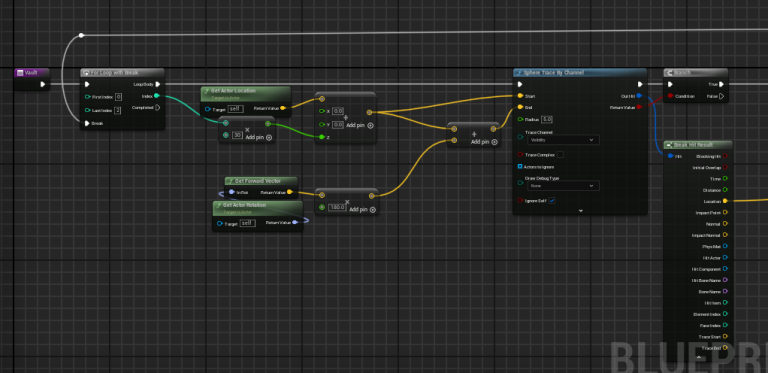
In this project, I wanted the character to be able to vault over objects in it's way. So, I achieved that using motion warping. When the player presses spacebar, it will run logic to see if there is an object in front of them that can be vaulted over. If there is, it will begin the process. And if not, it will act as a normal jump.
Code Examples
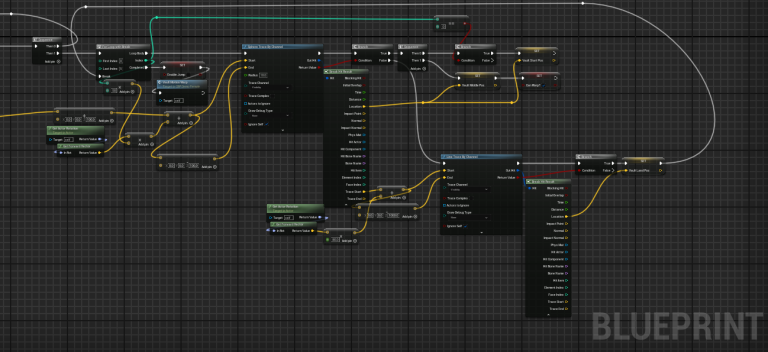
Animated Dragon
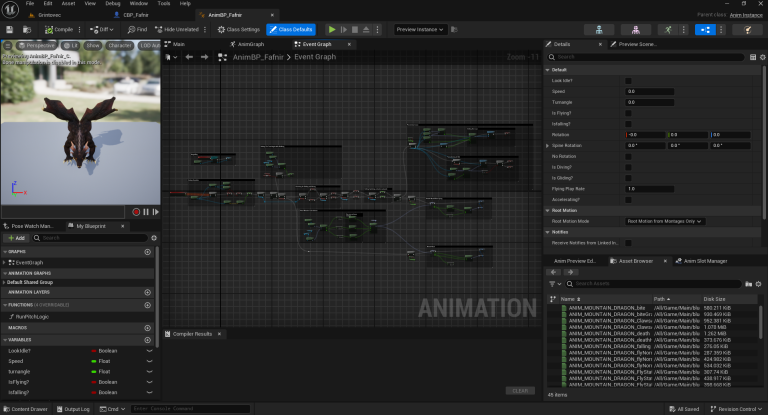
At the core of this game was the flying system for the dragon. It needed to feel good, have a level of skill involved, and look nice with the animations. I found the challenge to be very interesting. I decided to create a flying system from scratch that allows the dragon's speed to change based of multiple factors.
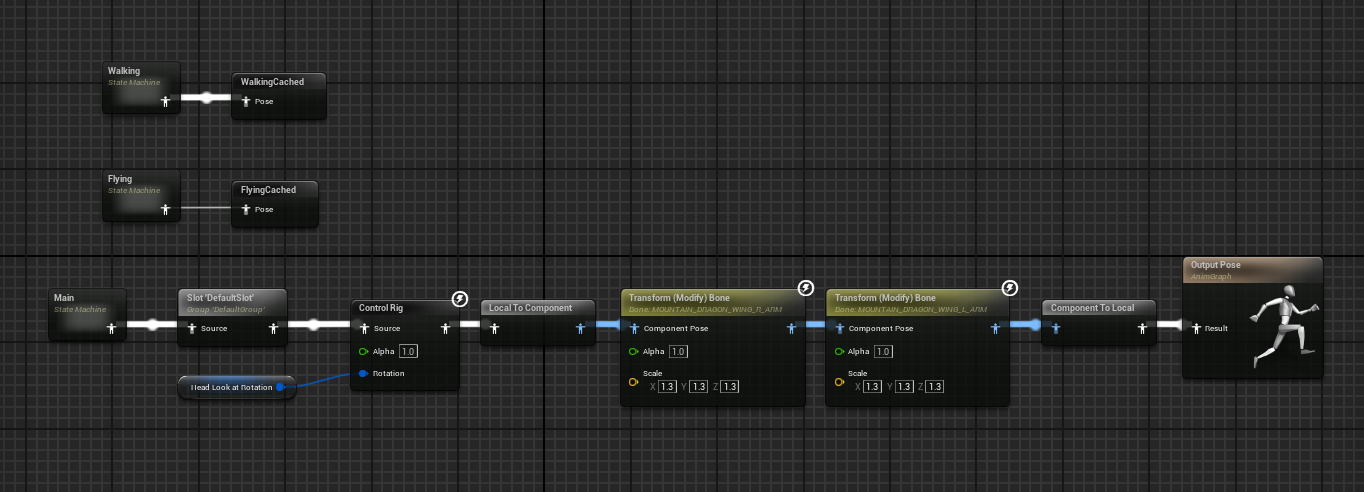
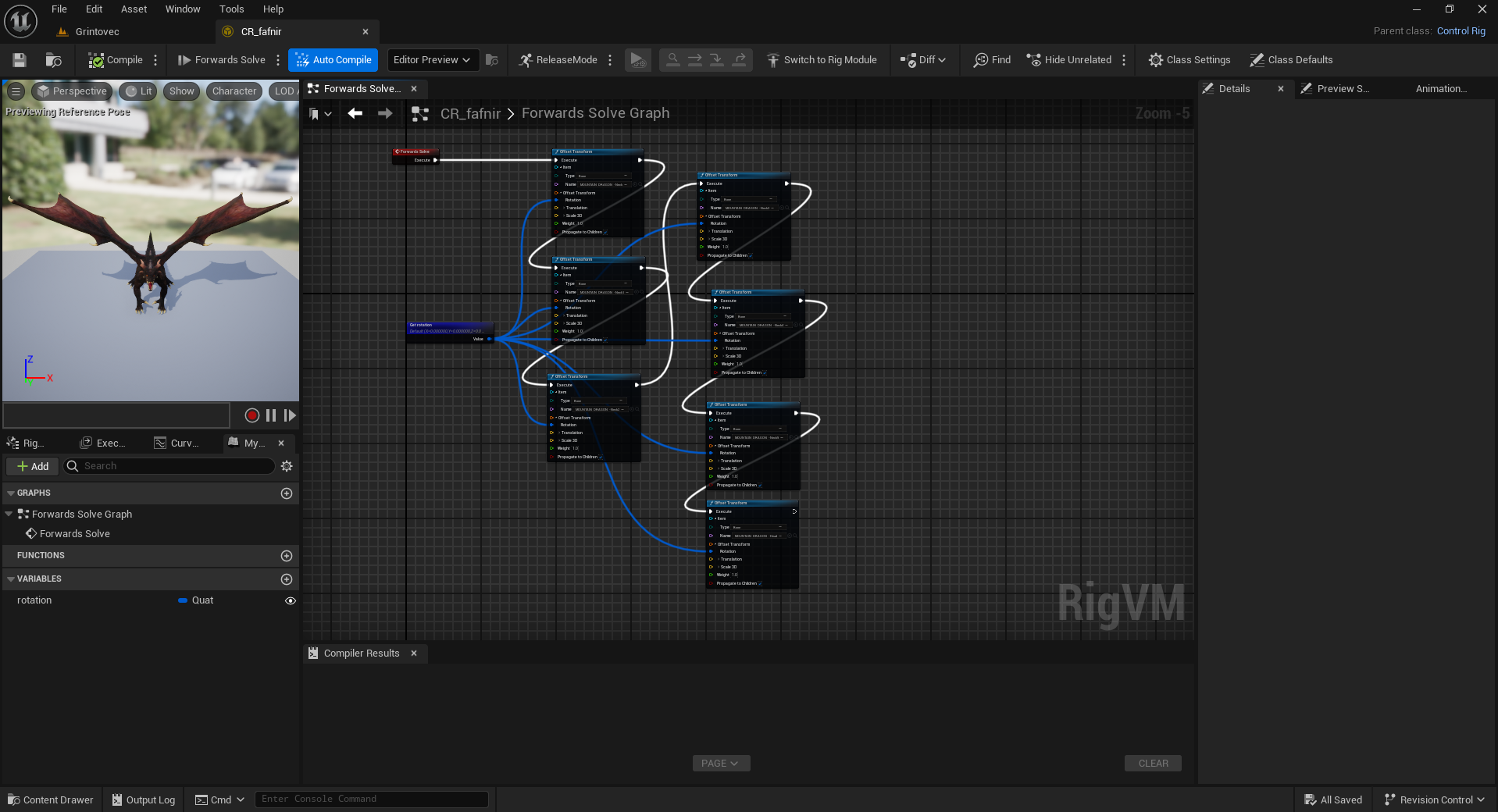
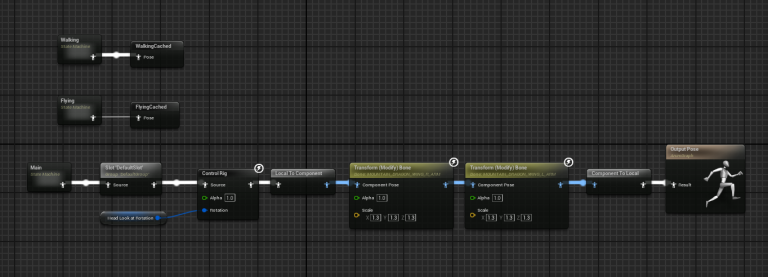
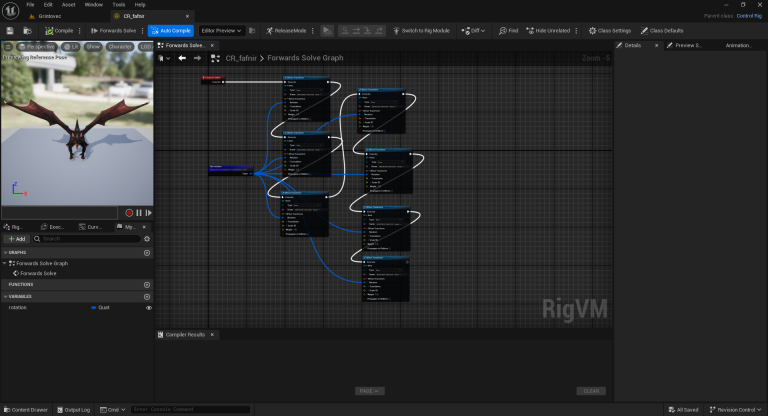
As seen in the video, when the dragon descends, he can glide and gain speed. If he tilts all the way, he will drop into a dive which greatly increases his momentum. If he then pulls-up, the momentum he has built is carried over into his new direction. This system allows players to increase their speed by using the momentum of gliding and diving to their advantage. The dragon can also 'hover', staying in one place as it flaps it's wings. Using his control rig, I made the neck turn with the mouse so that it will look in the direction you are aiming. I also implemented a turn radius while flying to give him more weight and play into the organic feeling of flight.
Chaos Destruction
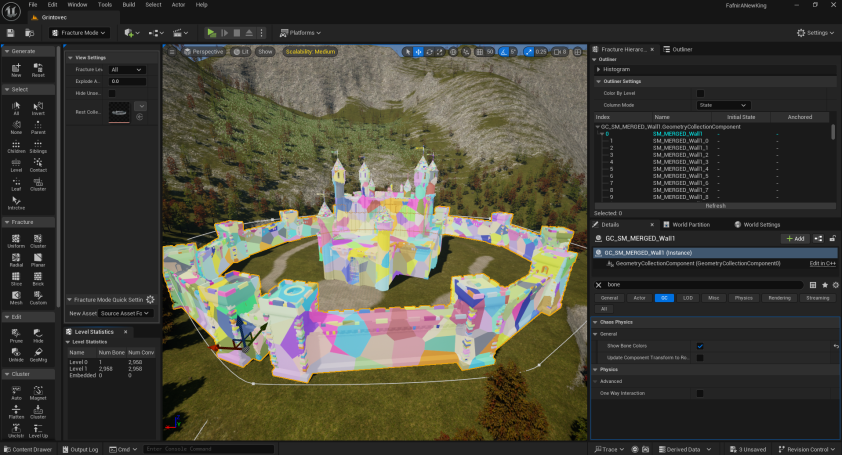
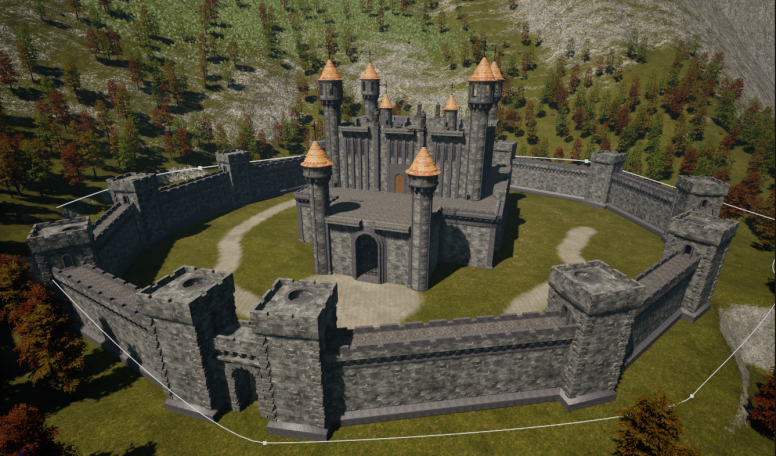
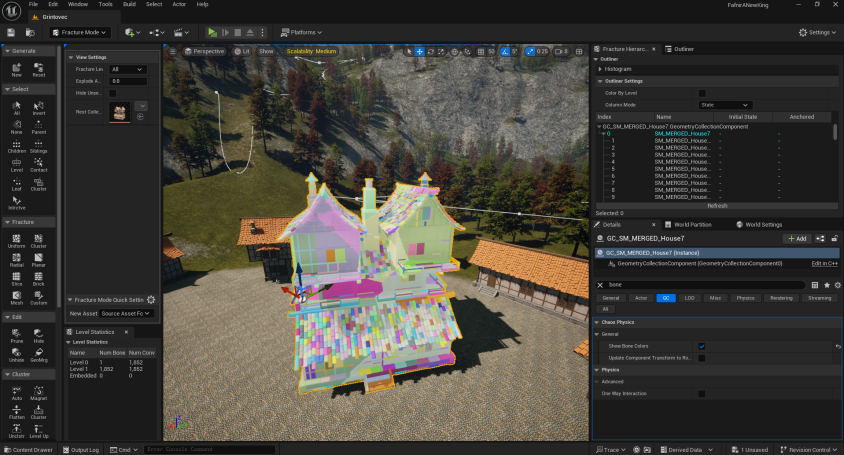
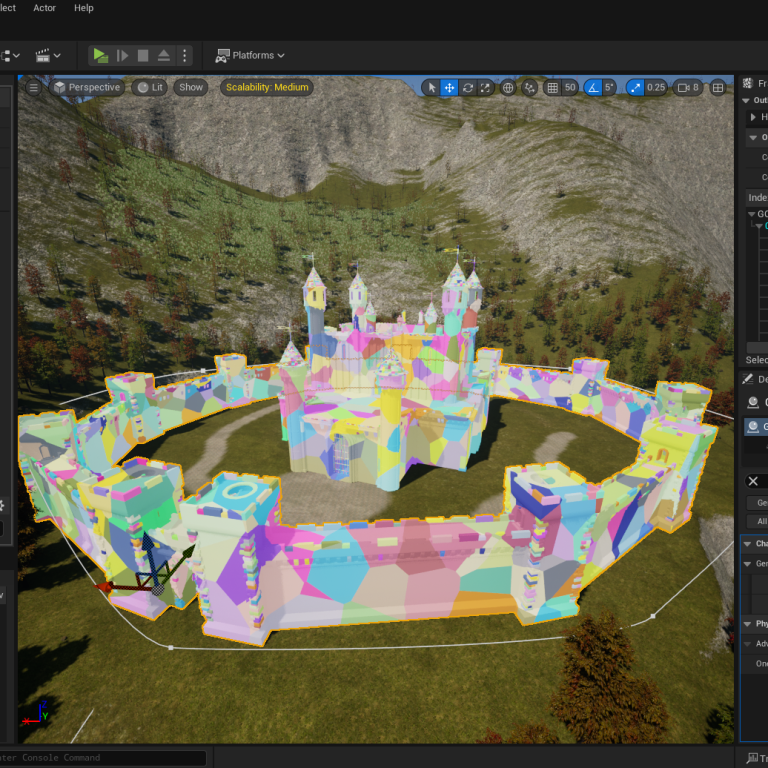
A large part of this game is the destruction you can cause to the environment. It is one of the key pillars and hooks for the game-play loop. I decided to create real-time physics based destruction using Unreal's in-built Chaos Destruction. It was very interesting learning this system and how to properly tune things for the effect I wanted as well as for performance. I found the best result normally came from creating merged meshes and making a geometry-collection out of one large mesh. There were also things I learned about how meshes interact with the system and should be built for performance.
I am able to make all buildings highly destructible by turning off the physics of a geometry collection's fragments once they have returned to a rest state. This method greatly increases the number of destructible objects the player can destroy. In the videos above, you can see the destruction happening without VFX. This is to give a better example of what is happening. Though in the finished game, every fragment would have a 'smoke trail' and the initial explosion and debris would be large and intense. Below are some basic examples of these geometry collections.